Select Language:
The Free Lanes update in Starfield has given new life to the resource known as Quantum Essence by expanding how it is used and how players can earn it. Previously, Quantum Essence was a rare resource that boosted your Starborn abilities. Now, it also plays a key role in advancing your game into New Game Plus.
Before finishing your current playthrough, it’s important to gather as much Quantum Essence as possible. Here’s everything you need to know about how to earn and spend this rare resource.
How To Get Quantum Essence
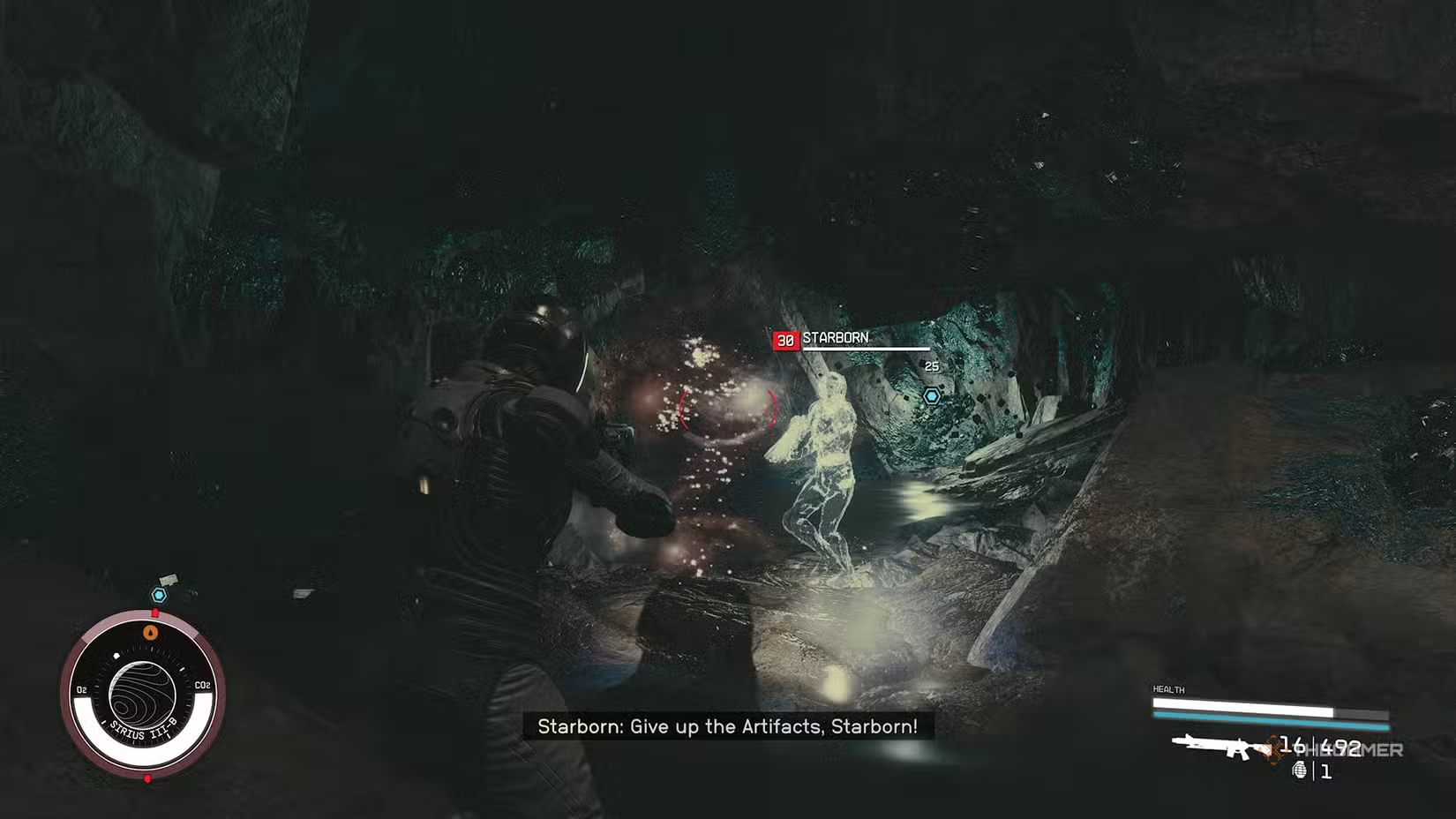
Quantum Essence is obtained by defeating Starborn enemies, both on the ground and in space. Every time you take down a Starborn, the Essence you earn is automatically added to your total. Building an Armory on your ship can increase the number of Starborn enemies that attack you in space, helping you farm more quantum Essence.
You can check how much Quantum Essence you have by opening the Powers section of your menu.
How To Use Quantum Essence
You can spend Quantum Essence in four main ways:
- Creating the Quantum Entanglement Device: This device allows you to bring multiple items with you into New Game Plus.
- Upgrading the Device’s Capacity: Use Quantum Essence to increase how many items the device can store.
- Upgrading Your Starborn Powers: Spend Essence in the Power menu to boost your abilities.
- Enhancing Power Regeneration in Combat: Add Quantum Essence to your Favorites and use it during fights to increase your Starborn Power regeneration.
How To Make a Quantum Entanglement Device
The Quantum Entanglement Device becomes available after completing the main story, collecting all Artifacts, and preparing to start New Game Plus. You will receive a quest called “Before You Go,” which prompts you to visit your room at The Lodge and read a datapad on your desk. This datapad explains that the device acts as a container that exists across all spacetime, keeping important items safe during the jump into the Unity. It also mentions that the device’s capacity can be expanded using Quantum Essence.
The datapad provides the recipe for the device, which requires:
- 10 Quantum Essence (earned by defeating Starborn)
- 1 Adaptive Frame (found as floor loot or purchased from vendors)
- 1 Isocentered Magnet (found or bought)
- 1 Tau Grade Rheostat (found or bought)
Once you have all the materials, you can craft the Quantum Entanglement Device to start using it for your New Game Plus adventures.
 ChatGPT
 Perplexity
 Gemini AI
 Grok AI