Select Language:
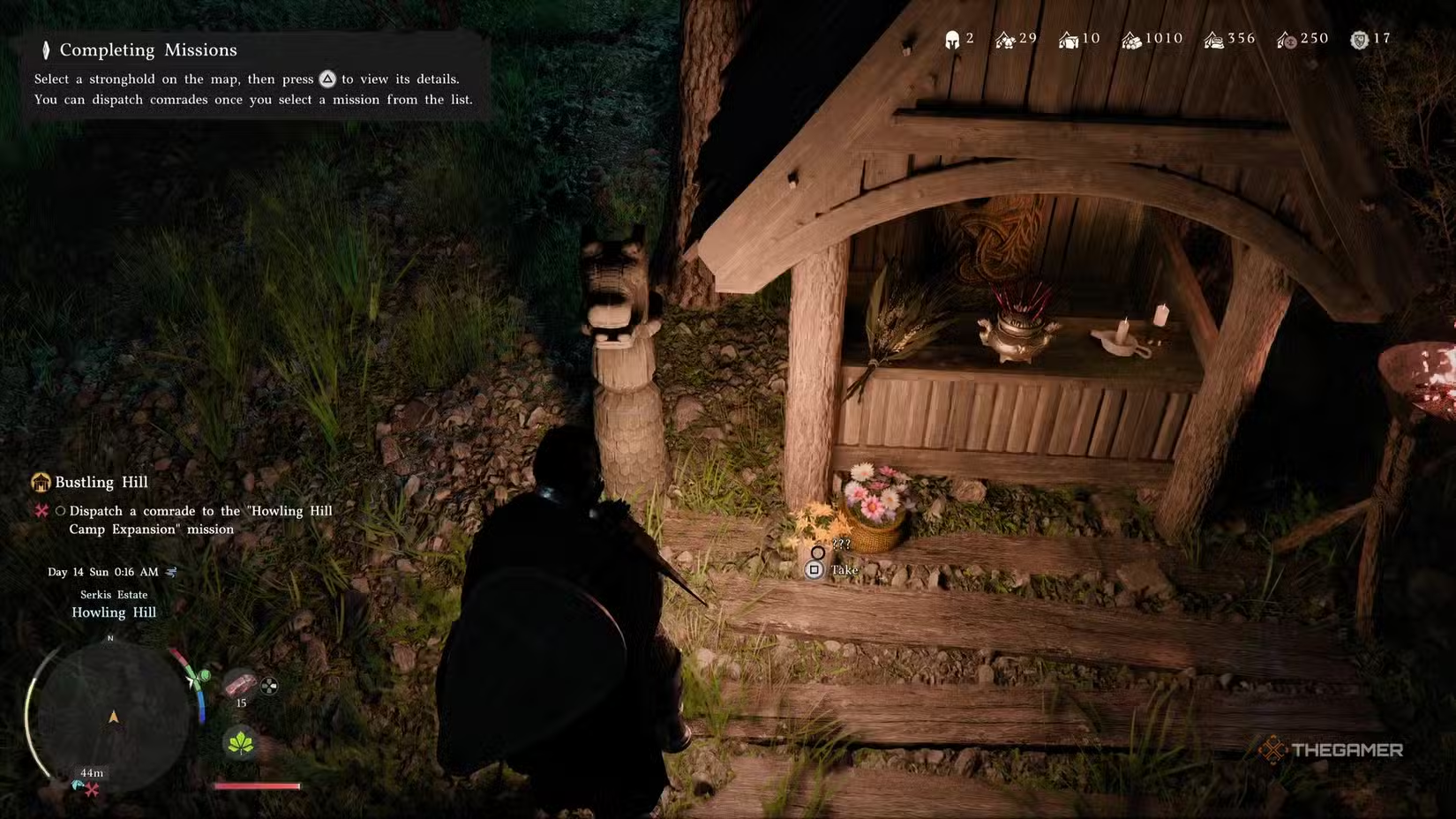
As the Greymanes begin to grow again in Crimson Desert, Bustling Hill becomes available as the 45th main quest in Chapter 3’s “Pioneering” sub-chapter. At first, you’ll only have two faction members at the Greymane camp to assign, but this quest marks the first time the game lets you manage the camp mission system directly.
This guide will walk you through every step of the Bustling Hill quest, from accessing the mission menu to passing the time while your teammates handle tasks for you.
How to Start the Bustling Hill Camp Expansion
Once you finish reading the letter from the dragon head at Howling Hill during the previous quest, “A Gentle Touch,” the Bustling Hill quest begins automatically. Your goal is to send Greymane members to complete the Howling Hill Camp Expansion mission. Marius plans to expand the camp’s capacity while Kliff oversees larger strategies.
Inspecting Howling Hill to Dispatch Allies
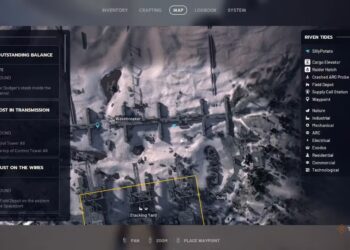
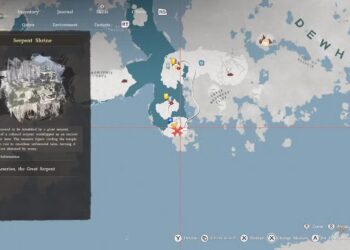
First, open your map and navigate to the Howling Hill camp. Zoom in and hover your cursor over the camp until a panel appears on the left side. When the prompt shows at the bottom of the map, press Triangle or Y (or double-click on PC) to view camp information.
Make sure you’re properly hovering over the camp—your map icon for Howling Hill should appear slightly raised. If nothing happens, move your cursor a little and try again. After a quick zoom-in transition, a new interface will appear with four tabs at the top-left corner. Use R1 or RB to switch to the “Missions” tab, where you’ll see the “Howling Hill Camp Expansion” listed as the only available mission.
Choosing and Sending Your Teammates
Select the “Howling Hill Camp Expansion” to view full details. This mission requires exactly two comrades, which is perfect since Luke and Ronald are your only available Freeswords at this point.
Before dispatching, take a moment to review each teammate’s skills. Luke has the Construction skill, which directly improves the effectiveness of this type of mission. Pairing skills with mission types makes a noticeable difference in results.
Once you’ve chosen your teammates, send them off by pressing F (keyboard) or Square/X (controller). The mission will now run in the background, allowing you to continue exploring or completing other tasks.
Waiting for the Mission to Complete
The Camp Expansion takes about 18 in-game hours to finish. An in-game day is roughly two hours in real life, so this isn’t an instant process. You can speed up the wait by:
- Resting at camp: Sleep in your tent at Howling Hill to skip up to 12 hours.
- Resting at a bonfire: Any bonfire in the world can be used for rest if you’re away from camp.
- Playing normally: The mission continues even while you do side quests, trade, or explore.
Remember, the maximum rest duration is 12 hours, so multiple rests or combining resting with active gameplay may be necessary to cover the full time.
When the timer ends, you’ll get a pop-up notification confirming the mission’s completion. Your allies return to camp, and you can go back to Howling Hill to see the expanded camp in action.
How to Dispatch Missions in the Future
Completing Bustling Hill unlocks the full mission dispatch system in Crimson Desert, allowing you to send allies on various missions for faction experience, money, and materials.
You have two main options for managing missions:
- Via the map: Open the map, hover over locations, and select “Inspect” to view available missions nearby. This is useful when exploring and wanting quick access to local missions.
- Via Ross at camp: Return to the Greymane camp and find Ross on the west side of the main road. As the Base Camp Dispatch Coordinator, talking to him provides a comprehensive list of current missions, making it faster to dispatch efficiently.
Keep an eye on missions related to the “Grounds of the Sunrise” storyline, as they influence your camp’s progression throughout the game.
 ChatGPT
 Perplexity
 Gemini AI
 Grok AI