Select Language:
In Outbound, your mission involves exploring different landmarks on the map. One notable site is a large windmill. When you arrive, you’ll see that it isn’t working. To get it running again, you need to solve a gear puzzle.
Solving the gear puzzle unlocks the Round ‘N Round Achievement or Trophy. It also lets you access the windmill’s terminal, where you can find a new blueprint. Here’s how to complete the gear puzzle step-by-step.
Gather Scrap Metal First
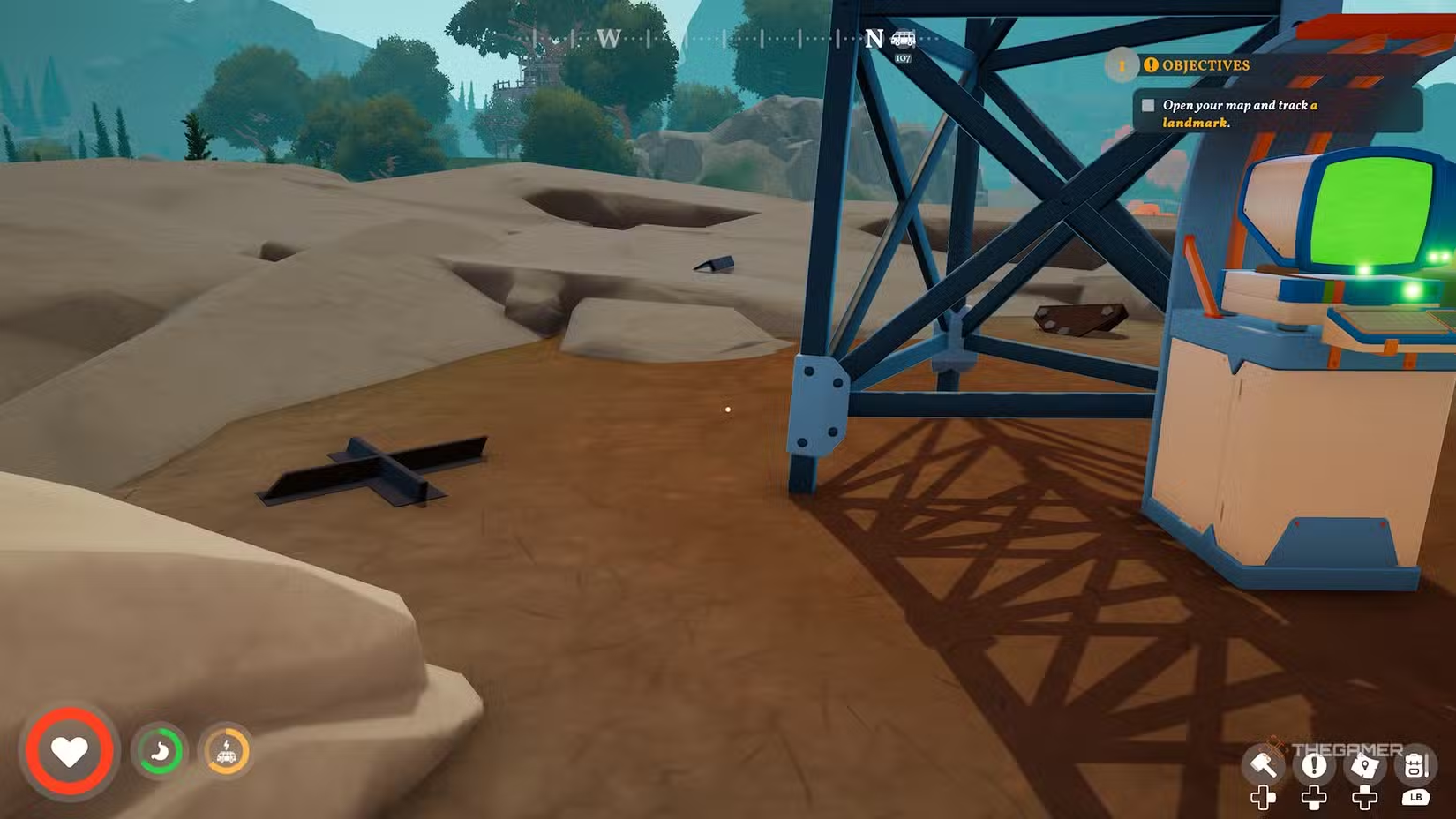
Before heading to the windmill, make sure to collect at least 20 pieces of scrap metal. These are mostly found around signal towers, so explore those areas thoroughly.
Reaching the Top of the Windmill
When you go inside the windmill, you’ll see a door on the ground floor with a red light above it. Ignore that door for now and climb the stairs. Once at the top, you’ll find two levers. Use these to turn the wooden platform above you.
The platform is divided into three sections: one with boxes, one with shelves, and one with a ladder. Turn the platform until the section with boxes is directly above the two levers.
Climb and Adjust the Ladder
Climb the ladder you find there. At the top, you’ll see a green switch on the wall. Flip this switch to make a new ladder drop down. Sometimes, this ladder will appear behind the shelves, so go back down and pull the lever to clear the way.
Fixing the Windmill’s Gear
Once you’re back up, head toward the large broken cogwheel. Use your scrap metal to repair it. This is essential for the windmill to work.
Activating the Windmill
Next, locate the brake lever on the wall near the gear. When the gear is fixed, pull the lever to activate the windmill. This completes the gear puzzle and gets everything turning again.
 ChatGPT
 Perplexity
 Gemini AI
 Grok AI