Select Language:
In Forza Horizon 6, your vehicle can feel like a rocket or a shopping cart depending on a few basic settings many players overlook. This is where tuning comes into play, giving you control over your car’s personality. You can modify everything from grip and braking to how the car handles when taking a corner too aggressively.
It may sound complicated, but mainly it involves small tweaks that can have a big impact on your driving experience. This guide explains each tuning option in simple words so you can understand what’s happening under the hood without needing a mechanic. Once you grasp what each setting does, finding the perfect setup becomes easier, more enjoyable, and less of a guess.
### How To Tune Your Car
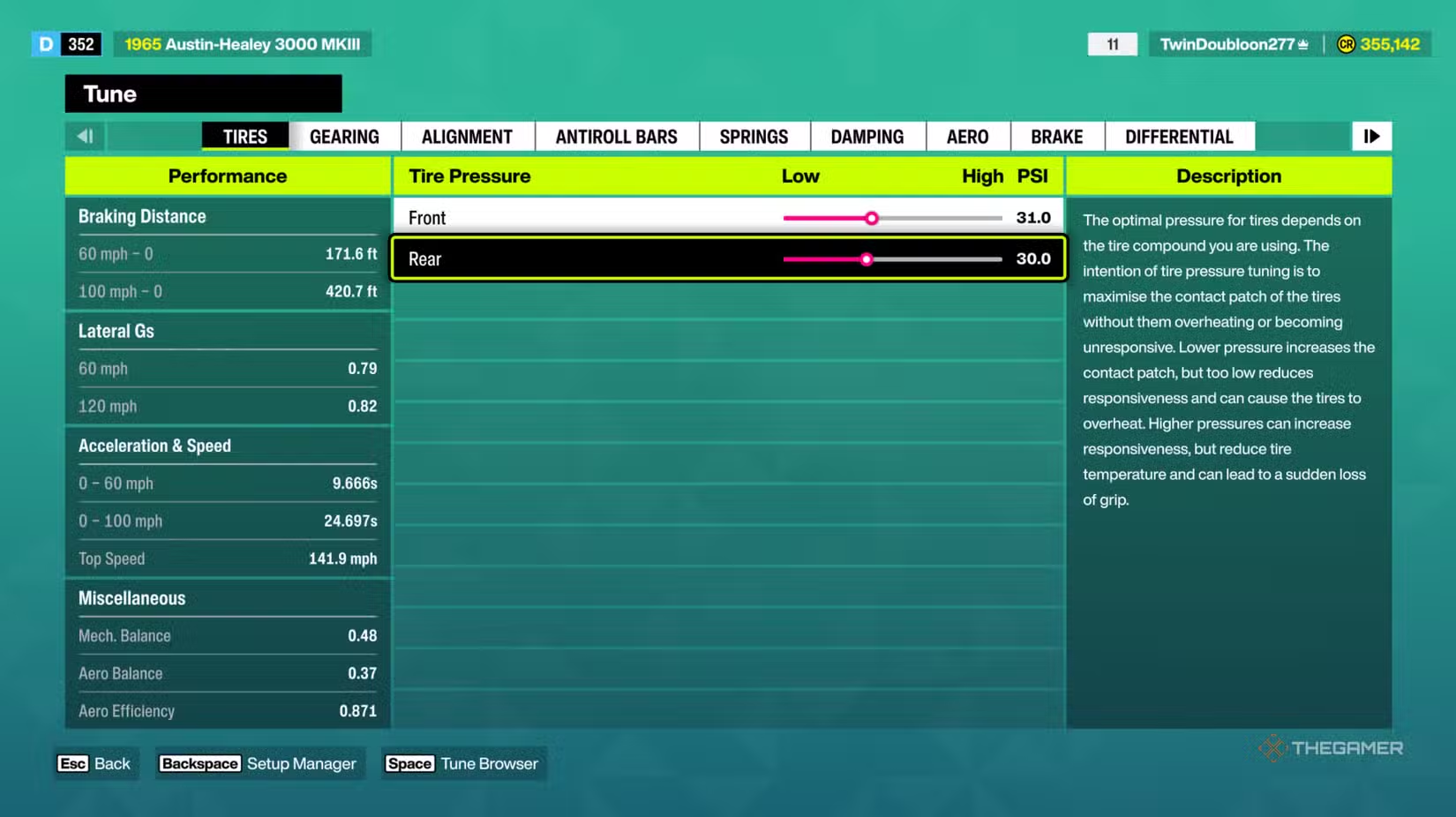
To tune your car in Forza Horizon 6, go to the main menu, select the Cars tab, pick the vehicle you want to adjust, and then choose “Tune Car.” This will open the full tuning menu where you can change performance aspects like handling, gears, suspension, and more.
#### Tuning Options Explained
| Type of Tuning | What It Does | Tips |
|———————-|——————————————————————————-|———————————————————————————————————————————-|
| Tire Pressure | Alters how much grip your tires have. | If your car doesn’t turn well, lower the front tire pressure to improve grip. If it slides too much, lower the rear tire pressure. Higher pressure makes the car feel faster but reduces grip in corners. |
| Gearing | Controls how quickly your car accelerates and your top speed. | If your car hits top speed too fast and stops accelerating, make the gears longer. If it feels slow off the line, make the gears shorter. |
| Alignment | Helps tires sit better during turns. | Adding a little negative camber improves grip when turning. Slight toe-out makes steering faster. Small adjustments are best. |
| Anti-Roll Bars | Manages how much your car leans in turns. | To help turn better, soften the front anti-roll bar or stiffen the rear one. To prevent sliding, do the opposite. |
| Springs | Adjusts stiffness and ride height. | Stiffer springs reduce bounce and instability; softer springs increase comfort but can make handling sloppy. Lowering can make the car faster but may risk scraping the ground. |
| Damping | Controls suspension response to bumps and turns. | Increase damping if car bounces excessively; lower if it feels overly stiff. Adjust gradually for control. |
| Aero | Adds downforce at high speeds. | Increase rear downforce if sliding in corners; decrease for higher top speed on straight roads. More downforce equals better grip but slower speed. |
| Brakes | Sets braking strength and modulates how the car slows down. | If wheels lock up during braking, lower brake pressure. If slowing down too slowly, increase it. Fine-tune brake balance for stability. |
| Differential | Manages power distribution to the wheels. | To prevent pushing wide during acceleration, lower the acceleration differential. To stabilize when slowing down, raise the deceleration setting. |
Getting familiar with each of these tuning options helps you craft a ride that feels just right, whether you’re racing on tight corners or cruising straightaways.
 ChatGPT
 Perplexity
 Gemini AI
 Grok AI