Select Language:
As you and your friends compete to win in Gamble With Your Friends, it’s important to look sharp while doing it. The game offers many ways to customize your characters, and everything can be mixed and matched so each player’s look is unique.
If you’re interested in customizing your group’s outfits, it’s helpful to know how to buy items, what options are available, and what you can get for free. Here’s a complete guide to all the outfits in Gamble With Your Friends.
How to Customize Your Character
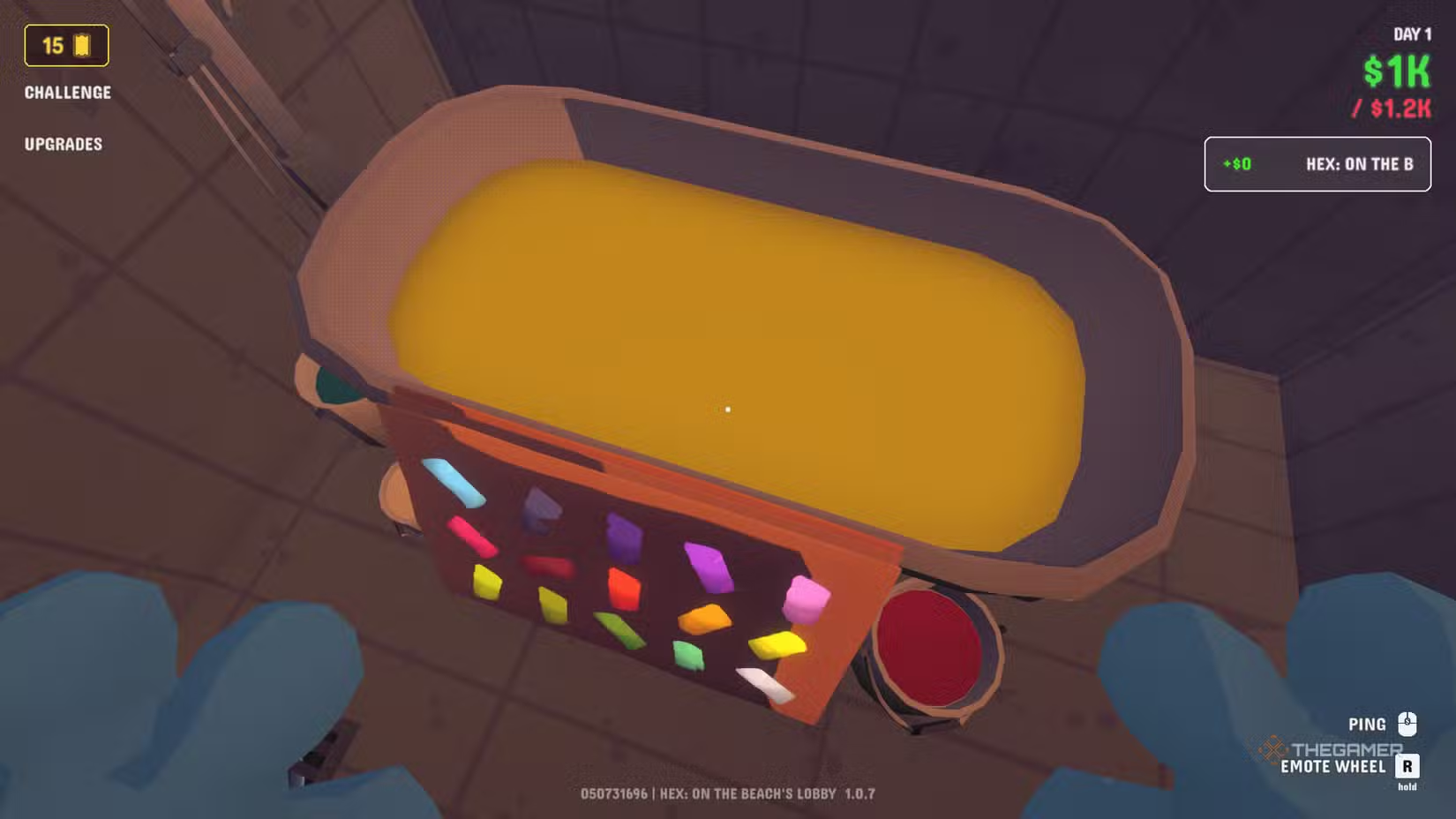
The first thing you can adjust is your character’s color, and this feature is completely free. Unlike other games that let you change colors with a simple menu option, this one requires a bit more interaction. You need to go to the bathroom, where you’ll find a tub filled with paint and a panel with many color choices.
Just click on your favorite hue and then jump into the paint-filled tub to change your color. You can do this as many times as you like until you find the perfect shade.
[Image showing character customization in a bathtub of paint]
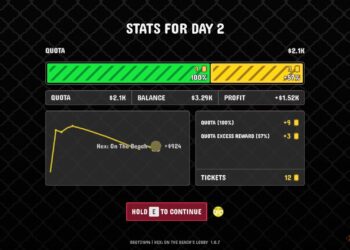
Next, there are items you can purchase, which are bought with Tickets—a special currency earned after winning a night at the casino with profit. You can buy these cosmetics at the Nibor Second Hand Store, located to the left of the limousine. Inside, downstairs, there’s a small selection of items you can try on in a wardrobe, with many more options upstairs.
The store’s stock resets every time you load into a lobby, so if you see something you like, it’s best to grab it quickly. All purchases are permanent, meaning your outfits carry over in future games even if you lose.
[Image showing store interior with cosmetics]
Cosmetics only serve an aesthetic purpose; they don’t affect gameplay. Feel free to customize your look as much as you want.
Each item costs a few tickets, sometimes just 2, but usually no more than six. You can buy one item at a time, placing it in the sale area to the left of Nibor. If you have enough tickets, hitting the BUY button makes the item yours forever.
[Image showing character clothing and sale area]
There are seven clothing categories, with multiple options to unlock in each. You can only wear one piece from each section:
- Hats
- Hair
- Mustaches
- Beards
- Neckwear
- Clothing
- Facewear
When you open the wardrobe, locked items are displayed in red. Once bought and unlocked, they turn to their normal color. If you don’t see your desired item, scroll through the pages using the wardrobe doors until it appears, then press E to equip it. Don’t forget to check your appearance in the mirror!
 ChatGPT
 Perplexity
 Gemini AI
 Grok AI