
• About Us
  • Contact Us
  • Advertise
  • Privacy Policy
  • Guest Post
No Result
View All Result
Digital Phablet
  • Home
  • NewsLatest
  • Technology
    • Education Tech
    • Home Tech
    • Office Tech
    • Fintech
    • Digital Marketing
  • Social Media
  • Gaming
  • Smartphones
  • AI
  • Reviews
  • Interesting
  • How To
  • Home
  • NewsLatest
  • Technology
    • Education Tech
    • Home Tech
    • Office Tech
    • Fintech
    • Digital Marketing
  • Social Media
  • Gaming
  • Smartphones
  • AI
  • Reviews
  • Interesting
  • How To
No Result
View All Result
Digital Phablet
No Result
View All Result

Home » How to Recover a File You Forgot at Home Using Free Google Tool

How to Recover a File You Forgot at Home Using Free Google Tool

Seok Chen by Seok Chen
May 28, 2026
in How To
Reading Time: 2 mins read
A A
PC-Fernzugriff per Internet über Chrome Remote Desktop
ADVERTISEMENT

Select Language:

Using a remote desktop allows you to operate another computer over the internet as if you were physically present at it. You can access files, launch applications, and interact with it just like your own device, even from thousands of miles away. While this kind of access isn’t needed constantly, when necessary, a reliable remote desktop application can be extremely valuable. One of the easiest methods to connect to a Windows computer is through Chrome Remote Desktop.

This no-cost tool from Google enables you to access your computer remotely from almost any device—be it a laptop, smartphone, or tablet. Setting it up is straightforward: install a small extension, log in with your Google account, and you’re ready. There’s no requirement for intricate networking expertise or advanced technical knowledge to use it effectively.

Connecting to a remote desktop is incredibly straightforward with Chrome Remote Desktop.

Once connected, you can access files, execute programs, or troubleshoot issues in real-time on the remote machine. This feature is especially useful if you leave an important document at home or need quick access to your desktop while traveling. Personally, I frequently use it to assist friends and family with basic tech issues remotely, saving me the trip and enabling me to resolve problems before visiting.

Chrome Remote Desktop isn’t designed to be a feature-rich enterprise solution. Compared to paid alternatives, it offers fewer features—such as built-in chat or multi-user management—but for simple tasks, it delivers speed, dependability, and ease of use without complexity. It emphasizes performing essential functions efficiently, making remote access hassle-free.

If you’re embedded in the Chrome ecosystem or simply need a straightforward way to access desktops remotely, this should be your top choice. Try Chrome Remote Desktop next time you’re away or when a tech-savvy friend needs your help from afar.

To discover more website and app recommendations that are both enjoyable and useful, subscribe to our PCWorld Try This newsletter.

ChatGPT ChatGPT Perplexity AI Perplexity Gemini AI Logo Gemini AI Grok AI Logo Grok AI
Google Banner
ADVERTISEMENT
Seok Chen

Seok Chen

Seok Chen is a mass communication graduate from the City University of Hong Kong.

Related Posts

Biggest Populations Living Outside Their Home Country

1.  Brazil —  African des
Infotainment

Top Countries with Largest Populations Living Outside Their Home Country

May 28, 2026
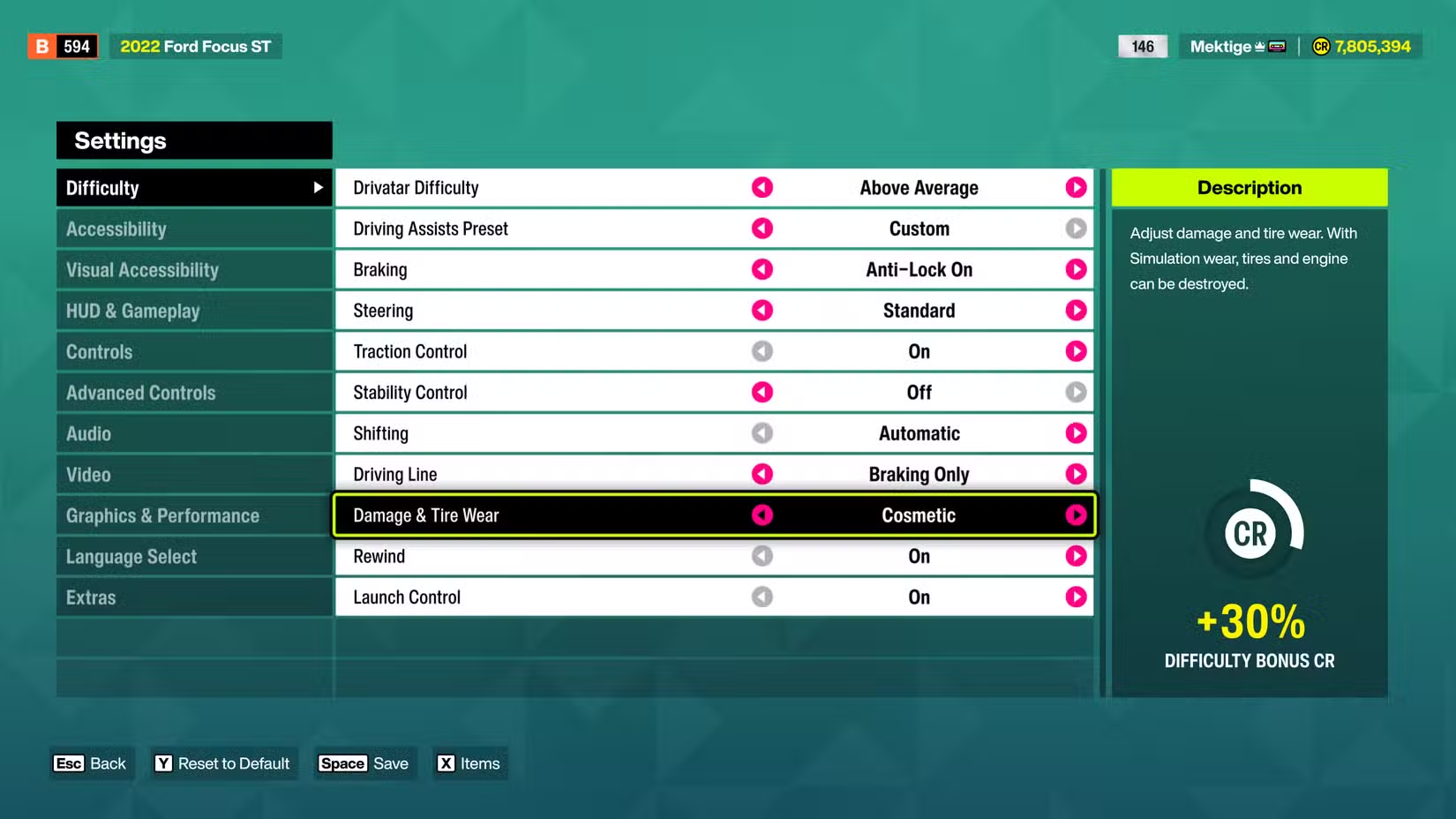
How to Disable Car Damage in Forza Horizon 6
Gaming

How to Disable Car Damage in Forza Horizon 6

May 28, 2026
AWS Security: Handling Sophisticated Attacks & Collaborating with Authorities
How To

How to Use AWS Named Windows in SQL for Multiple Window Functions

May 28, 2026
2022 Secret PS5 Action Game Now Half Price on PS Store
Gaming

2022 Secret PS5 Action Game Now Half Price on PS Store

May 28, 2026
Next Post
How to Disable Car Damage in Forza Horizon 6

How to Disable Car Damage in Forza Horizon 6

  • About Us
  • Contact Us
  • Advertise
  • Privacy Policy
  • Guest Post

© 2026 Digital Phablet

No Result
View All Result
  • Home
  • News
  • Technology
    • Education Tech
    • Home Tech
    • Office Tech
    • Fintech
    • Digital Marketing
  • Social Media
  • Gaming
  • Smartphones

© 2026 Digital Phablet