• About Us
  • Contact Us
  • Advertise
  • Privacy Policy
  • Guest Post
No Result
View All Result
Digital Phablet
  • Home
  • NewsLatest
  • Technology
    • Education Tech
    • Home Tech
    • Office Tech
    • Fintech
    • Digital Marketing
  • Social Media
  • Gaming
  • Smartphones
  • AI
  • Reviews
  • Interesting
  • How To
  • Home
  • NewsLatest
  • Technology
    • Education Tech
    • Home Tech
    • Office Tech
    • Fintech
    • Digital Marketing
  • Social Media
  • Gaming
  • Smartphones
  • AI
  • Reviews
  • Interesting
  • How To
No Result
View All Result
Digital Phablet
No Result
View All Result

Home » How to Find HP Velocity Registration Host for RGS Setup

How to Find HP Velocity Registration Host for RGS Setup

Fahad Khan by Fahad Khan
May 26, 2026
in How To
Reading Time: 1 min read
A A
ADVERTISEMENT

Select Language:

If you’re setting up HP Velocity or Advanced Video Compression, you’ll need to do a one-time activation on your receiver device. The good news is, only the receiver needs internet access for this process. If your setup doesn’t have internet access at the moment, there’s a manual process you can follow, but it involves support assistance. They will handle the activation for you by collecting output information from all senders and receivers that need activation.

ADVERTISEMENT

For Advanced Video Compression, the activation happens automatically the first time you establish an HP RGS connection on your receiver. Just keep in mind, your receiver needs internet access for this step. If you’re using a proxy server within your network, make sure your proxy settings are configured properly—this means your network should allow access to the specific URL (activation.rgs.ext.hp.com) on port 443 via HTTPS. The activation system does not support proxy auto-configuration files or Discovery protocols like WPAD.

During activation, a file is installed on your receiver and sender devices to finalize the process. The location of these files depends on your operating system:

  • On Windows, they are stored in \ProgramData\HP\Remote Graphics Software\registration.
  • On Linux or ThinPro systems, you’ll find them in /etc/opt/hpremote/registration.
  • On macOS, go to Library/Application Support/HP/rgreceiver.

If you’re using thin clients with write filters, it’s best to disable the filter before the first connection to ensure the files are saved permanently. Once activation is complete, you can re-enable the write filter.

ADVERTISEMENT

For future reference or more detailed instructions, you can visit the original support post here.

ChatGPT ChatGPT Perplexity AI Perplexity Gemini AI Logo Gemini AI Grok AI Logo Grok AI
Google Banner
ADVERTISEMENT
Fahad Khan

Fahad Khan

A Deal hunter for Digital Phablet with a 8+ years of Digital Marketing experience.

Related Posts

Filming Starts for Muhtemel Aşk with Ayça Ayşin Turan and Ekin Koç
Entertainment

Filming Starts for Muhtemel Aşk with Ayça Ayşin Turan and Ekin Koç

May 26, 2026
How To Beat Murto During Uninvited in 007 First Light by Completing and Solving
Gaming

How To Beat Murto During Uninvited in 007 First Light by Completing and Solving

May 26, 2026
Top 20 Countries with Most Beautiful Women in Asia 

1.  South Korea
2.  Japan
3
Infotainment

Top 20 Countries with the Most Beautiful Women in Asia

May 26, 2026
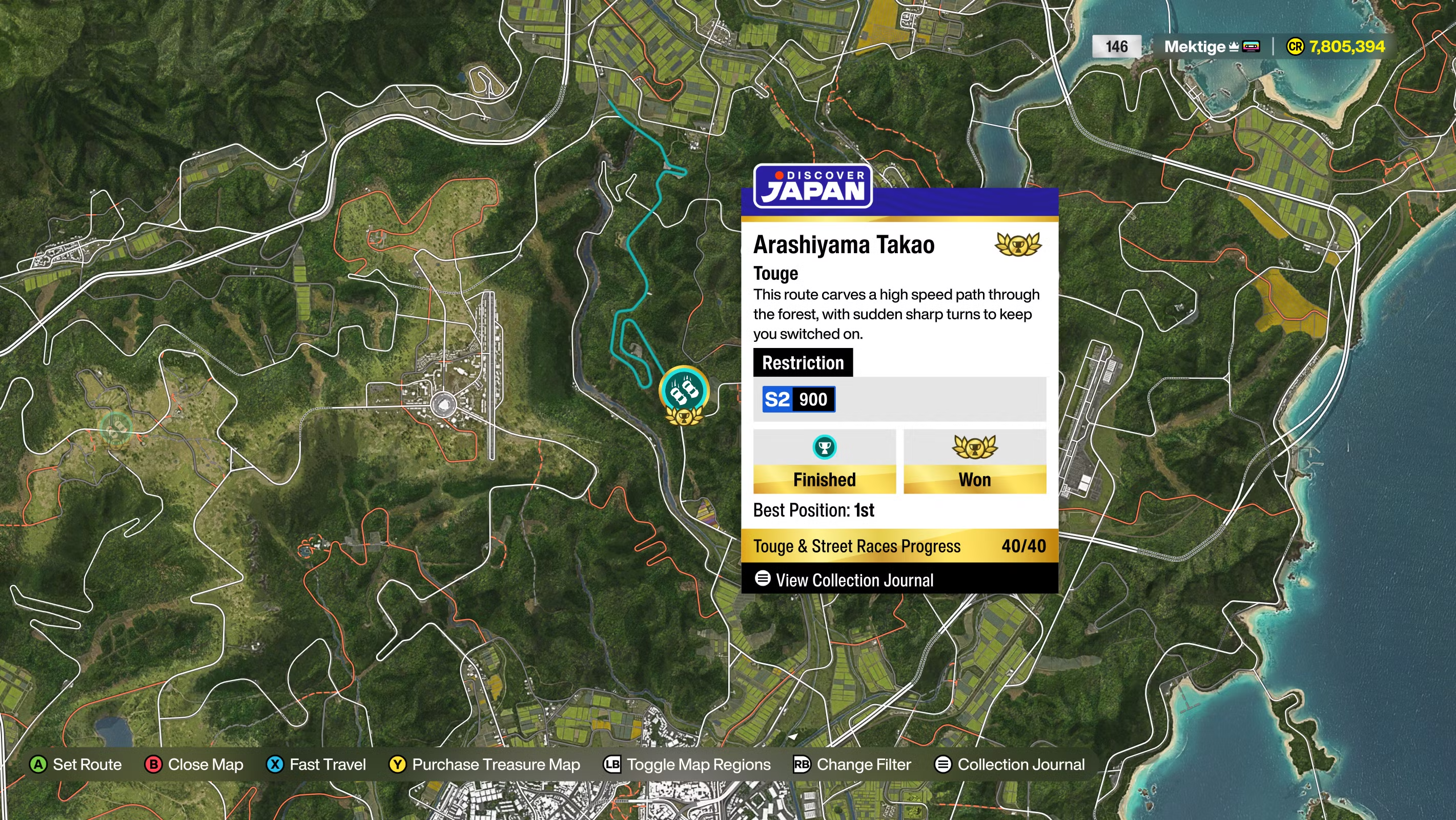
Forza Horizon 6: Complete Touge Race Spot Guide
Gaming

Forza Horizon 6: Complete Touge Race Spot Guide

May 26, 2026
Next Post
Filming Starts for Muhtemel Aşk with Ayça Ayşin Turan and Ekin Koç

Filming Starts for Muhtemel Aşk with Ayça Ayşin Turan and Ekin Koç

  • About Us
  • Contact Us
  • Advertise
  • Privacy Policy
  • Guest Post

© 2026 Digital Phablet

No Result
View All Result
  • Home
  • News
  • Technology
    • Education Tech
    • Home Tech
    • Office Tech
    • Fintech
    • Digital Marketing
  • Social Media
  • Gaming
  • Smartphones

© 2026 Digital Phablet