Select Language:
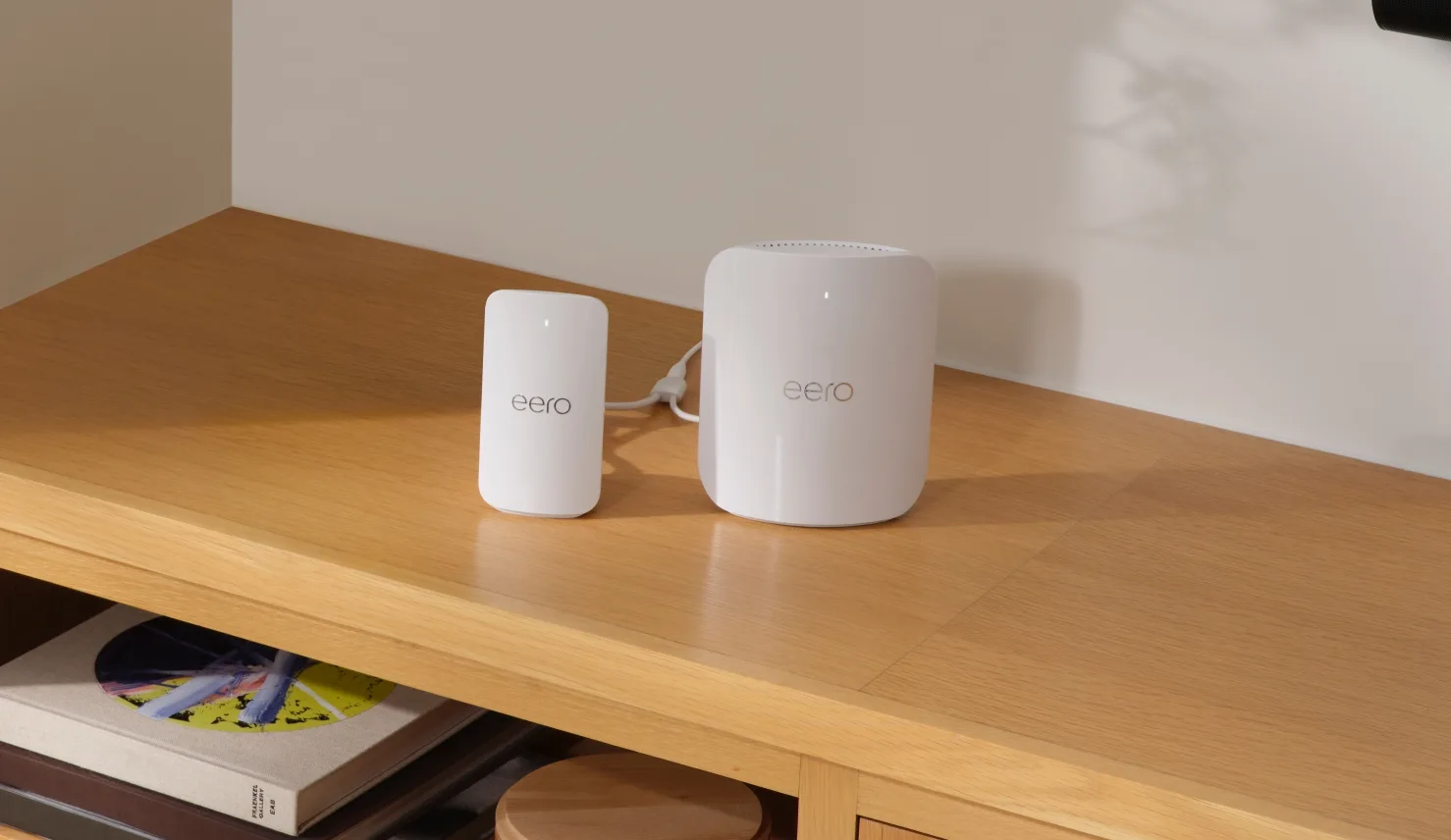
Amazon-owned eero is now offering a new accessory called eero Signal 4G LTE, a compact device designed to keep your home network running during internet outages. Simply connect it to a compatible eero router, and your Wi-Fi can automatically switch to cellular data, ensuring that work calls, security cameras, and smart home routines stay connected without interruption.
However, there’s a caveat: cellular data is linked to an annual eero Plus plan managed through the eero app. The hardware alone won’t provide backup connectivity; subscribing to eero’s service is necessary to utilize the fallback option.
Installation and Functionality
Signal connects via USB-C to any USB-C-powered eero supporting Wi-Fi 6 or newer, including eero PoE Gateway. It can share a single power adapter with the connected eero device, simplifying the setup by reducing clutter.
Once added through the eero app, Signal remains in standby mode until your primary internet connection drops. When that happens, Signal automatically switches the entire network to LTE. Once your internet service provider resumes, it switches back to standby mode—all without additional input.
Placement matters since proper reception is crucial. eero recommends positioning Signal near the eero located where cell service is strongest, ideally higher up and closer to an exterior wall for optimal performance.
Subscription Requirements
The backup function relies on an eero Plus subscription, which offers two data tiers. The standard annual plan includes up to 10GB of backup data, suitable for brief interruptions. New subscribers receive six months of this plan included with Signal, after which it renews annually at $99.99.
For more capacity, eero Plus 100 offers up to 100GB of backup data per month. It’s priced at $99 for the first year (a 50% discount), then renews at $199.99 annually.
Additional Considerations
Signal is intended as a safety measure at a single location and isn’t a substitute for regular broadband service. eero provides a three-year warranty, and updates including security patches and new features are scheduled for Signal.
Before purchasing, verify LTE signal strength at your router’s location and consider whether 10GB per year aligns with your typical outage duration. eero also plans to release a 5G version later in 2026, expected to be priced at $199.99.
Signal is available in the United States for $99.99 through eero.com and Amazon.
 ChatGPT
 Perplexity
 Gemini AI
 Grok AI