Select Language:
Marathon Twitch drops give you a chance to earn exclusive in-game items, but you need to watch streamers during the server slam to unlock them. Most of these rewards are cosmetic, like emblems and skins, though you can also receive a basic loot kit to help kickstart your Marathon adventure. To claim any of these Twitch Drops, you must link your Bungie and Twitch accounts first. Here’s how to do that and ensure you receive your Marathon Twitch Rewards.
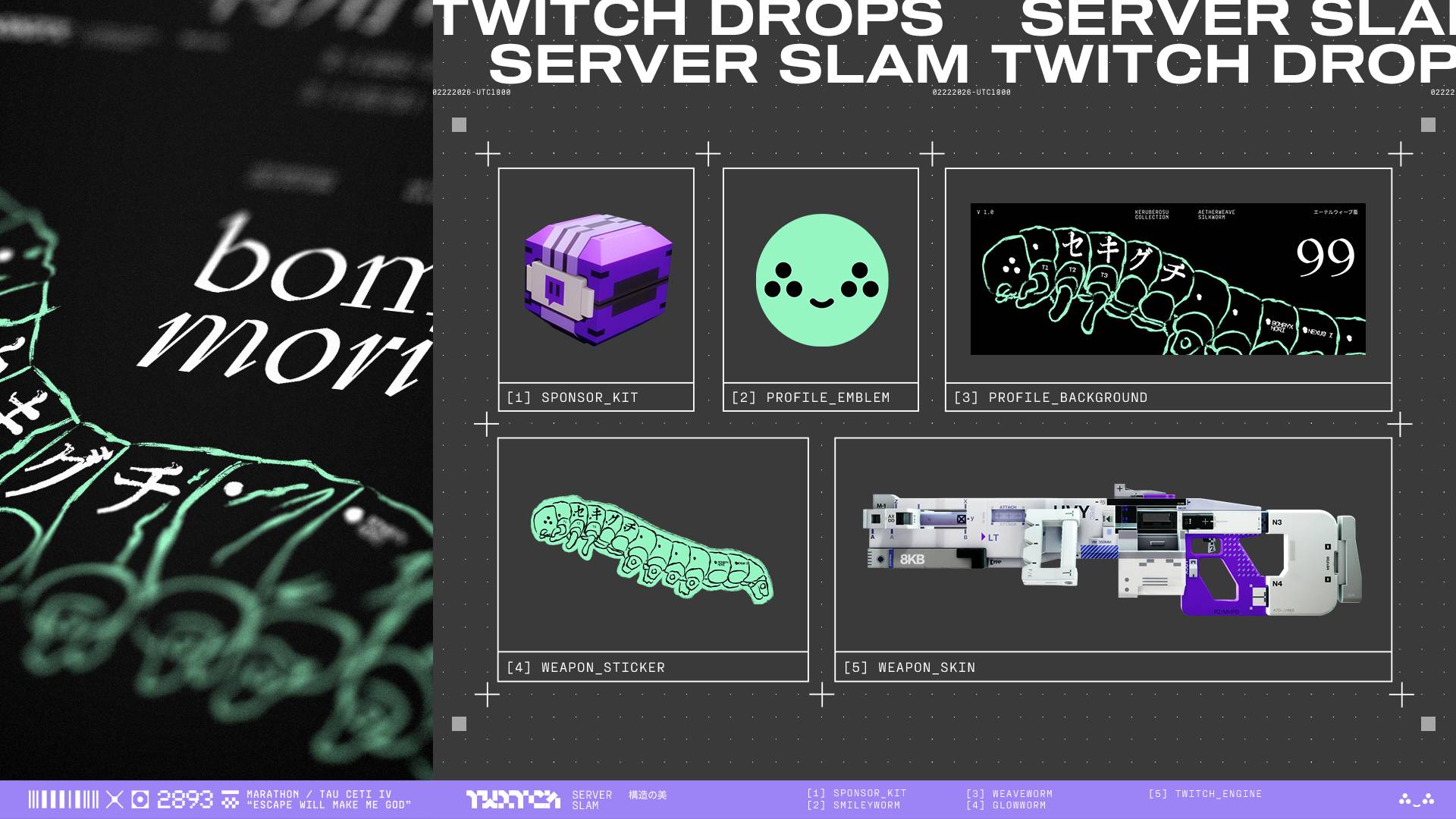
Below are all the available Twitch Drops you can earn by watching streamers in the Marathon category on Twitch during the Marathon server slam event, happening from February 26 to March 2:
– Watch for 1 hour: Smileyworm emblem and a Twitch-sponsored kit with standard loot. Note that the kit may take up to 48 hours to arrive in your in-game mailbox and must be redeemed by March 31.
– Watch for 2 hours: Weaveworm profile background.
– Watch for 3 hours: Glowworm weapon sticker.
– Watch for 4 hours: HMG Twitch Engine weapon skin.
Once unlocked, these rewards will be waiting in your in-game mailbox when the game launches on March 5, ready for you to use right away.
Getting these Twitch Drops is straightforward but requires linking your Bungie and Twitch accounts. First, ensure you have both accounts set up. Then follow these steps:
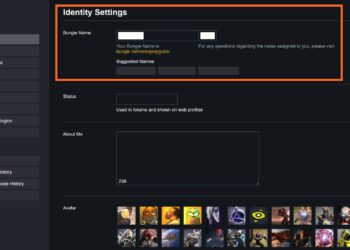
1. Log into Bungie.net and click on your profile icon in the top right corner. Select ‘Settings’ from the menu.
2. In Settings, click on ‘Account Linking’ on the left side. Find Twitch under the Social Platform Accounts section.
3. Click ‘Link account’ for Twitch. You’ll need to log into your Twitch account if you haven’t already.
4. Authorize the connection when prompted to link your Bungie and Twitch accounts.
If you’ve previously linked your accounts for Destiny 2 Twitch Drops, you can skip this step. Just make sure you’re watching any streamer in the Marathon category on Twitch to reach the required watch time for each reward. The unlocked items will be sent directly to your in-game mailbox after you meet the viewing requirements.
Before diving in, it’s also helpful to familiarize yourself with all the Marathon Runner Shells and factions to maximize your loot and progress during the event.
 ChatGPT
 Perplexity
 Gemini AI
 Grok AI