
• About Us
  • Contact Us
  • Advertise
  • Privacy Policy
  • Guest Post
No Result
View All Result
Digital Phablet
  • Home
  • NewsLatest
  • Technology
    • Education Tech
    • Home Tech
    • Office Tech
    • Fintech
    • Digital Marketing
  • Social Media
  • Gaming
  • Smartphones
  • AI
  • Reviews
  • Interesting
  • How To
  • Home
  • NewsLatest
  • Technology
    • Education Tech
    • Home Tech
    • Office Tech
    • Fintech
    • Digital Marketing
  • Social Media
  • Gaming
  • Smartphones
  • AI
  • Reviews
  • Interesting
  • How To
No Result
View All Result
Digital Phablet
No Result
View All Result

Home » Reusable “Skills” Feature Arriving on Gemini in Chrome

Reusable “Skills” Feature Arriving on Gemini in Chrome

Maisah Bustami by Maisah Bustami
April 9, 2026
in Digital Marketing
Reading Time: 2 mins read
A A
Reusable "Skills" Feature Arriving on Gemini in Chrome
ADVERTISEMENT

Select Language:

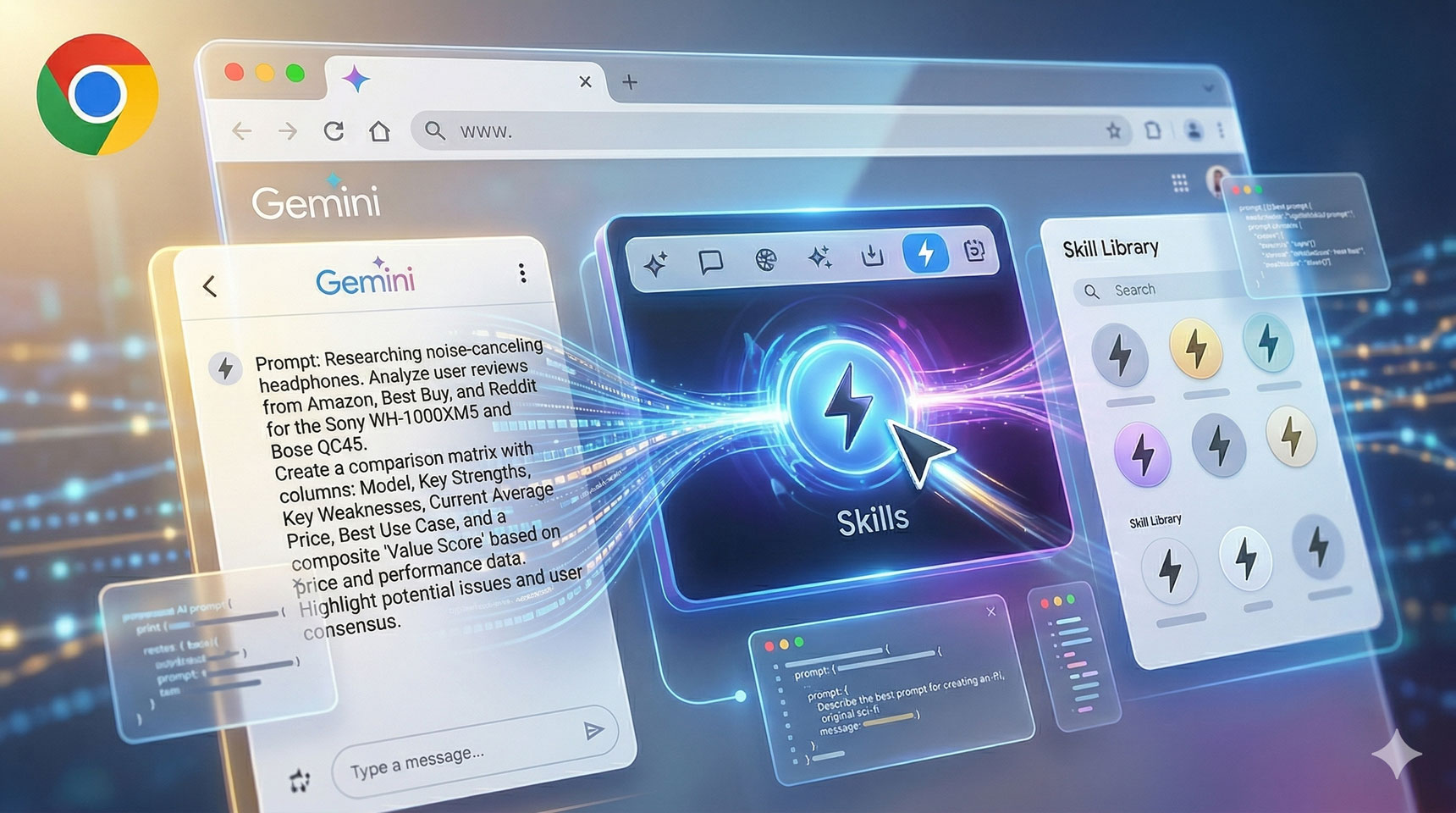
If you’re using Gemini within Google Chrome (accessible via the sidebar that can be activated with a button), there’s an intriguing new feature that recently appeared in Chrome Canary. After executing a prompt, you can now click the “Skills” button to save that prompt as a reusable skill. Interestingly, the icon resembles the AMP logo. This update was initially highlighted through an article covering the topic, and later confirmed when a Chrome feature researcher mentioned seeing this functionality tested previously.

ADVERTISEMENT

This enhancement could significantly boost Gemini’s capabilities in Chrome. Screenshots reveal the interface—one shows the process of creating a new skill within Chrome, and another illustrates summoning a saved skill, making the feature quite practical.

A tweet from a Chrome tester explains that once the relevant flag is enabled in Chrome Canary, users can save any prompt as a skill for future reuse. Summoning these skills involves typing a slash, which brings up the list of available skills, including custom ones created by the user and prebuilt options provided by Google, such as a “Buying advice” skill useful for e-commerce enthusiasts.

Another developer shared a tweet detailing that prompts used in the Gemini side panel can now be stored as skills by pressing a “Save as a skill” button. This opens a dialog for naming and possibly refining the prompt with Gemini before saving. The process is straightforward and enhances user efficiency.

ADVERTISEMENT

To try out this feature, enable the flag in Chrome Canary. Reusable AI skills have notable potential; summoning them is as simple as typing a slash and selecting the desired skill. Google also offers some prebuilt skills, such as one designed for financial advice or shopping tips, which could be especially helpful for online shoppers.

While user adoption will ultimately determine the success of this feature, it’s worth testing now to explore its possibilities. As this functionality rolls out to the stable version of Chrome, it could become a valuable tool for streamlining interactions and boosting productivity.

ChatGPT ChatGPT Perplexity AI Perplexity Gemini AI Logo Gemini AI Grok AI Logo Grok AI
Google Banner
ADVERTISEMENT
Maisah Bustami

Maisah Bustami

Maisah is a writer at Digital Phablet, covering the latest developments in the tech industry. With a bachelor's degree in Journalism from Indonesia, Maisah aims to keep readers informed and engaged through her writing.

Related Posts

China to Expand Borders till 2030 to Boost Foreign Investment, Says Official
News

China to Expand Borders till 2030 to Boost Foreign Investment, Says Official

May 26, 2026
All 23 Intel Locations in 007 First Light: Completing & Solving Guide
Gaming

All 23 Intel Locations in 007 First Light: Completing & Solving Guide

May 26, 2026
Top 20 Countries Debt to China 

1.  Pakistan - $26.6 Billion
2.  Angola - $21.0
Infotainment

Top 20 Countries with the Highest Debt to China

May 26, 2026
Zeron Secures $200M Amid China’s Electric Heavy Truck Boom
News

Zeron Secures $200M Amid China’s Electric Heavy Truck Boom

May 26, 2026
Next Post
Anker Solix E10 Home Backup Review Power For Your Life.png

Aiper Scuba V3 Review: Smart Pool Robot

  • About Us
  • Contact Us
  • Advertise
  • Privacy Policy
  • Guest Post

© 2026 Digital Phablet

No Result
View All Result
  • Home
  • News
  • Technology
    • Education Tech
    • Home Tech
    • Office Tech
    • Fintech
    • Digital Marketing
  • Social Media
  • Gaming
  • Smartphones

© 2026 Digital Phablet