

Select Language:
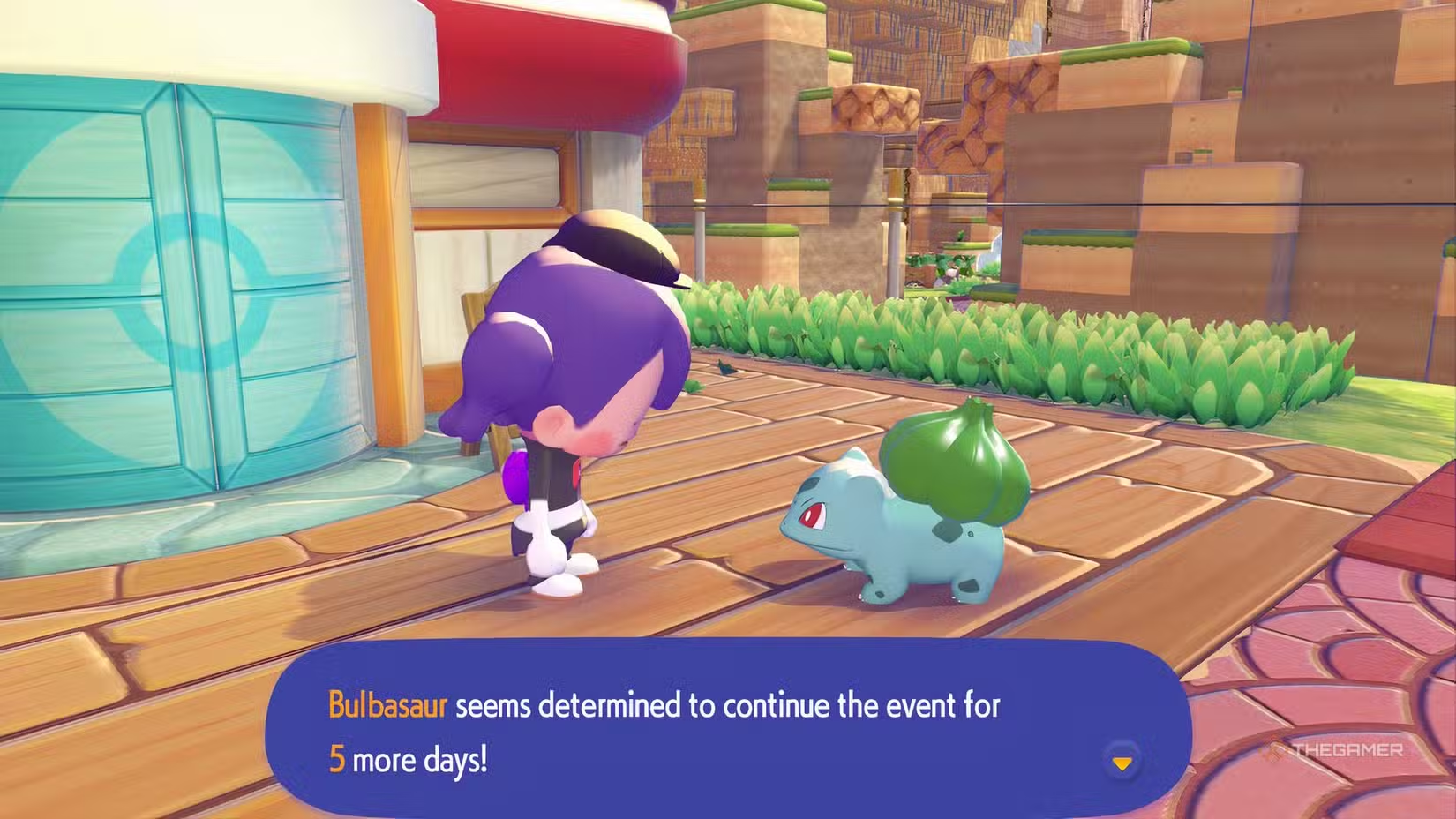
Pokemon Pokopia is preparing for its Sableye event, but before it begins, there’s another event you won’t want to miss. Bulbasaur’s Jump Rope Contest is a limited-time activity where you can jump rope with Bulbasaur to earn various rewards, including an exclusive trophy.
This contest will only be available for a short period, and there’s no guarantee it will come back. So, if you want to take part, make sure to log in at least once while the event is live. The good news is that you can unlock all the rewards in one session, so even with limited playtime, you should be able to get everything.
When Does Bulbasaur’s Jump Rope Contest End?
The event runs from April 19, 2026, at 5:00 AM to April 26, 2026, at 4:59 AM. Since Pokopia operates on its internal clock, the event will be based on your local time, meaning there’s no need to worry about time zone differences. You can also check with Bulbasaur during the event to see how many days are left. If you want, you can time-skip to the event, but be aware that doing so might have unpredictable effects.
You must have completed the “Yawn Up A Storm” quest in the Withered Wasteland to trigger this event.
How To Complete Bulbasaur’s Jump Rope Contest
When you arrive in the game, if your Switch 2 is set to the event’s date and time, you’ll see Bulbasaur near the Pokémon Center, ready to start the contest. Whether you’re in different zones, Bulbasaur will spawn near each zone’s Pokémon Center with a speech bubble indicating their interest in the contest. If you don’t see this, try talking to Professor Tangrowth as well.
Talking to Bulbasaur will get them to tell you about the contest rules. The goal is to play a jump rope mini-game with Bulbasaur and reach a certain score to earn rewards. You can invite friends to compete or play together. If you’re playing on someone else’s island, your score will be ranked among other players, but only the host earns rewards unless you’re on a Cloud Island, where the highest scorer wins.
To participate, agree to take part in the contest, and the mini-game starts. Bulbasaur won’t reveal the rewards upfront but will give you prizes for every 5-10 jumps, with higher rewards at higher jump counts, up to a limit. Missing a jump stops the game and awards you based on how many jumps you’ve completed. You can try again immediately or later. To unlock all rewards, aim for at least 141 jumps in a single attempt.
How To Jump Rope
The only button you’ll need during the mini-game is the jump button, which you can set to either the B Button or R Button in your controller settings. The key is timing your jumps. During the first few jumps, Bulbasaur will help by making sounds to cue when to jump, but you can ignore them and listen to the rope sounds. The rope makes two distinct noises: a whoosh and a tap when hitting the ground. When you hear the tap, press the jump button. Listening to these sounds improves your timing, especially when the pace quickens or changes.
Bulbasaur might increase the pace during your run, indicated by an exclamation point above their head. Stay focused, as the speed shifts roughly every 10 jumps. Also, background Pokémon might distract you by getting too close. It’s best to play in an area with fewer Pokémon for fewer distractions, and remember, the Pokémon Center doesn’t need rebuilding for Bulbasaur to spawn.
Rewards for the Jump Rope Contest
You can participate as many times as you like, but each reward tier can only be earned once per event. If you reach specific jump counts, you’ll receive corresponding prizes, including berries, star pieces, relics, feathers, and a jump rope trophy with your highest record and the date on it.
Unlocking the trophy requires passing 51 jumps in a single attempt. Your trophy will show your best score from that attempt, so if you just reach 52, that will be recorded permanently. To get a high score on your trophy, you need to reach it in the same run where you earn it.
Here are all the rewards available:
| Jump Count | Rewards |
|---|---|
| 5+ | Leppa Berries |
| 11+ | 1 Star Piece |
| 21+ | 3 Large Lost Relics |
| 31+ | 3 Rainbow Feathers |
| 41+ | 3 Silver Feathers |
| 51+ | Jump Rope Trophy (with your record and date) |
| 76+ | 30 Poke Metal Ingots |
| 101+ | 10 Rare Poke Metal Ingots |
| 111+ | 10 Rare Poke Metal Ingots |
| 121+ | 10 Rare Poke Metal Ingots |
| 131+ | 10 Rare Poke Metal Ingots |
| 141+ | 10 Rare Poke Metal Ingots |
You can do the contest as many times as you want, but you’ll only get each reward once. If Bulbasaur mentions that they have nothing left to give, it means you’ve earned all possible prizes. Reaching over 141 jumps on your first try will award all rewards at once, but you won’t be able to earn more afterward. After receiving the fifth Rare Poke Metal Ingot (totaling 50), no further rewards can be earned regardless of your score.
 ChatGPT
 Perplexity
 Gemini AI
 Grok AI

