• About Us
  • Contact Us
  • Advertise
  • Privacy Policy
  • Guest Post
No Result
View All Result
Digital Phablet
  • Home
  • NewsLatest
  • Technology
    • Education Tech
    • Home Tech
    • Office Tech
    • Fintech
    • Digital Marketing
  • Social Media
  • Gaming
  • Smartphones
  • AI
  • Reviews
  • Interesting
  • How To
  • Home
  • NewsLatest
  • Technology
    • Education Tech
    • Home Tech
    • Office Tech
    • Fintech
    • Digital Marketing
  • Social Media
  • Gaming
  • Smartphones
  • AI
  • Reviews
  • Interesting
  • How To
No Result
View All Result
Digital Phablet
No Result
View All Result

Home » Adding Cards to Your Wishlist in Pokémon TCG Pocket: A Guide

Adding Cards to Your Wishlist in Pokémon TCG Pocket: A Guide

Emily Smith by Emily Smith
November 25, 2024
in Gaming
Reading Time: 2 mins read
A A
Adding Cards to Your Wishlist in Pokémon TCG Pocket: A Guide
ADVERTISEMENT

Select Language:

Quick Links

  • Creating a Wishlist in Pokémon Trading Card Game Pocket
  • Checking Your Wishlisted Cards in Wonder Pick

Occasionally, a game will introduce a feature that many players overlook, often because it’s hidden in a submenu. In Pokémon Trading Card Game Pocket, the wishlist feature is one such example that might not be on everyone’s radar.

ADVERTISEMENT

Related

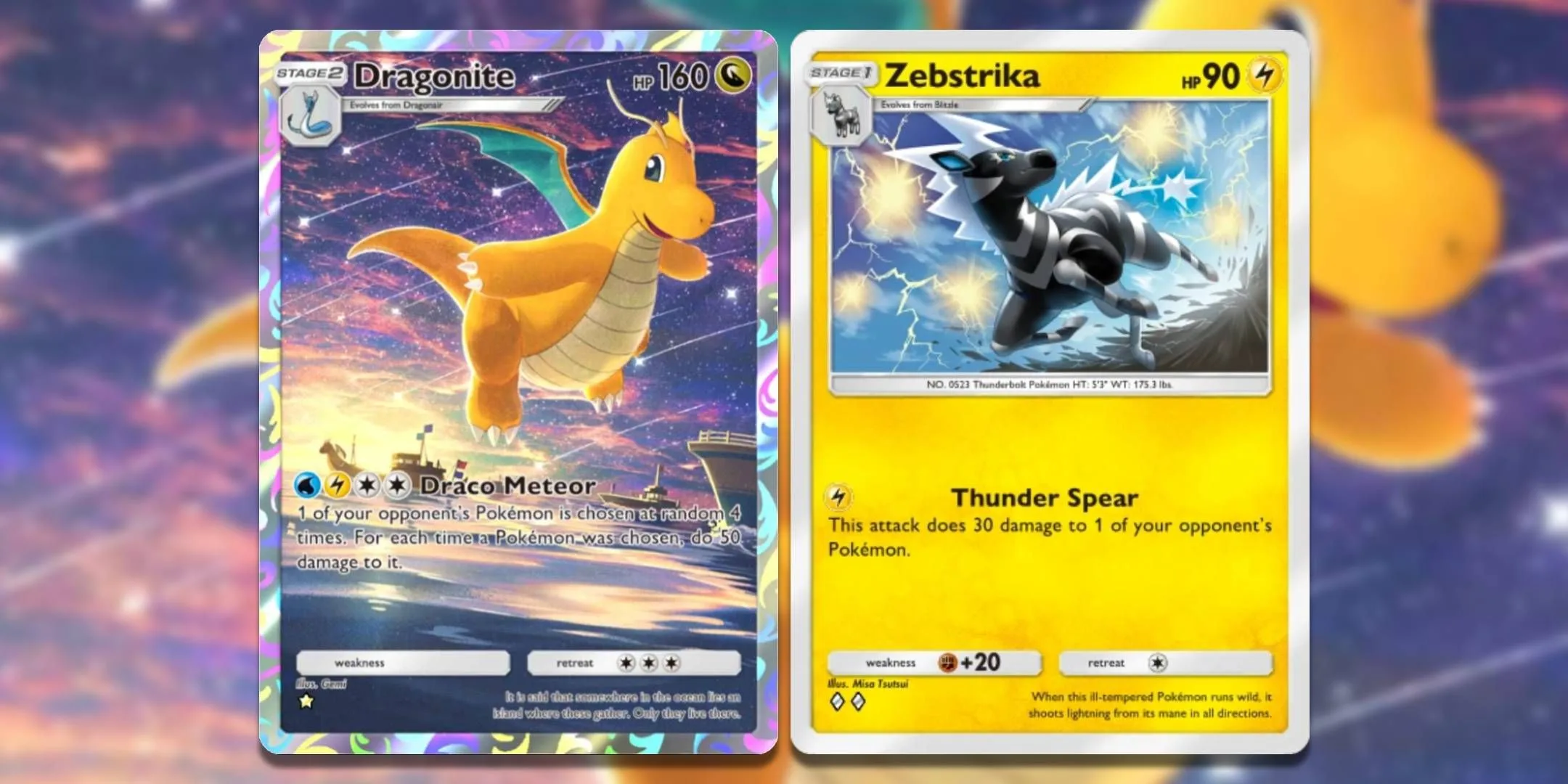
Pokémon Pocket: Building a Dragonite and Zebstrika Deck

Combine Dragonite and Zebstrika for a powerful deck that can land significant damage while targeting opponents’ benched Pokémon in Pokémon Pocket TCG.

Keeping a wishlist of cards you still want can make navigating the Wonder Pick section a lot smoother. Cards you don’t own will be clearly marked, eliminating the need to check each card individually. Here’s how to create your own wishlist in Pokémon TCG Pocket.

ADVERTISEMENT

Creating a Wishlist in Pokémon Trading Card Game Pocket

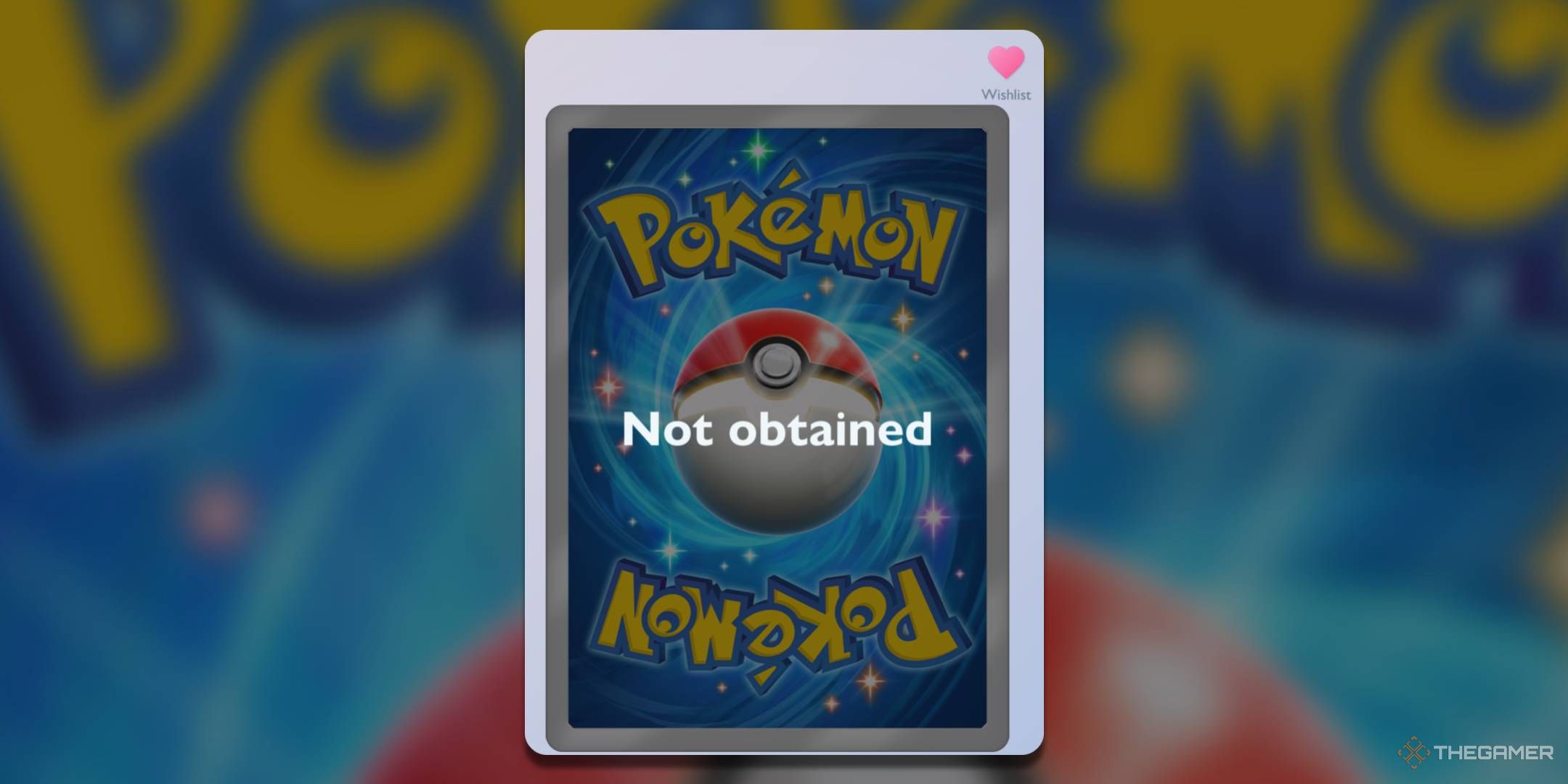
An unobtained card with a wishlist in Pokémon TCG Pocket

To start, click on the My Cards tab. This is the second tab located at the bottom of the main screen. Here, you will see a complete list of the cards you currently have.

However, this isn’t very helpful for our current task. Instead, you need to switch the toggle in the top right corner of the screen. (Initially, it will point at the little card icon; you want it to point toward the magnifying glass icon.)

This adjustment will update the list to show cards you don’t own as well. While the images of these cards won’t be displayed, you can still click on the entries for cards you need.

Once you do, the card’s size will increase, and you will see a small heart icon in the top right corner. This is what we’re looking for. Click this heart to add the card to your wishlist, and voila – your wishlist is complete.

One important note: since full-art cards you haven’t collected won’t appear on the list, you won’t be able to add them to your wishlist. However, these cards are visually striking, making them easier to spot as you play.

How to Check Wishlisted Cards in Wonder Pick
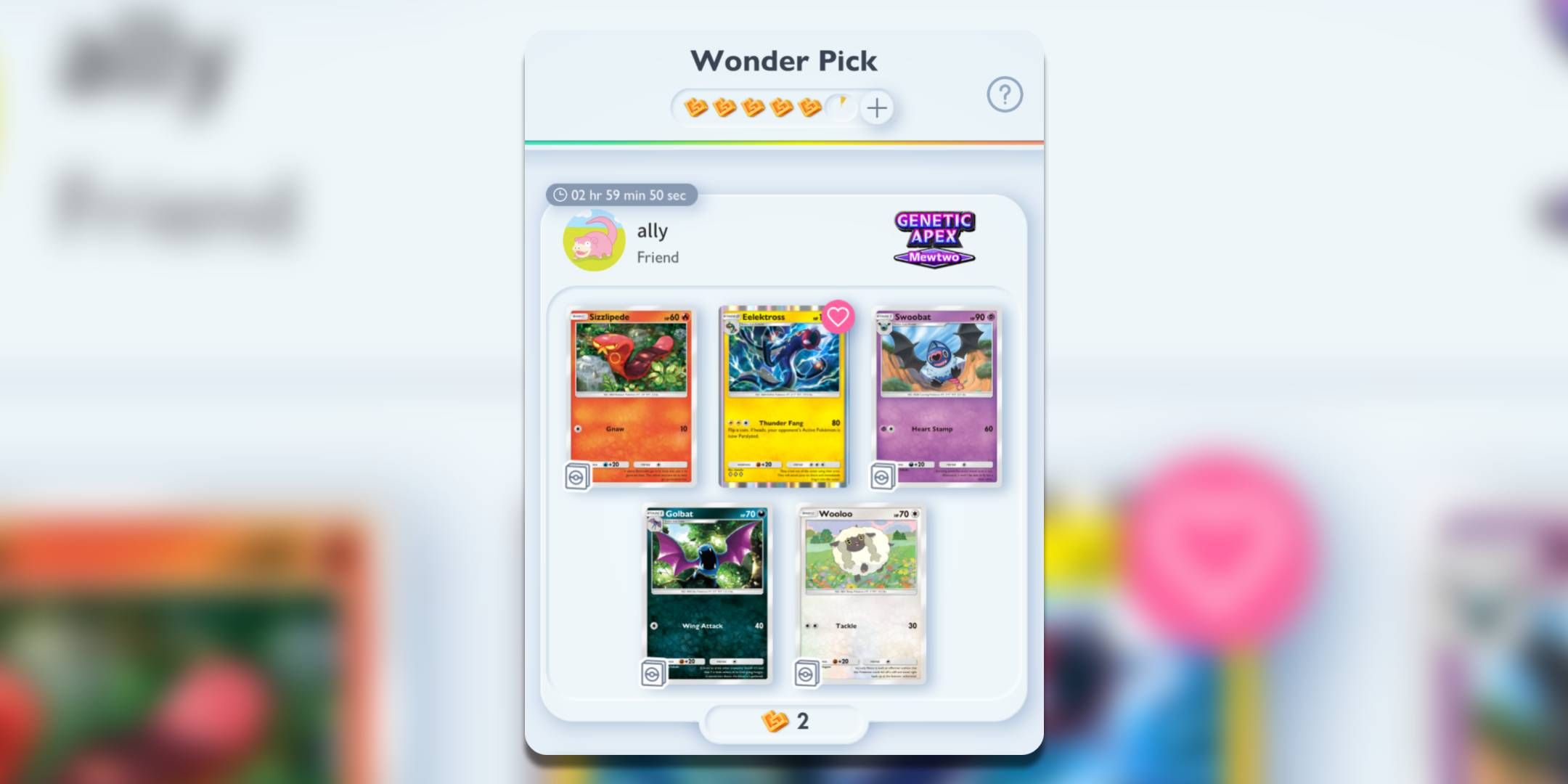
A card on a wishlist during a Wonder Pick in Pokémon Trading Card Game Pocket.

After adding cards to your wishlist, they will show a pink heart symbol at the bottom-left corner whenever you’re browsing your current Wonder Pick selections.

This feature might feel a bit hidden, so make sure to perform this process again whenever Pokémon Trading Card Game Pocket releases a new expansion!

ChatGPT ChatGPT Perplexity AI Perplexity Gemini AI Logo Gemini AI Grok AI Logo Grok AI
Google Banner
Tags: add cardsHow ToLive-Service GamespocketPokemonPokemon Trading Card Game PocketTCGwishlist
ADVERTISEMENT
Emily Smith

Emily Smith

Emily is a digital marketer in Austin, Texas. She enjoys gaming, playing guitar, and dreams of traveling to Japan with her golden retriever, Max.

Related Posts

How to Complete "One Leaf, One Life" in Where Winds Meet Through Solving
Gaming

How to Complete “One Leaf, One Life” in Where Winds Meet Through Solving

December 4, 2025
How to Complete Mewtwo and Solve Its Mewtwonite X & Y in Pokémon Legends Z-A
Gaming

How to Complete Mewtwo and Solve Its Mewtwonite X & Y in Pokémon Legends Z-A

December 3, 2025
How To Complete and Use Shared EXP in Where Winds Meet
Gaming

How To Complete and Use Shared EXP in Where Winds Meet

December 3, 2025
All Pokémon You Can Catch in Lysandre Labs in Pokémon Legends: Z-A—Completing & Solving
Gaming

All Pokémon You Can Catch in Lysandre Labs in Pokémon Legends: Z-A—Completing & Solving

November 26, 2025
Next Post

What Is a Good Gaming PC Headset?

  • About Us
  • Contact Us
  • Advertise
  • Privacy Policy
  • Guest Post

© 2025 Digital Phablet

No Result
View All Result
  • Home
  • News
  • Technology
    • Education Tech
    • Home Tech
    • Office Tech
    • Fintech
    • Digital Marketing
  • Social Media
  • Gaming
  • Smartphones

© 2025 Digital Phablet