Select Language:
If you’re using the Nintendo Switch 2, activating Battery Preservation Mode should become a top priority. But just to be clear, this isn’t about saving battery life like when your phone drops below 20% and disables some features to stretch out the battery. Instead, this mode is specifically designed to protect the long-term health of the device’s lithium battery. Over time, many handheld gadgets’ batteries lose their maximum capacity, making them less effective. Battery Preservation Mode adjusts certain functions on the Switch 2 to slow down that battery wear and tear.
Here’s how to turn on Battery Preservation Mode on your Nintendo Switch 2: go to the System Settings menu, select “System,” and then turn on “Stop Charging Around 90%.” This feature does exactly what it says—stops charging the battery once it nears full. While this might reduce gaming time slightly, it can significantly extend the overall lifespan of your console by reducing battery stress and wear.
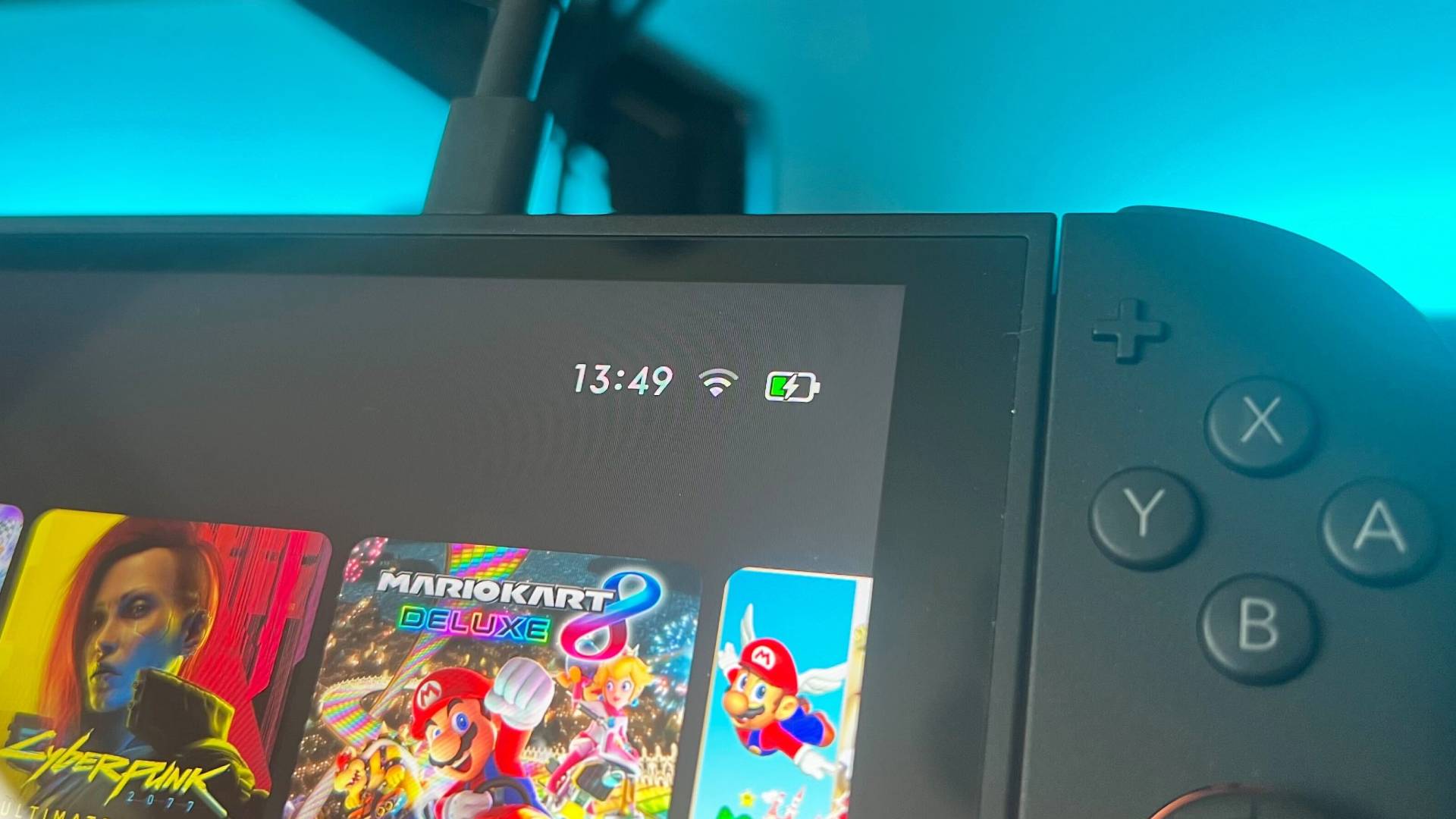
Just enable this setting, and you’ll be ready for more hours of playing games like Cyberpunk 2077, Mario Kart Grand Prix, or whatever you love. It’s a simple, effective way to keep your device running smoothly longer. Oddly enough, given how useful this feature is, it’s not set to turn on automatically. Perhaps some players already follow good charging habits, but it’s worth activating for everyone else.
For more details about the Nintendo Switch 2, check out the list of the best controllers, upcoming games, or this console’s backwards compatibility.
 ChatGPT
 Perplexity
 Gemini AI
 Grok AI