Select Language:
Quick Links
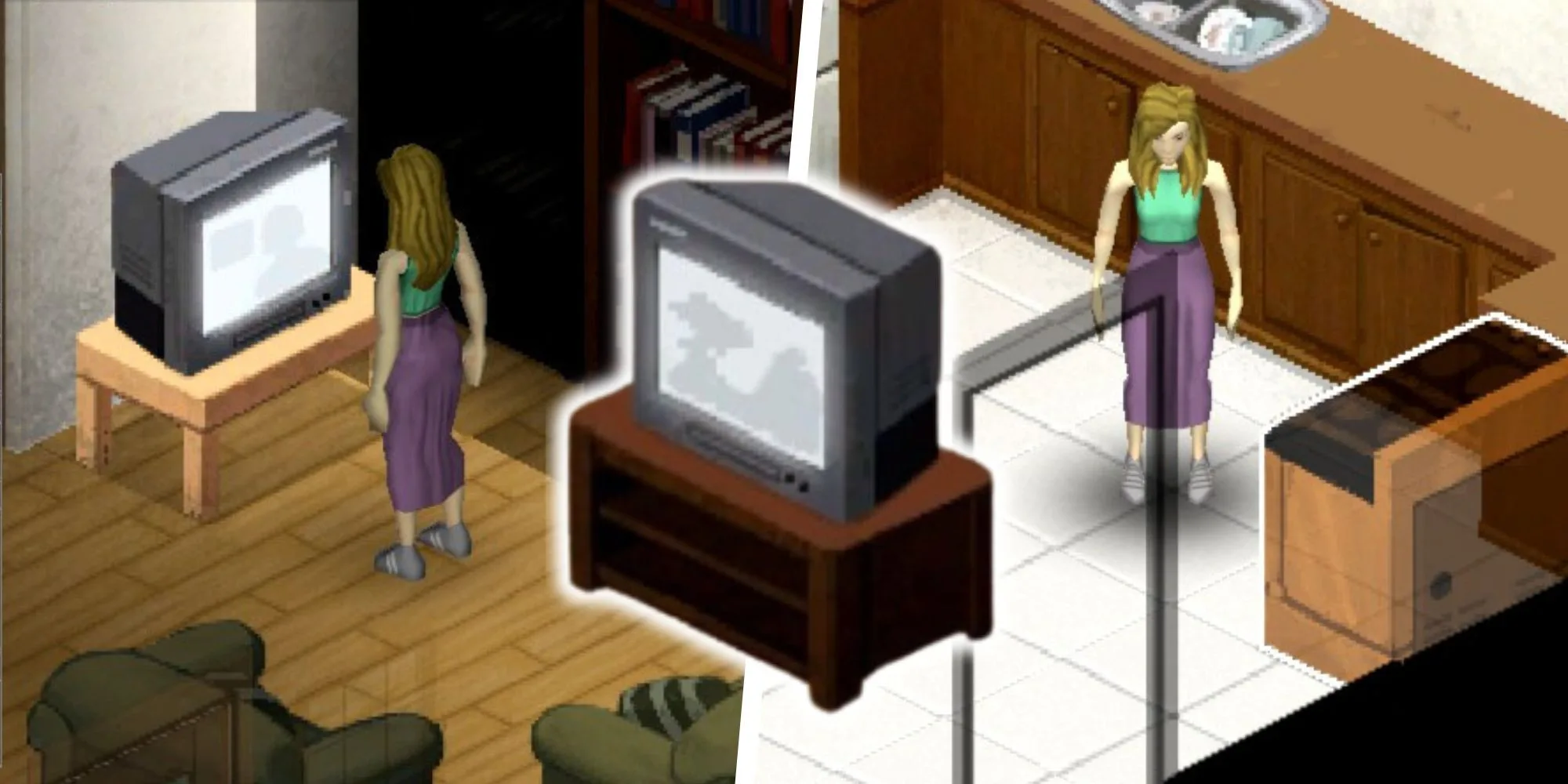
After a long wait, Build 42 of Project Zomboid is finally available—sort of. If you’re among the many fans eager to explore the latest enhancements and features, you’ve come to the right spot. This update introduces exciting new elements, but keep in mind that it remains in the Unstable phase, so you might encounter a few issues along the way.
Despite the caveats, getting into Build 42 is straightforward and definitely worth it. Want to see what’s new? Here’s a simple guide to unlock the latest version of Project Zomboid before it becomes widely available.
How To Access The Build 42 Beta
To get started, open your Steam library and find Project Zomboid. Once you’ve located the game, right-click on it to open a menu of options. From there, select ‘Properties’ to access the game’s settings.
Next, click on the ‘Betas’ tab on the left side of the properties window. You’ll see a dropdown menu that includes several options, among which is the ‘Unstable’ branch. Selecting this option will allow you to join the Build 42 Beta.
Keep in mind that this Unstable version may have bugs or other issues since it’s still in testing. If you prefer a smoother gaming experience, you might consider waiting for the stable release. However, if you’re eager to check out the newest features and assist in testing, participating in the Build 42 Beta is a great opportunity.
After selecting the beta branch, close the properties window, and the game will start downloading the necessary files for the update. Once it’s finished, you’ll be ready to jump into the Unstable version of Project Zomboid’s Build 42 and discover everything it has to offer.
What Are Some Things To Consider?
There are a few important points to keep in mind with this release. Support for Mac and SteamDeck, as well as full controller compatibility, will roll out later. Multiplayer is currently disabled, but it will return during the beta phase. Here’s more detail on what to expect:
Mac Users
Unfortunately, Mac players will need to wait a bit longer. Due to some unforeseen compatibility challenges, the unstable version for Mac is expected to be available in a future update, likely next year.
Controller Users
As for SteamDeck and other controller support, the development team is still working on these features. At the moment, using a controller may not provide the best experience, so it’s best to hold off until future updates enhance this functionality.
Multiplayer Users
If you’re a fan of multiplayer, you’ll find that this feature is currently disabled. However, it will be integrated back into the game as the beta progresses, so you’ll soon be able to enjoy cooperative play.
GOG Users
For those on GOG, while the Unstable version of Build 42 is not available yet, the team is actively working on making it accessible. Stay tuned for updates!
By staying informed, you’ll be better prepared to maximize your experience with Project Zomboid’s latest version.
 ChatGPT
 Perplexity
 Gemini AI
 Grok AI