Select Language:
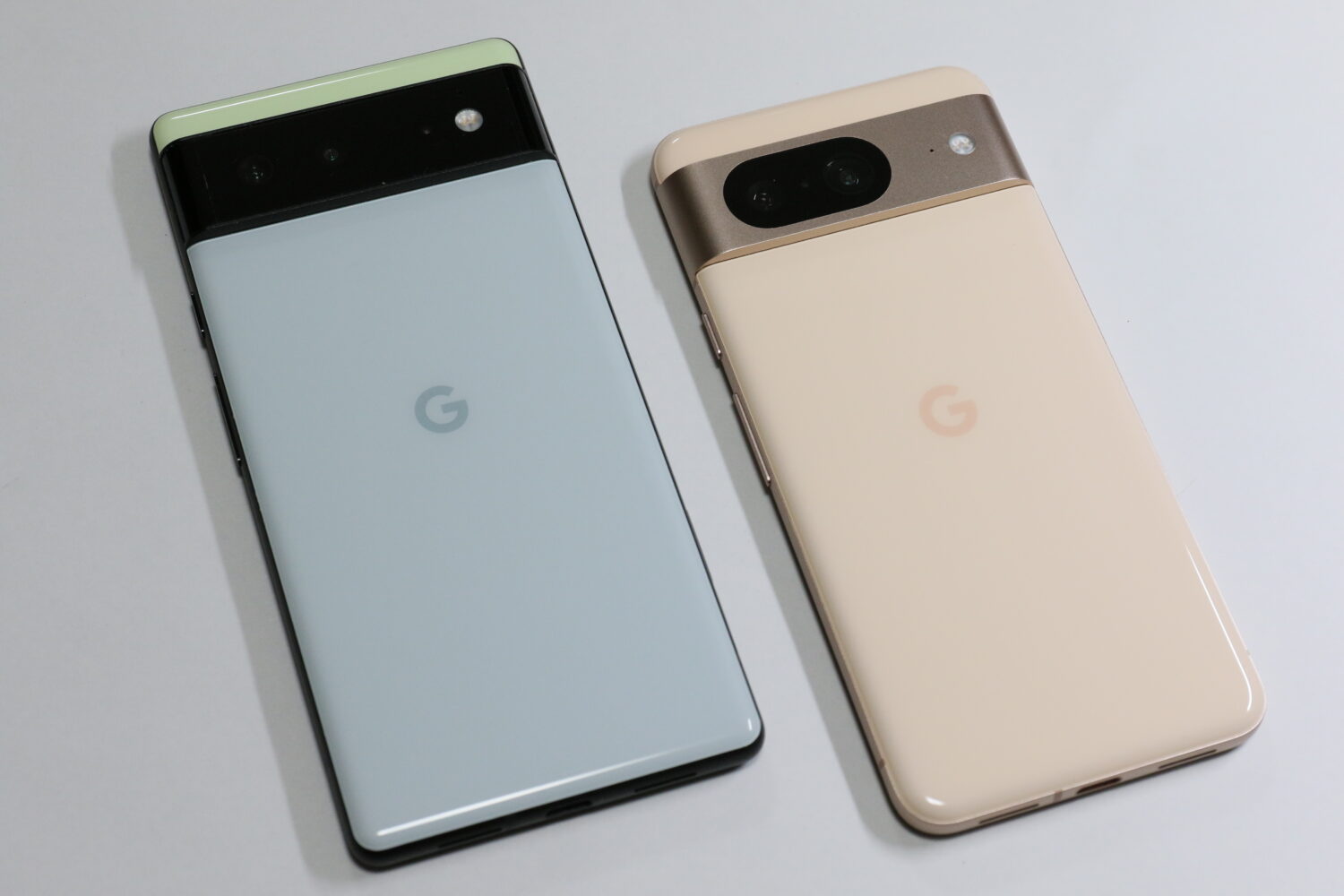
The AI Core update on Google Pixel 8 Pro brings new and improved features to the phone. Here are the top 5 features you should know about.
The Google Pixel 8 Pro, equipped with the powerful Tensor G3 chip, has elevated its capabilities with the introduction of the AI Core update. This update not only enhances the overall performance and functionality of the device but also brings forth several innovative features. The first of its kind AI Core update introduces a dedicated app, making it easier for users to access and control the AI-driven features. Here, we delve into the top 5 features that set the Pixel 8 Pro apart after the implementation of the AI Core update.
1. Best Take and Magic Editor

At the heart of the Pixel 8 Pro’s appeal is its remarkable camera, now even more impressive with the AI Core update. Two standout features, Best Take and Magic Editor, transform your photography experience.
Best Take intelligently merges multiple photos, selecting the optimal facial expressions, poses, and lighting foreach subject, creating a stunning composite image.
Magic Editor, powered by the Tensor G3 chip, empowers users to make dramatic edits effortlessly. From changing backgrounds to adding or removing objects, the Pixel 8 Pro’s camera capabilities reach new heights with these exclusive features.
2. Audio Magic Eraser
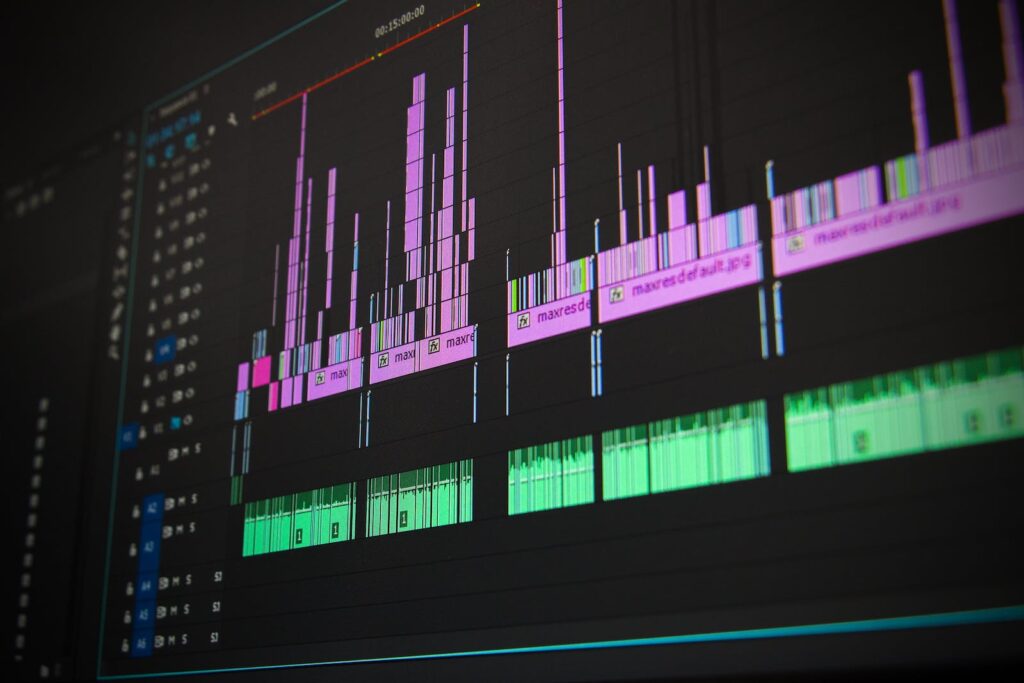
Another noteworthy addition from the AI Core update is the Audio Magic Eraser feature in the Google Photos app.
This tool allows users to eliminate unwanted background sounds from their videos, regardless of whether they were shot with the Pixel 8 Pro or not.
By simply tapping on the audio wave in the video, distracting noises such as car horns or conversations become a thing of the past. Audio Magic Eraser is a significant enhancement for video quality, ensuring clear and pristine audio in every recording.
3. Google Assistant Improvements
The Pixel 8 Pro’s Google Assistant becomes even more intelligent and user-friendly with the AI Core update. Now, users can enjoy features such as summarization, reading aloud, and webpage translation.
The Assistant recognizes natural speech patterns, including pauses and filler words, providing a more seamless conversational experience.
Additionally, the AI-driven improvements enable the Assistant to detect and filter out spam calls more effectively, enhancing its overall utility in daily tasks.
4. Video Boost and Night Sight Video

The AI Core update significantly elevates the Pixel 8 Pro’s video capabilities with two standout features: Video Boost and Night Sight Video.
Video Boost utilizes the Tensor G3 chip and Google’s data centers to apply HDR enhancements to videos, enhancing color, lighting, stabilization, and reducing graininess.
Night Sight Video, designed for low-light environments, employs AI to brighten and enhance video details, ensuring impressive quality even in the darkest settings. These features, currently exclusive to the Pixel 8 Pro, are set to expand to the Pixel 8 with the upcoming December Feature Drop update.
5. AI Core App

The AI Core update introduces a dedicated app, aptly named AI Core, providing users with centralized control over all AI-driven features on the Pixel 8 Pro.
From Best Take to Video Boost, this app offers a convenient way to explore, customize, and optimize the performance of these features.
Users can also monitor the utilization of the Tensor G3 chip’s power, allowing for fine-tuning settings to achieve optimal performance and battery life. The AI Core app is a key component in unlocking and maximizing the full potential of the Pixel 8 Pro’s advanced features.
The AI Core update on Google Pixel 8 Pro is a major upgrade that brings new and improved features to the phone. These features use the power of the Tensor G3 chip and AI to enhance the camera, video, audio, and assistant capabilities of the device. The AI Core app lets you access and control these features more easily, and also lets you see how much of the chip’s power is being used. The AI Core update makes the Pixel 8 Pro a smarter and more capable phone, and one of the best Android devices on the market.
 ChatGPT
 Perplexity
 Gemini AI
 Grok AI