Select Language:
FaceTime’s integration into Apple TV arrived a few months back with the introduction of tvOS 17. Now, with the same convenience, you can participate in Zoom meetings through your Apple TV streaming box.
As per Apple’s earlier announcement, the introduction of FaceTime for tvOS was to be followed by the arrival of Zoom on Apple TV. True to their word, the Zoom app has now debuted on the Apple App Store over the weekend, as reported by AppleInsider.
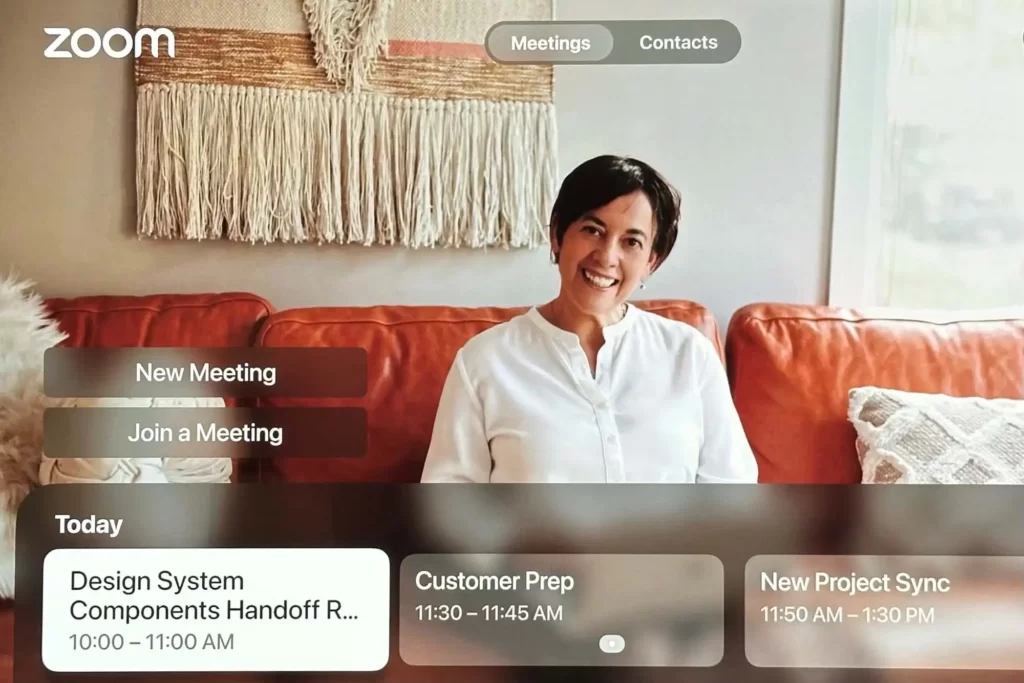
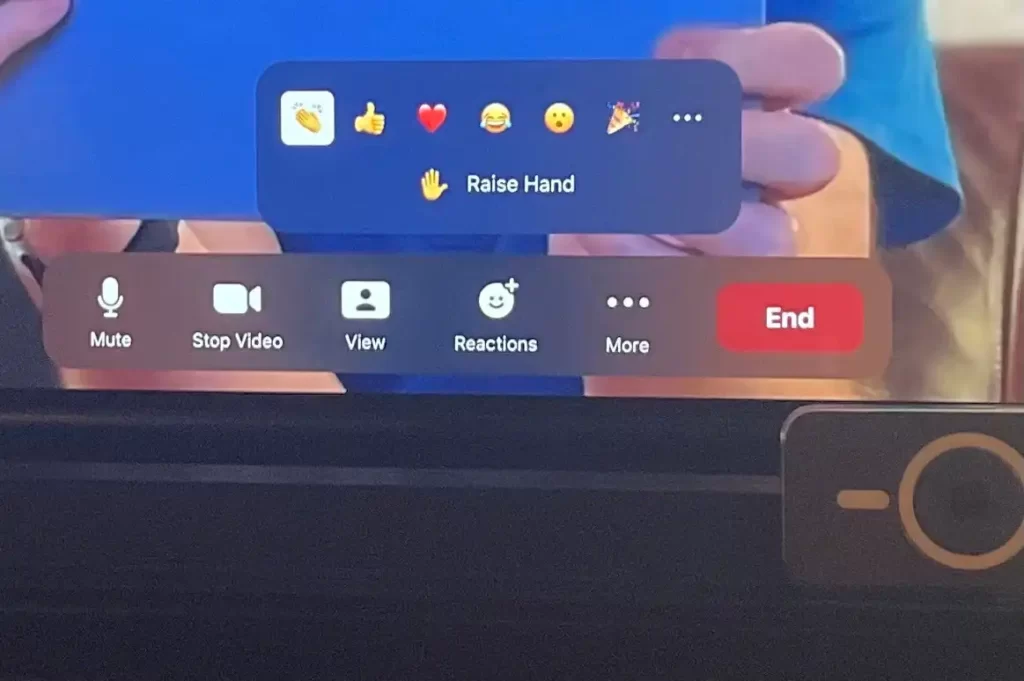
Similar to FaceTime on Apple TV, Zoom utilizes an iPhone’s rear camera for video capture. For this functionality, you’ll require an iPhone compatible with Apple’s Continuity Camera feature, available on models released in 2018 or later, such as the iPhone XR or newer versions.
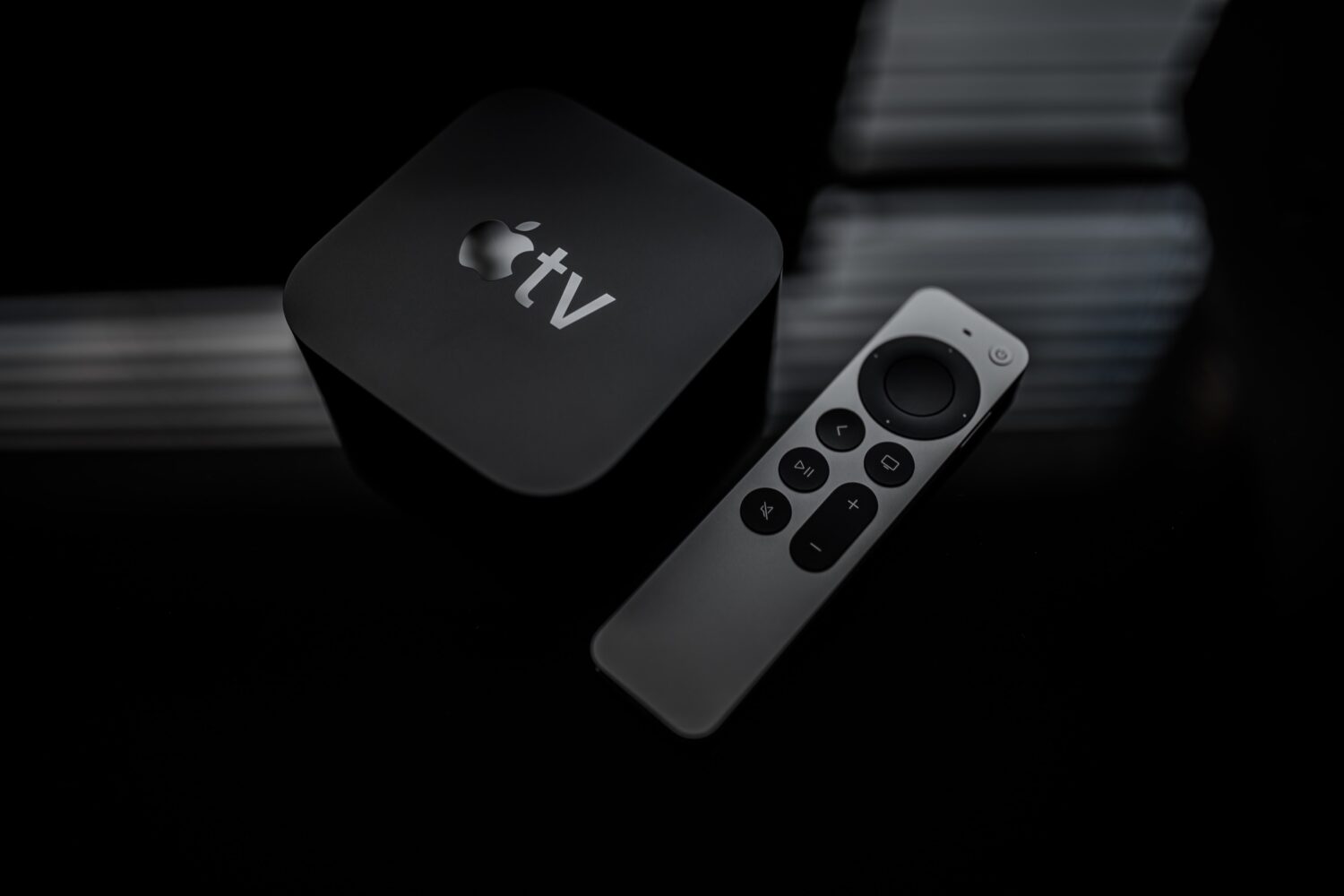
I took a quick look at the Zoom app for tvOS on my 2021 Apple TV 4K (at least the second-generation is required), and it functions quite as expected. The setup is straightforward, offering Zoom sign-in options via the web or email, just as advertised.
To get started, enable Continuity Camera between your Apple TV 4K and iPhone by following the prompts. Then, position your iPhone near your TV, ensuring that its rear cameras are facing you. This setup allows for seamless video capture during your Zoom sessions on Apple TV.
Absolutely, there are mounts designed specifically for Continuity Camera setups, positioning your iPhone at the top bezel of your TV. Alternatively, as I did, you can simply prop it up in front of the TV, below the screen. Thanks to the iPhone’s Center Stage functionality, you’ll stay centered within the frame, even while moving around the room.
Once your iPhone is connected and positioned correctly, you can initiate or join a Zoom meeting using your Siri Remote to navigate, or you can conveniently check upcoming Zoom meetings within the Today section.
Just like Zoom on other platforms, Zoom on tvOS offers the flexibility to switch between Speaker, Thumbnail, and Gallery views. Additionally, you can access emotes—such as a heart, a thumb-up, a smiley face, or a raised hand—either through Zoom’s interface or using the gesture-triggered Reactions feature built into the Apple TV.
Zoom for tvOS lacks support for custom backgrounds, meaning you can’t transport yourself to a virtual hammock or the moon during Zoom meetings. Similarly, there’s no option to touch up your appearance. However, you can activate a Profile setting that applies a bokeh effect to your video image.
Additionally, on Apple TV, you can access in-call chat and seamlessly be assigned to Zoom breakout rooms. Other settings available encompass automatic echo cancellation and noise suppression during calls, enhancing the overall meeting experience.
In summary, the Zoom app for tvOS offers a streamlined and user-friendly Zoom experience on Apple TV. The straightforward Continuity Camera setup proved to be a delightful surprise for me, enhancing the overall usability of the platform.
Zoom for tvOS is currently accessible via the Apple App Store, while the arrival of Webex for tvOS is anticipated shortly.
 ChatGPT
 Perplexity
 Gemini AI
 Grok AI