Select Language:
On Android devices, backing up and restoring Google Messages is performed via Google One found in the Settings app. Unfortunately, this function isn’t currently available directly from the Google Messages application, although that might change soon.
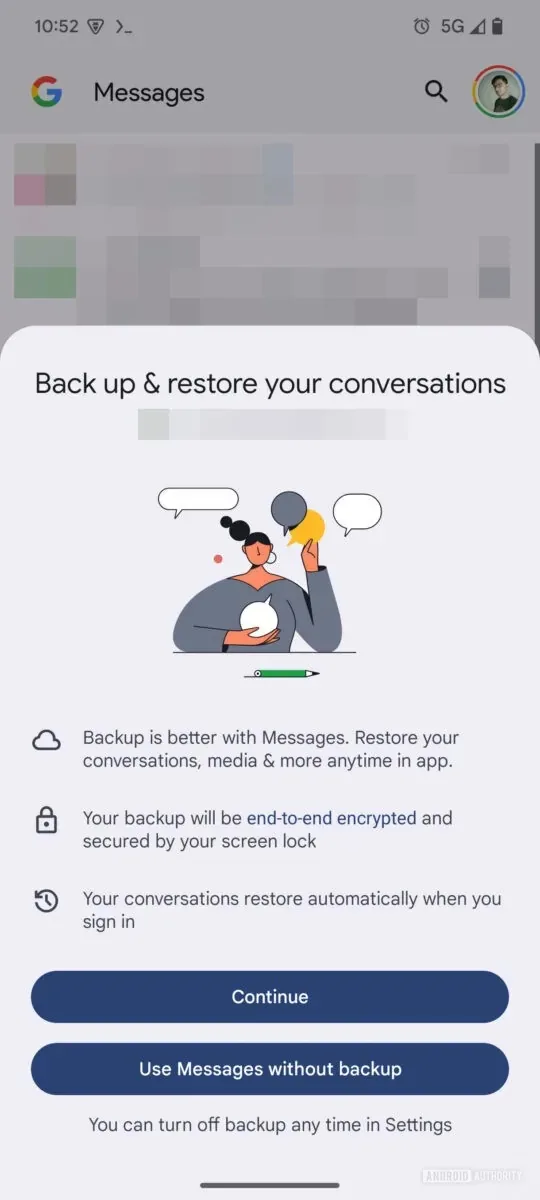
As reported by 9to5Google, a beta version of the Google Messages app (version 20241118_02_RC00) contains hints of a new backup and restore feature integrated directly into the app. Meanwhile, Android Authority has provided images of this feature, offering a first look at its functionality.
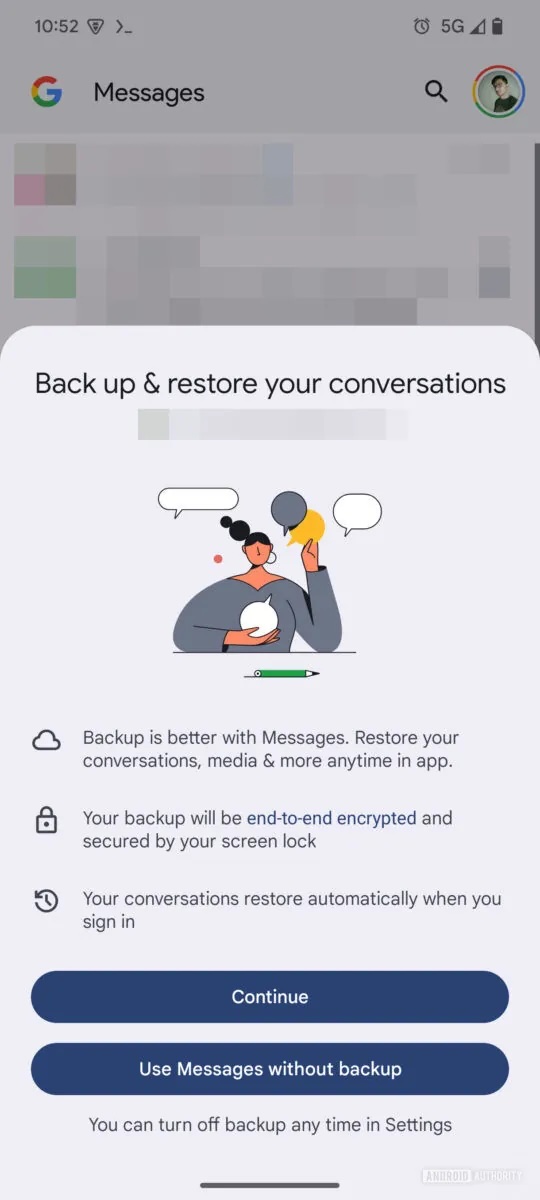
The screens for the new “Backup & Restore” section in Google Messages provide significant details, including:
- “Backup is better with Messages. Restore your conversations, media & more anytime in the app.”
- “Your backup will be end-to-end encrypted and protected by your screen lock.”
- “Your conversations will automatically restore when you sign in.”
Additionally, the screenshots suggest that Google Messages will prompt users to enable the backup feature. If you opt not to activate it at that moment, you can still find the option later in the app’s settings under “Backup & Sync.”
Other details indicate that users will be able to back up and restore “conversations, media, and more” with the assurance of end-to-end encryption. It’s important to note, however, that the device’s screen lock must be enabled for encryption to function. Moreover, your messages will be restored automatically when you log into Messages, eliminating the need for manual restoration and enhancing convenience.
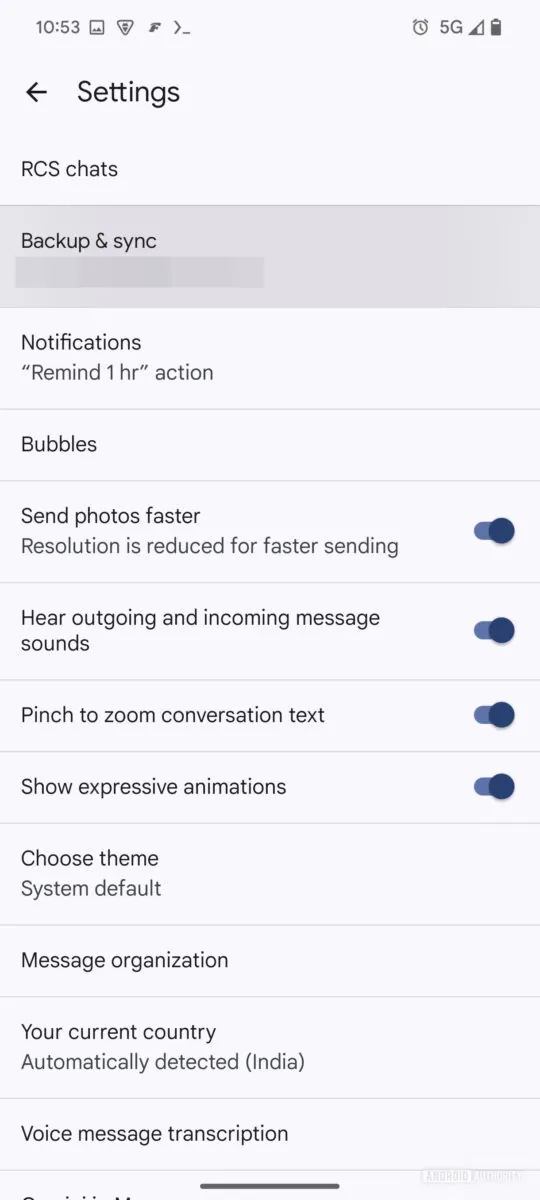
Finally, this new backup and restore capability is set to introduce additional flexibility that many users have been missing. For instance, there’s an option to sync only photos and videos over Wi-Fi. As explained by Android Authority: “This is a useful feature in line with other messaging platforms, enabling you to preserve your mobile data cap by syncing your text history over mobile data instead.”
The enhancements in Google Messages are expected to boost both user confidence and flexibility regarding the backup process. Presently, the Google One backup method has its limitations. However, specifics on the timing for a public release of this update remain unclear, and we anticipate more details soon.
Google Messages is continuously evolving; earlier this month, features were added to facilitate sending images via RCS, and in October, improved scam protection was introduced.
 ChatGPT
 Perplexity
 Gemini AI
 Grok AI