Select Language:
Google is actively working to integrate its Gemini AI chatbot into a variety of productivity applications. The latest addition to this lineup is the Files by Google app, which now features an automatic Gemini analysis option that activates upon opening a PDF document.
This functionality was initially discussed on the r/Android subreddit and is currently available for devices operating on Android 15. Digital Trends examined this addition on a Pixel 9 using the stable build of Android 15, along with the most recent iteration of Google’s file management app.
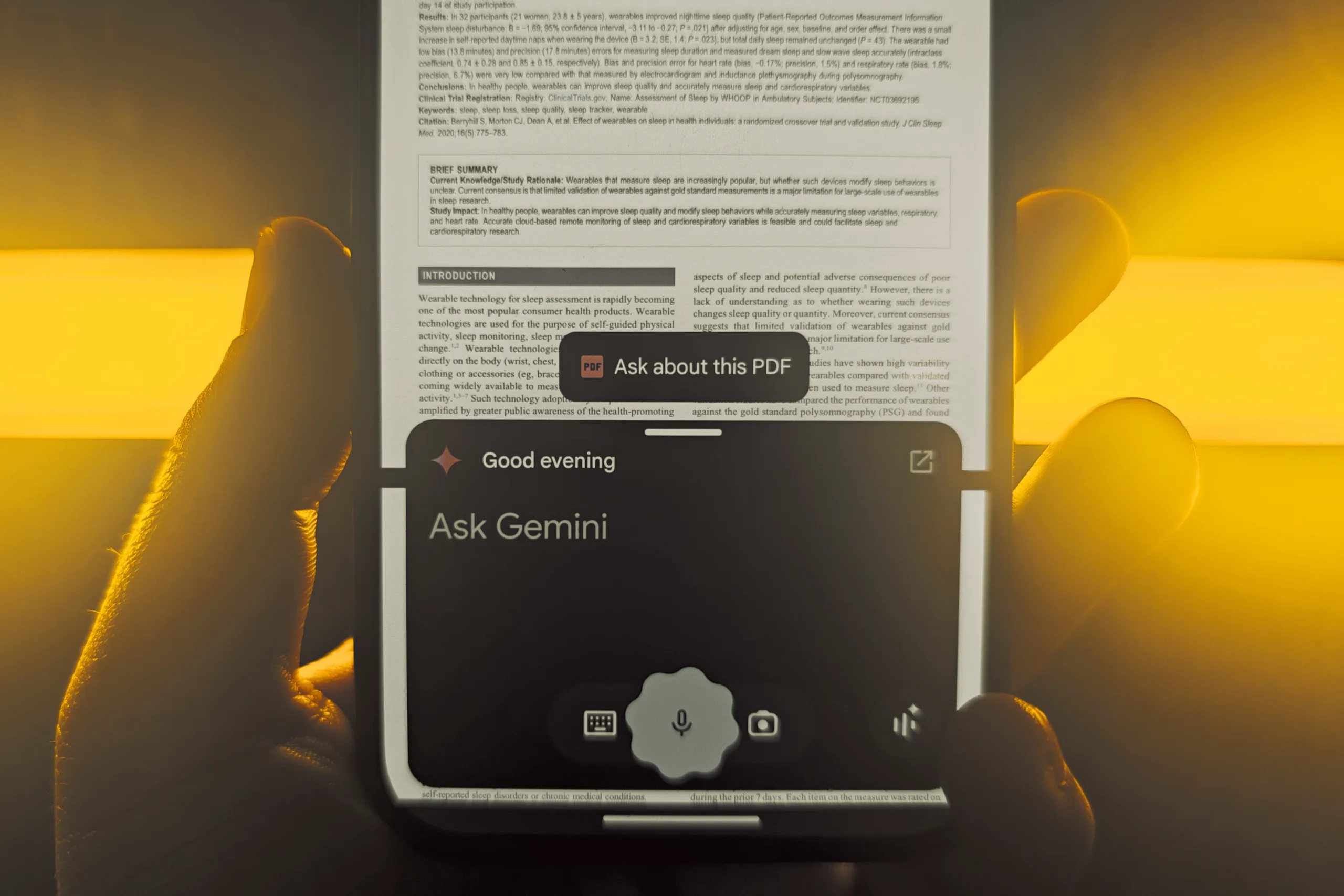
When users access a PDF in the Files app and invoke Gemini—either through a gesture or a shortcut—the chat interface displays an “Ask about this PDF” option above the chat overlay.

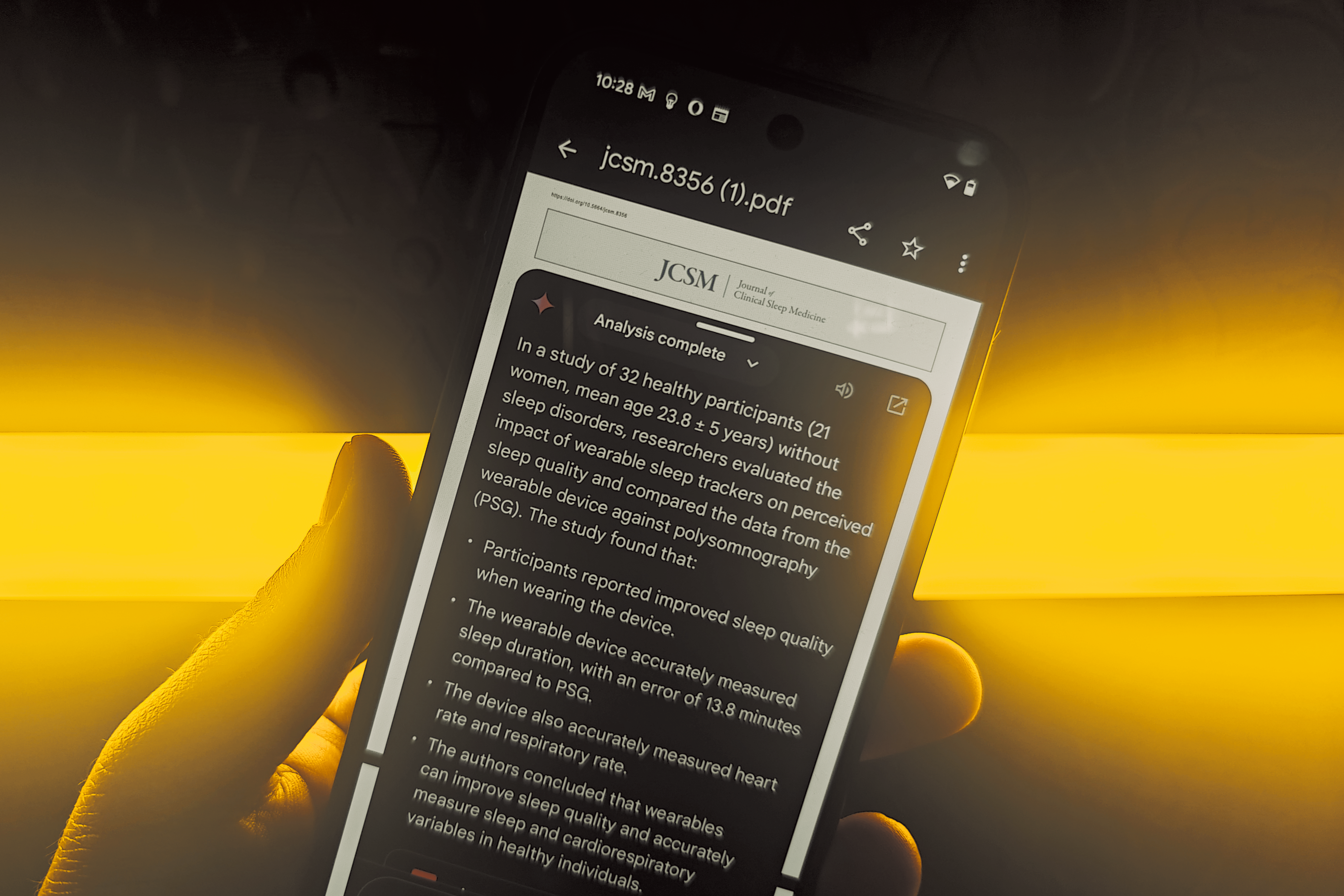
By tapping this option, the PDF is integrated into the chatbot, allowing the AI to process the document. Users simply need to input their question, and Gemini will generate a response in natural language after reviewing the content.
Please enable Javascript to view this content
Digital Trends tested the system using scientific research documents, and the feature performed exceptionally well. This implementation of Gemini is one of the more user-friendly options available and eliminates the need to manually upload PDF files to separate AI applications, including the Gemini mobile app.
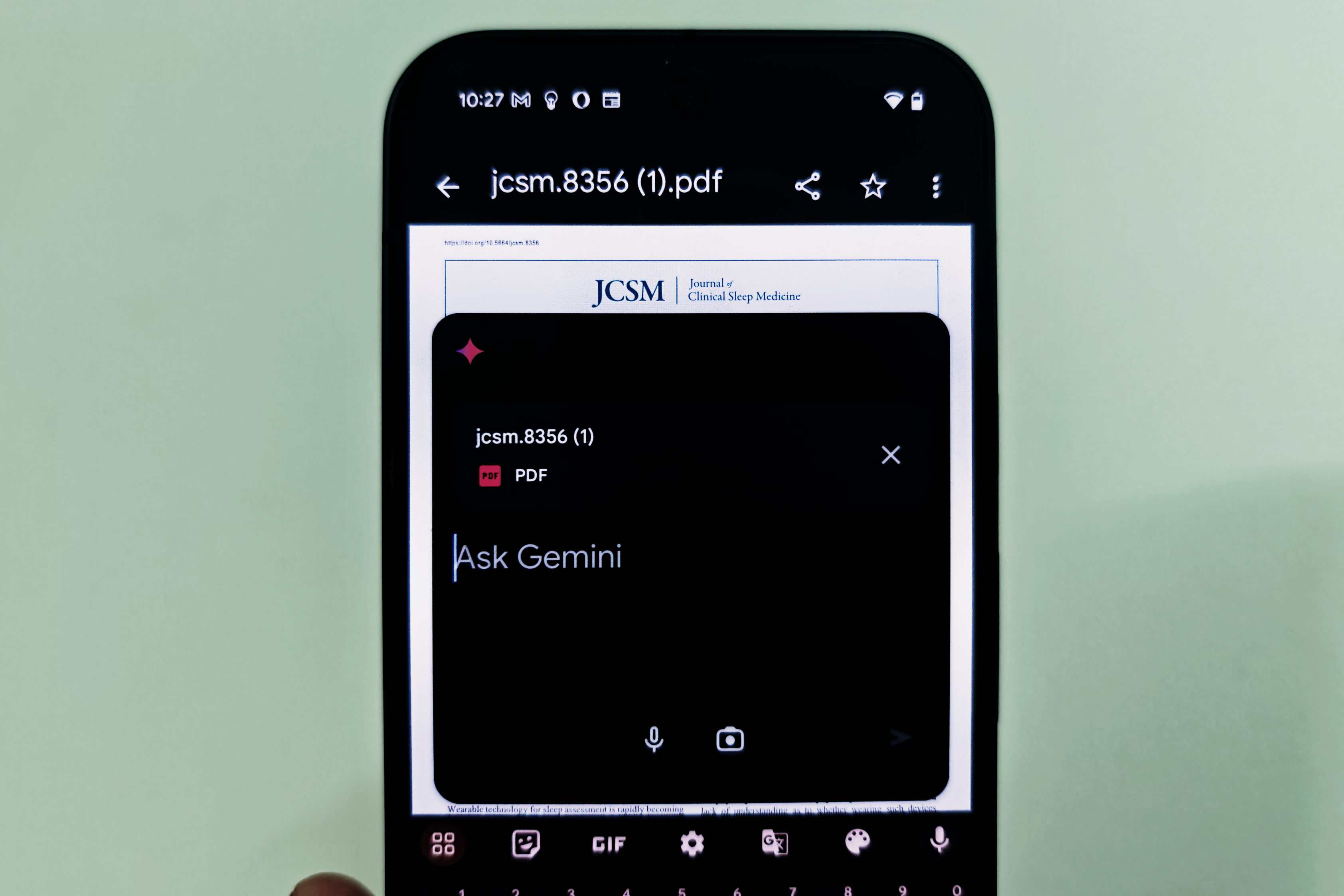
If this feature hasn’t yet appeared in the Files app for some users, a similar process can still be performed through the Gemini mobile app. Users can simply launch the app, tap the “+” icon in the “Ask Gemini” dialog, and attach the PDF they wish to analyze.
Users have the option to select a PDF from their local storage or retrieve one from Google Drive. Thanks to its multi-modal functionality, the AI chatbot can also interpret and analyze media files sourced from the device’s gallery.
It’s worth noting that the Gemini PDF analysis feature is only available on devices running Android 15 and for users with a paid subscription to Gemini Advanced.
Fortunately, there are other options if you prefer to avoid subscription fees while still accessing AI functionalities. For instance, you can check out NotebookLM, another excellent AI tool from Google that is free to use and can extract information from files, URLs, and even YouTube videos.
 ChatGPT
 Perplexity
 Gemini AI
 Grok AI