• About Us
  • Contact Us
  • Advertise
  • Privacy Policy
  • Guest Post
No Result
View All Result
Digital Phablet
  • Home
  • NewsLatest
  • Technology
    • Education Tech
    • Home Tech
    • Office Tech
    • Fintech
    • Digital Marketing
  • Social Media
  • Gaming
  • Smartphones
  • AI
  • Reviews
  • Interesting
  • How To
  • Home
  • NewsLatest
  • Technology
    • Education Tech
    • Home Tech
    • Office Tech
    • Fintech
    • Digital Marketing
  • Social Media
  • Gaming
  • Smartphones
  • AI
  • Reviews
  • Interesting
  • How To
No Result
View All Result
Digital Phablet
No Result
View All Result

Home » Why Apple Intelligence Isn’t in iPhone 17 Pro Max: How To Understand

Why Apple Intelligence Isn’t in iPhone 17 Pro Max: How To Understand

Rebecca Fraser by Rebecca Fraser
October 17, 2025
in How To
Reading Time: 2 mins read
A A
215e0d83 ca07 4cd0 a0c0 b0f4ed4a31a3.png
ADVERTISEMENT

Select Language:

If you’ve recently bought the iPhone 17 Pro Max and you’re wondering why artificial intelligence features aren’t working or showing up, even though you’re in the United States, don’t worry—you’re not alone. Many new users face this issue at first. Here are some simple steps to help ensure AI features activate properly on your device.

ADVERTISEMENT

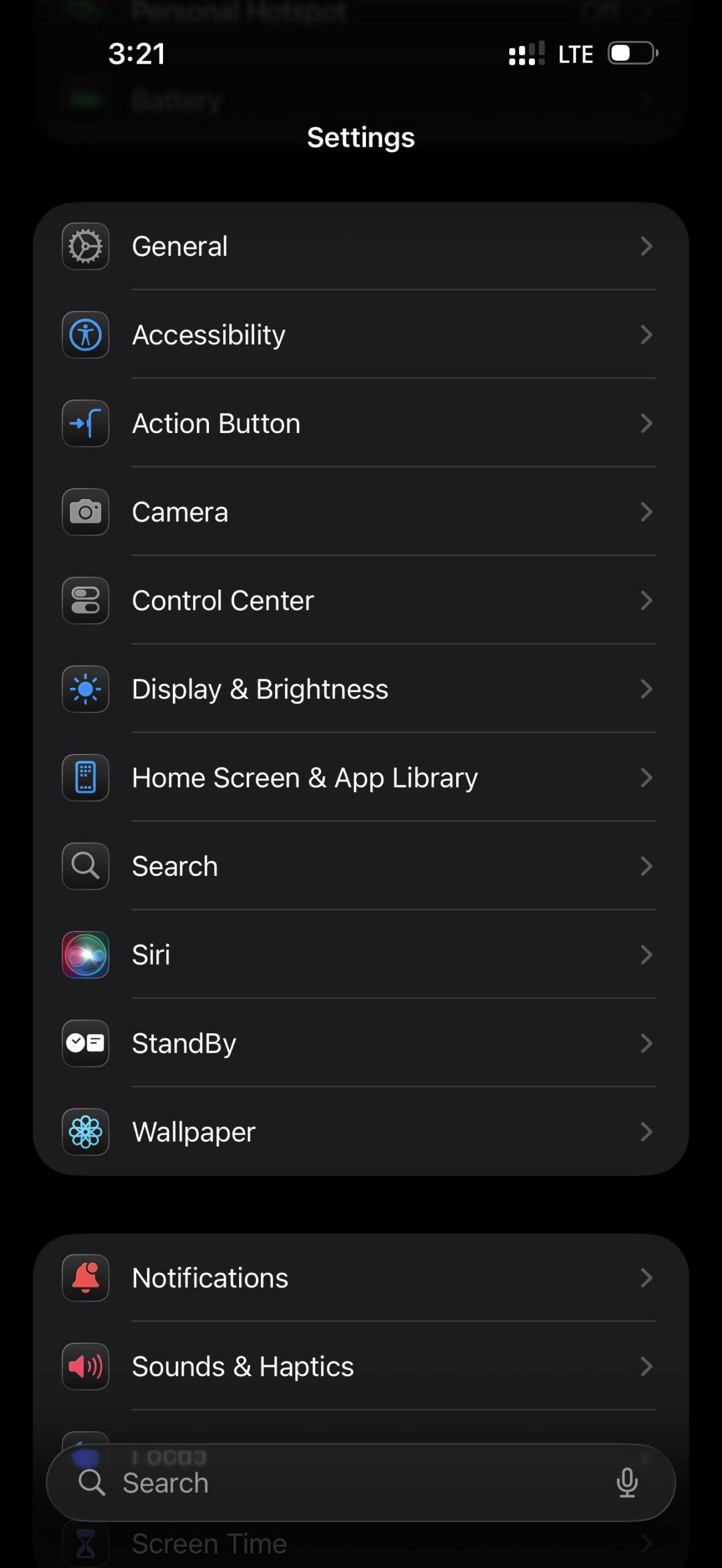
First, make sure your phone is running the latest software update. Apple regularly releases updates that improve features, including AI functionalities. To check this, go to Settings > General > Software Update. If an update is available, download and install it.

Next, verify that your phone’s region settings are correct. Sometimes, if the region is set elsewhere, AI features might not function as expected. Head to Settings > General > Language & Region, then select United States if it’s not already chosen.

Another common hiccup is that AI features may require specific permissions to function, like access to your location or data. To adjust this, navigate to Settings > Privacy & Security, then review the permissions for relevant apps and services.

ADVERTISEMENT

Also, ensure that your internet connection is stable. AI features often need a reliable Wi-Fi or cellular connection to work smoothly. Try switching to a different Wi-Fi network or toggle your cellular data on and off.

Finally, restart your phone after making these changes. Sometimes, a quick restart is all it takes to activate new features or updates.

If you’ve followed all these steps and AI still isn’t working, it could be a hardware or account issue. In that case, contacting Apple Support is your best move. They can help identify if there’s a deeper problem and guide you to the right solution.

By keeping your device updated, checking settings, securing good connectivity, and seeking support if necessary, you should be able to access all the smart features your new iPhone 17 Pro Max offers.

ChatGPT ChatGPT Perplexity AI Perplexity Gemini AI Logo Gemini AI Grok AI Logo Grok AI
Google Banner
Tags: Apple Intelligence
ADVERTISEMENT
Rebecca Fraser

Rebecca Fraser

Rebecca covers all aspects of Mac and PC technology, including PC gaming and peripherals, at Digital Phablet. Over the previous ten years, she built multiple desktop PCs for gaming and content production, despite her educational background in prosthetics and model-making. Playing video and tabletop games, occasionally broadcasting to everyone's dismay, she enjoys dabbling in digital art and 3D printing.

Related Posts

How To

Apple Intelligence: How to Improve Siri and ChatGPT Integration

December 6, 2025
How To

How To Fix Apple Intelligence Not Showing After iOS 26.1 Update

December 6, 2025
How To

How to Download ChatGPT Extensions Using Apple Intelligence

December 6, 2025
How To

Apple Intelligence: Fix Email Draft Disappearing When Tapping To Field

December 3, 2025
Next Post

How To Upgrade Your CPU to an 11th Gen Intel i7-1165G7

  • About Us
  • Contact Us
  • Advertise
  • Privacy Policy
  • Guest Post

© 2025 Digital Phablet

No Result
View All Result
  • Home
  • News
  • Technology
    • Education Tech
    • Home Tech
    • Office Tech
    • Fintech
    • Digital Marketing
  • Social Media
  • Gaming
  • Smartphones

© 2025 Digital Phablet