• About Us
  • Contact Us
  • Advertise
  • Privacy Policy
  • Guest Post
No Result
View All Result
Digital Phablet
  • Home
  • NewsLatest
  • Technology
    • Education Tech
    • Home Tech
    • Office Tech
    • Fintech
    • Digital Marketing
  • Social Media
  • Gaming
  • Smartphones
  • AI
  • Reviews
  • Interesting
  • How To
  • Home
  • NewsLatest
  • Technology
    • Education Tech
    • Home Tech
    • Office Tech
    • Fintech
    • Digital Marketing
  • Social Media
  • Gaming
  • Smartphones
  • AI
  • Reviews
  • Interesting
  • How To
No Result
View All Result
Digital Phablet
No Result
View All Result

Home » How to Switch from Gemini to Google Assistant

How to Switch from Gemini to Google Assistant

Seok Chen by Seok Chen
March 4, 2024
in How To
Reading Time: 2 mins read
A A
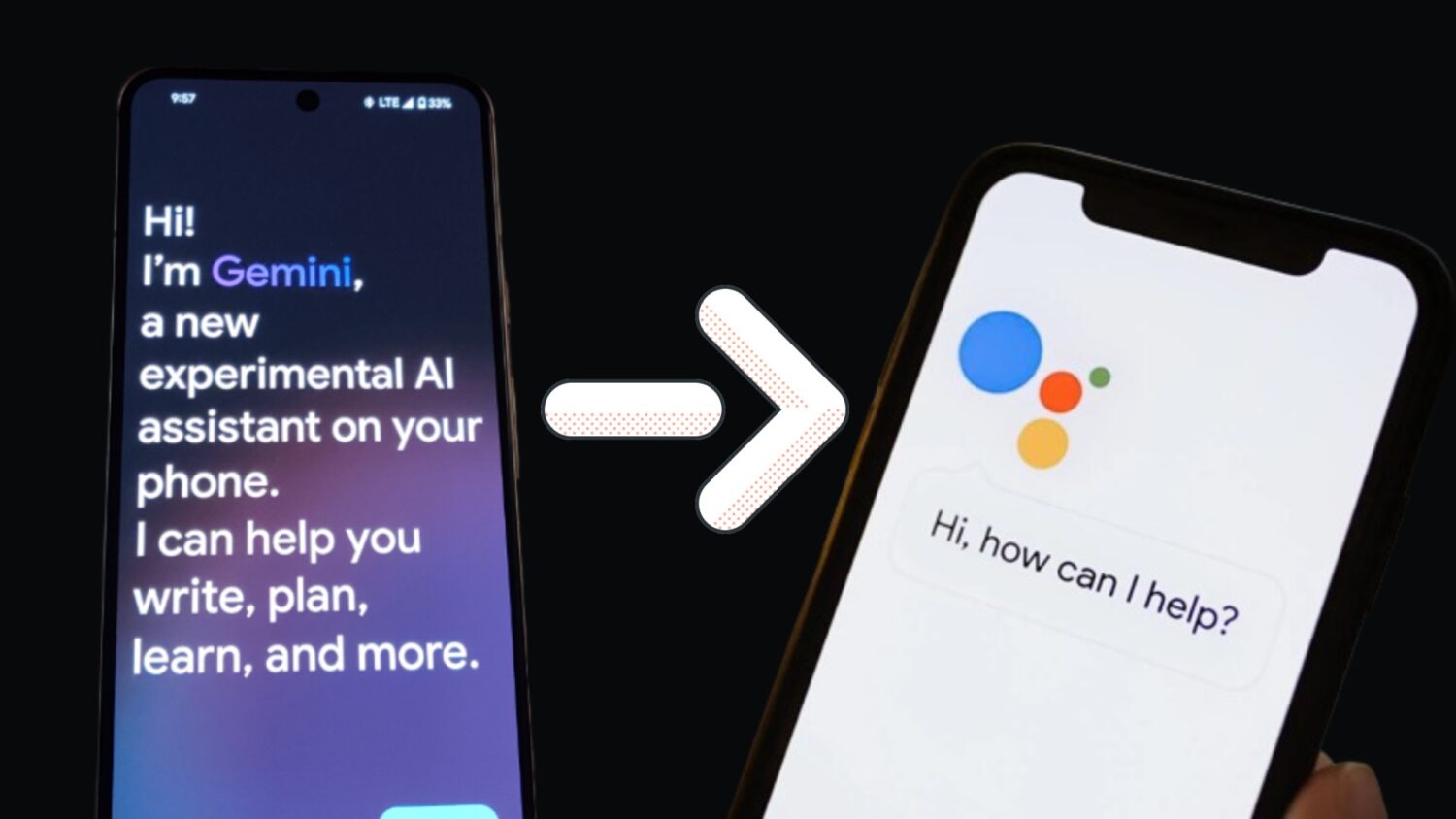
gemini assistant to google assistant
ADVERTISEMENT

Select Language:

If you are a Gemini user considering transitioning to Google Assistant, you’ve come to the right spot. This guide provides a detailed, step-by-step process for making the switch from Gemini to Google Assistant.

ADVERTISEMENT

Even before the AI craze took off, Android users had the popular Google Assistant app, which easily met most requirements. While it may not have had all the advanced features of other assistants like Gemini, it was reliable and performed tasks smoothly.

This sentiment does not apply to AI assistant apps at the moment. Many users are encountering bugs and problems, causing them to consider switching back from Gemini to Google Assistant.

How to change Gemini Assistant to Google Assistant

When you install the Gemini app, your device will probably set it as the default assistant app without your explicit consent. Given the existing bugs and glitches, you may prefer to switch back to Google Assistant. The good news is that the default setting is not permanent, and you can easily adjust this setting according to your preference. This gives you full control to switch from Gemini back to Google Assistant at any time.

ADVERTISEMENT

To switch from Gemini to Google Assistant, follow these steps:

1. Goto Settings
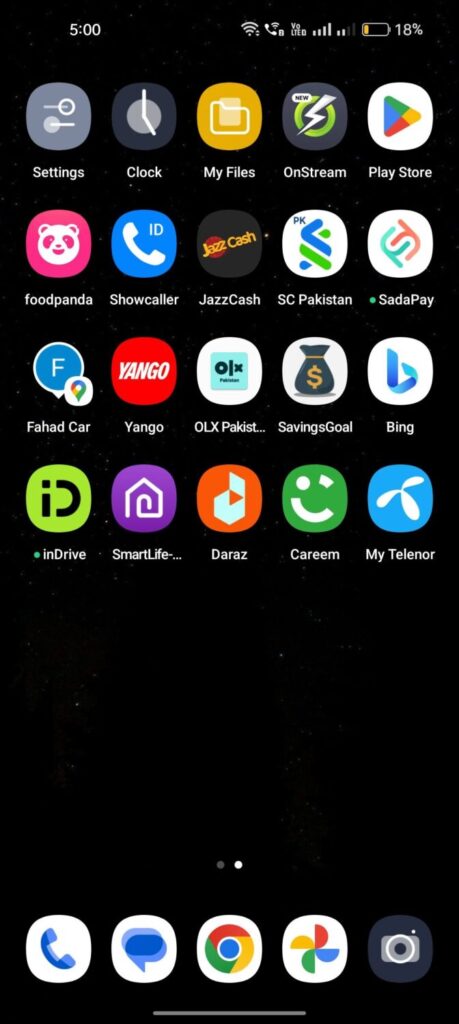
gemini to google assistant 1

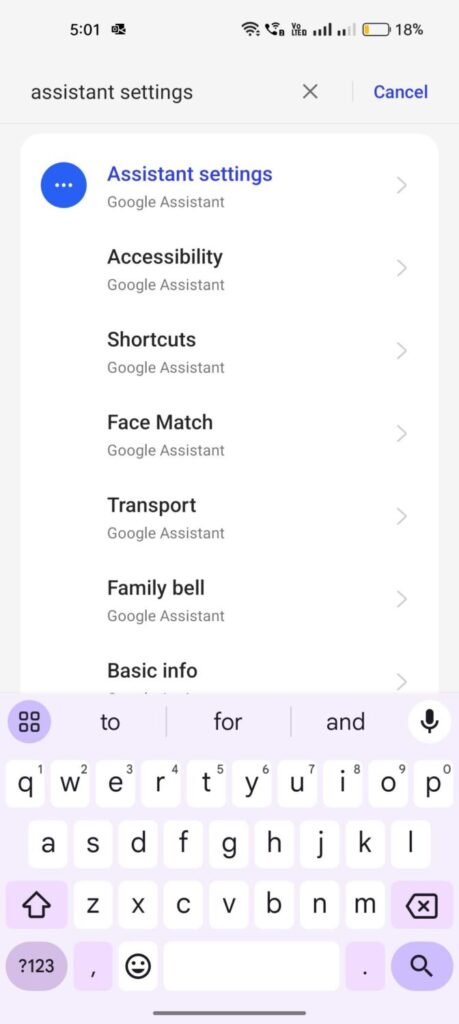
2. Tap “Search” and write “Assitant Settings”
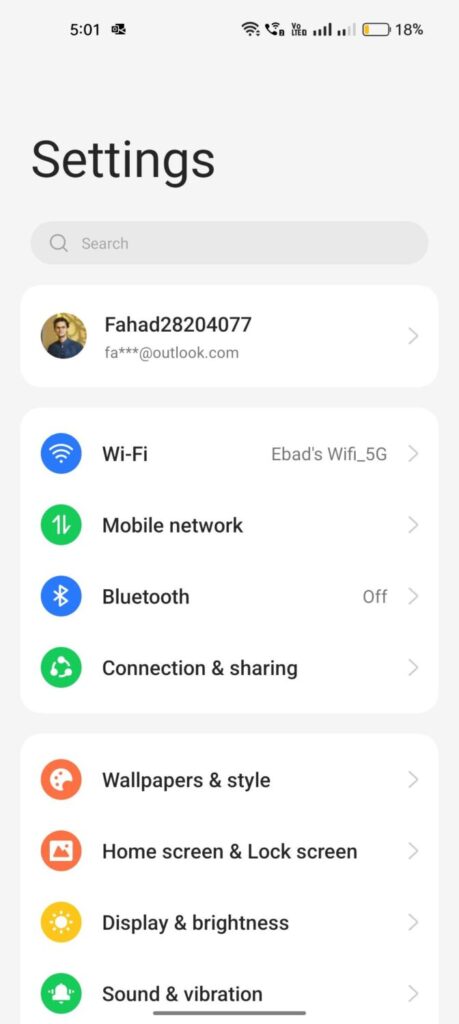
gemini to google assistant 2

3. Tap on Assistant Settings

gemini to google assistant 3

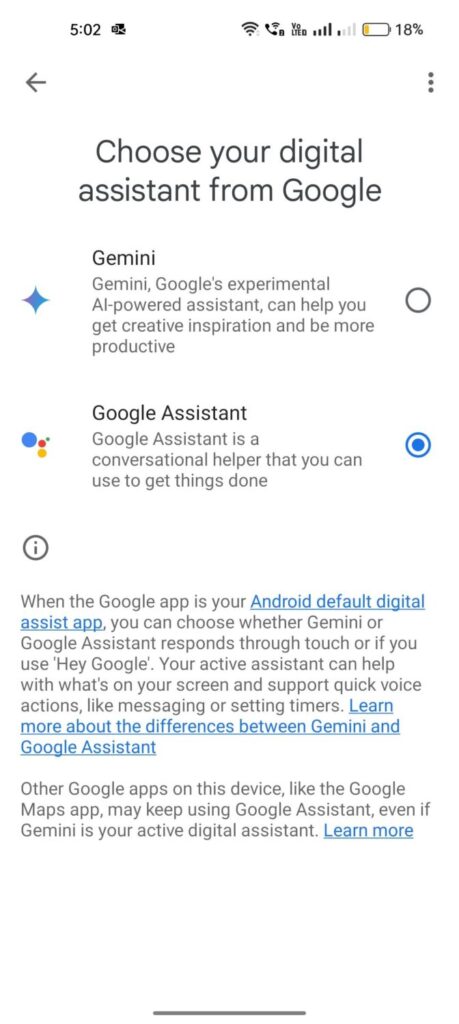
4. Scroll Down and Tap “Digital assistants from Google”
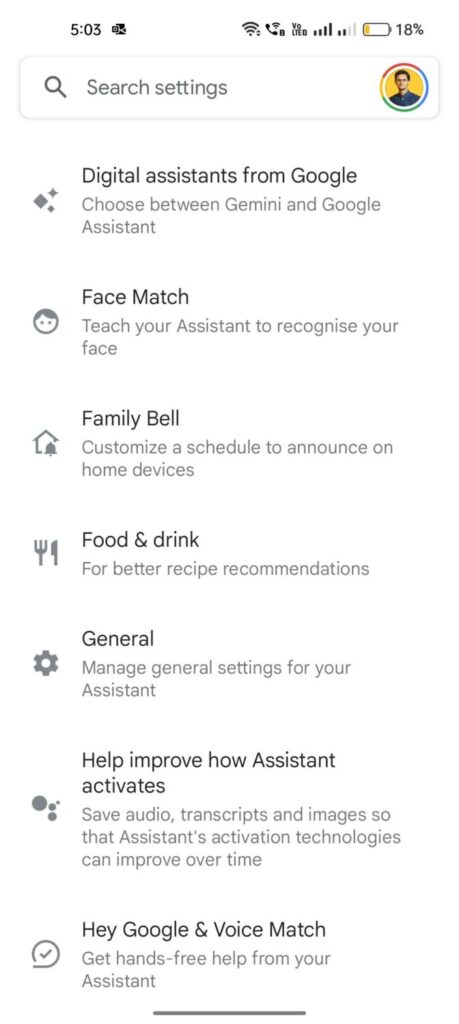
gemini to google assistant 5

5. Now select “Google Assistant”

gemini to google assistant 4

We trust that this guide has assisted you in transitioning from Gemini to Google Assistant. If you have any inquiries or recommendations, please feel free to share them in the comments section.

ChatGPT ChatGPT Perplexity AI Perplexity Gemini AI Logo Gemini AI Grok AI Logo Grok AI
Google Banner
Tags: GeminiGoogleGoogle Assistant
ADVERTISEMENT
Seok Chen

Seok Chen

Seok Chen is a mass communication graduate from the City University of Hong Kong.

Related Posts

Pakistans Silent Tech Revolution.jpg
Technology

Pakistan’s Silent Tech Revolution

November 23, 2025
Googles New Home AI Keeps Seeing Things Literally.jpg
Home Tech

Google’s New Home AI Keeps Seeing Things Literally

November 1, 2025
Gemini Is Coming To Google Smart Home Devices.jpg
Home Tech

Gemini Is Coming To Google Smart Home Devices

October 29, 2025
How To Reverse Image Search on Android and iOS Using Google or ChatGPT
How To

How To Reverse Image Search on Android and iOS Using Google or ChatGPT

October 23, 2025
Next Post
Apple Spring Event 2024

Apple To Skip Spring Event 2024

  • About Us
  • Contact Us
  • Advertise
  • Privacy Policy
  • Guest Post

© 2025 Digital Phablet

No Result
View All Result
  • Home
  • News
  • Technology
    • Education Tech
    • Home Tech
    • Office Tech
    • Fintech
    • Digital Marketing
  • Social Media
  • Gaming
  • Smartphones

© 2025 Digital Phablet