• About Us
  • Contact Us
  • Advertise
  • Privacy Policy
  • Guest Post
No Result
View All Result
Digital Phablet
  • Home
  • NewsLatest
  • Technology
    • Education Tech
    • Home Tech
    • Office Tech
    • Fintech
    • Digital Marketing
  • Social Media
  • Gaming
  • Smartphones
  • AI
  • Reviews
  • Interesting
  • How To
  • Home
  • NewsLatest
  • Technology
    • Education Tech
    • Home Tech
    • Office Tech
    • Fintech
    • Digital Marketing
  • Social Media
  • Gaming
  • Smartphones
  • AI
  • Reviews
  • Interesting
  • How To
No Result
View All Result
Digital Phablet
No Result
View All Result

Home » How To Reverse Image Search on Android and iOS Using Google or ChatGPT

How To Reverse Image Search on Android and iOS Using Google or ChatGPT

Rebecca Fraser by Rebecca Fraser
October 23, 2025
in How To
Reading Time: 1 min read
A A
How To Reverse Image Search on Android and iOS Using Google or ChatGPT
ADVERTISEMENT

Select Language:

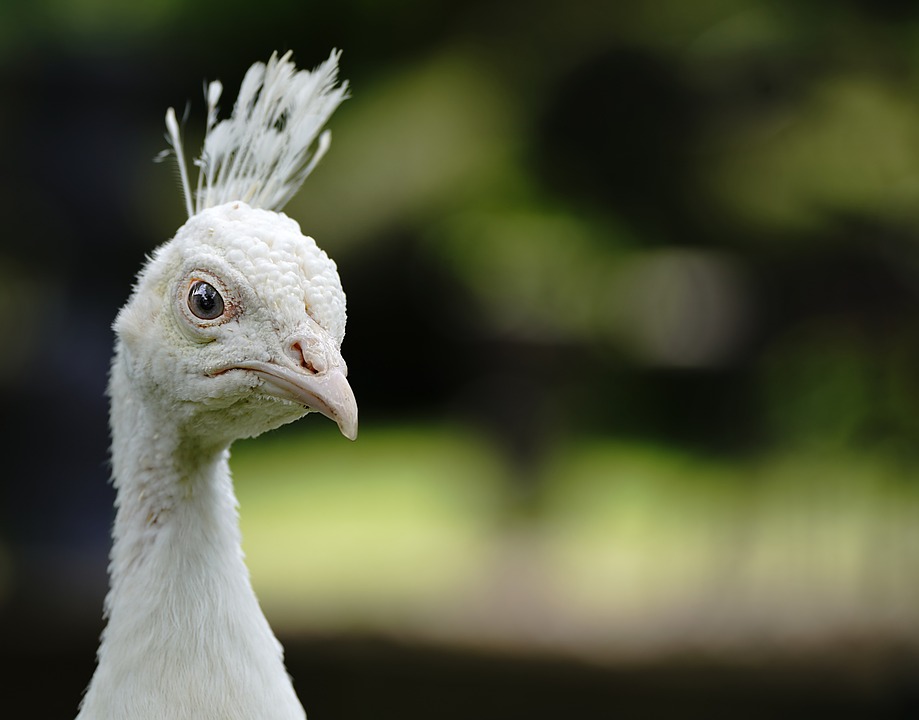
Whether you’ve come across a striking illustration you’d like to see in high resolution or stumbled upon a mysterious cardigan somewhere on the internet, reverse image search can help you uncover its origin.

ADVERTISEMENT

This process involves uploading an image to a search engine or app, which then scans the internet for instances of that image. It can show you where it appears online, often in better quality or higher resolution, and may even suggest similar images. This tool is especially useful if you’re trying to find out how much that unique pin you own is selling for on eBay or verifying the authenticity of an image in today’s world where AI-generated visuals are common.

You can perform reverse image searches on Android devices, like the Pixel 10 Pro XL, as well as on iPhones, such as the iPhone 17. This guide will help you navigate both platforms so you can investigate any image you come across or capture. Here’s how to start exploring reverse image searches today.

ChatGPT ChatGPT Perplexity AI Perplexity Gemini AI Logo Gemini AI Grok AI Logo Grok AI
Google Banner
Tags: AndroidChatGPTGoogleguideimage searchiOSmobilereverse image searchTechnologyTutorial
ADVERTISEMENT
Rebecca Fraser

Rebecca Fraser

Rebecca covers all aspects of Mac and PC technology, including PC gaming and peripherals, at Digital Phablet. Over the previous ten years, she built multiple desktop PCs for gaming and content production, despite her educational background in prosthetics and model-making. Playing video and tabletop games, occasionally broadcasting to everyone's dismay, she enjoys dabbling in digital art and 3D printing.

Related Posts

How to Achieve All Mistveil Forest Cures in Where Winds Meet by Completing and Solving
Gaming

How to Achieve All Mistveil Forest Cures in Where Winds Meet by Completing and Solving

December 7, 2025
How Long To Complete Octopath Traveler 0 & Solving Its Journey
Gaming

How Long To Complete Octopath Traveler 0 & Solving Its Journey

December 6, 2025
How to solve the Astra Malorum Easter Egg in CoD: Black Ops 7
Gaming

How to solve the Astra Malorum Easter Egg in CoD: Black Ops 7

December 5, 2025
Octopath Traveler 0: The Complete Money Making and Solving Guide
Gaming

Octopath Traveler 0: The Complete Money Making and Solving Guide

December 5, 2025
Next Post
How To Manage Projects with GitHub Actions

How To Manage Projects with GitHub Actions

  • About Us
  • Contact Us
  • Advertise
  • Privacy Policy
  • Guest Post

© 2025 Digital Phablet

No Result
View All Result
  • Home
  • News
  • Technology
    • Education Tech
    • Home Tech
    • Office Tech
    • Fintech
    • Digital Marketing
  • Social Media
  • Gaming
  • Smartphones

© 2025 Digital Phablet