• About Us
  • Contact Us
  • Advertise
  • Privacy Policy
  • Guest Post
No Result
View All Result
Digital Phablet
  • Home
  • NewsLatest
  • Technology
    • Education Tech
    • Home Tech
    • Office Tech
    • Fintech
    • Digital Marketing
  • Social Media
  • Gaming
  • Smartphones
  • AI
  • Reviews
  • Interesting
  • How To
  • Home
  • NewsLatest
  • Technology
    • Education Tech
    • Home Tech
    • Office Tech
    • Fintech
    • Digital Marketing
  • Social Media
  • Gaming
  • Smartphones
  • AI
  • Reviews
  • Interesting
  • How To
No Result
View All Result
Digital Phablet
No Result
View All Result

Home » How To Manage iOS Device Storage and iCloud on Apple Devices

How To Manage iOS Device Storage and iCloud on Apple Devices

Rebecca Fraser by Rebecca Fraser
December 21, 2025
in How To
Reading Time: 2 mins read
A A
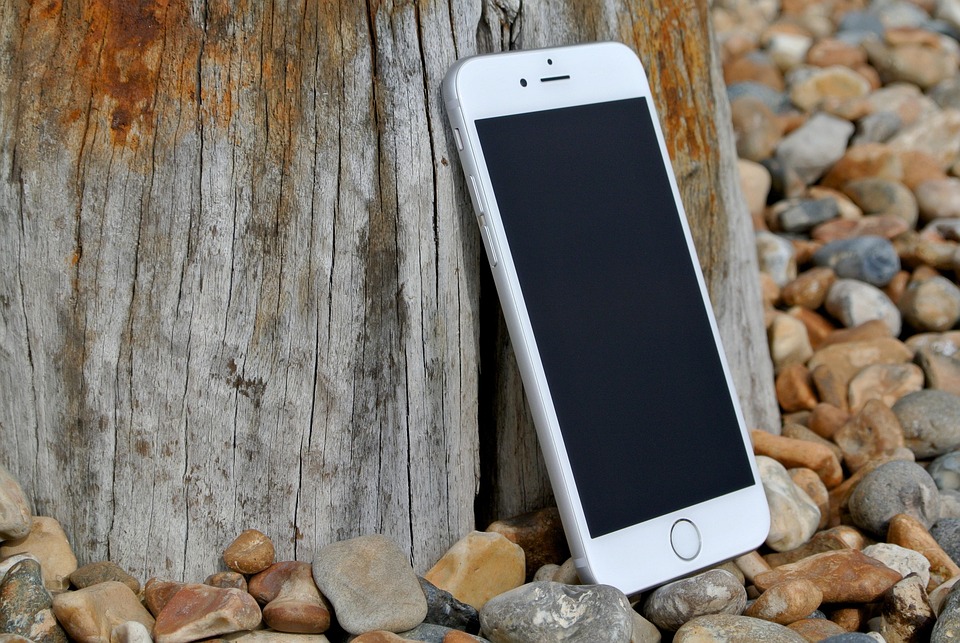
iphone 6 458159 960 720.jpg
ADVERTISEMENT

Select Language:

If you’re wondering about expanding your iPhone or iPad storage, the truth is, you can’t. The internal storage capacity stays the same from the moment you buy your device. However, you can purchase iCloud+ storage, which works like a rental service. This storage isn’t used to increase your device’s internal space; instead, it helps you back up your data and sync information across your devices.

ADVERTISEMENT

Here’s how it works: iCloud+ serves two main functions—Backups and Syncing. Even though they share similar names, they operate separately. To access these features, go to Settings, tap on your name, then choose iCloud. You’ll see various toggle switches for different types of data. If you’re using iOS 16 or later, you might need to tap “Show All” to see all options.

Turning on a switch activates syncing for that specific data type. For example, enabling photos, contacts, or calendars will keep these items updated across all your devices using the same Apple ID. If you do this on multiple devices, your data will appear on all of them automatically.

You can also enable iCloud Backups. When you do this, your device will automatically keep a backup every night, provided your phone is connected to Wi-Fi, plugged in charging, and locked. Keep in mind, since these are separate functions, anything you sync via the first method won’t be included in your backups—they are designed to avoid unnecessary duplication and save space.

ADVERTISEMENT

iCloud+ also offers extra perks beyond storage management. These include:

  • Hide My Email: Create unique, random email addresses for signing up on websites, protecting your personal email and reducing spam.
  • Private Relay: Think of this as a lightweight, privacy-enhanced VPN that keeps your browsing activities more secure and anonymous.
  • Custom Email Domain: You can set up a personalized email address (for example, [email protected]) that forwards to your main Apple ID email.

By understanding and using these features, you can better protect your data and manage your online presence while utilizing iCloud+ effectively.

ChatGPT ChatGPT Perplexity AI Perplexity Gemini AI Logo Gemini AI Grok AI Logo Grok AI
Google Banner
Tags: iPhone
ADVERTISEMENT
Rebecca Fraser

Rebecca Fraser

Rebecca covers all aspects of Mac and PC technology, including PC gaming and peripherals, at Digital Phablet. Over the previous ten years, she built multiple desktop PCs for gaming and content production, despite her educational background in prosthetics and model-making. Playing video and tabletop games, occasionally broadcasting to everyone's dismay, she enjoys dabbling in digital art and 3D printing.

Related Posts

laptop 2587224 960 720.jpg
How To

How To Change Dictation Language & Siri Voice on Apple Devices

January 27, 2026
laptop 2588862 960 720.jpg
How To

How to Push and Fetch Email on Apple Devices: A Quick Guide

January 26, 2026
phone 2586618 960 720.jpg
How To

How to Generate a Contact QR Code on Apple Devices

January 22, 2026
macbook 4520496 960 720.jpg
How To

How to Master iPhone Camera Tips – Apple Community Guide

January 14, 2026
Next Post
How to Fix Azure Student Subscription Region Error

How to Rotate Azure Managed Certificates Before 29 Days Expiry on Premium SKU

  • About Us
  • Contact Us
  • Advertise
  • Privacy Policy
  • Guest Post

© 2026 Digital Phablet

No Result
View All Result
  • Home
  • News
  • Technology
    • Education Tech
    • Home Tech
    • Office Tech
    • Fintech
    • Digital Marketing
  • Social Media
  • Gaming
  • Smartphones

© 2026 Digital Phablet