Select Language:
KEY TAKEAWAYS:
- Apple now allows users to self-repair their eligible devices at home.
- The self-repair service includes a three-step process that involves reading the repair manual, ordering required parts and tools, and finally, starting the repair process.
- Apple only allows genuine parts and tools to be ordered from their repair store.
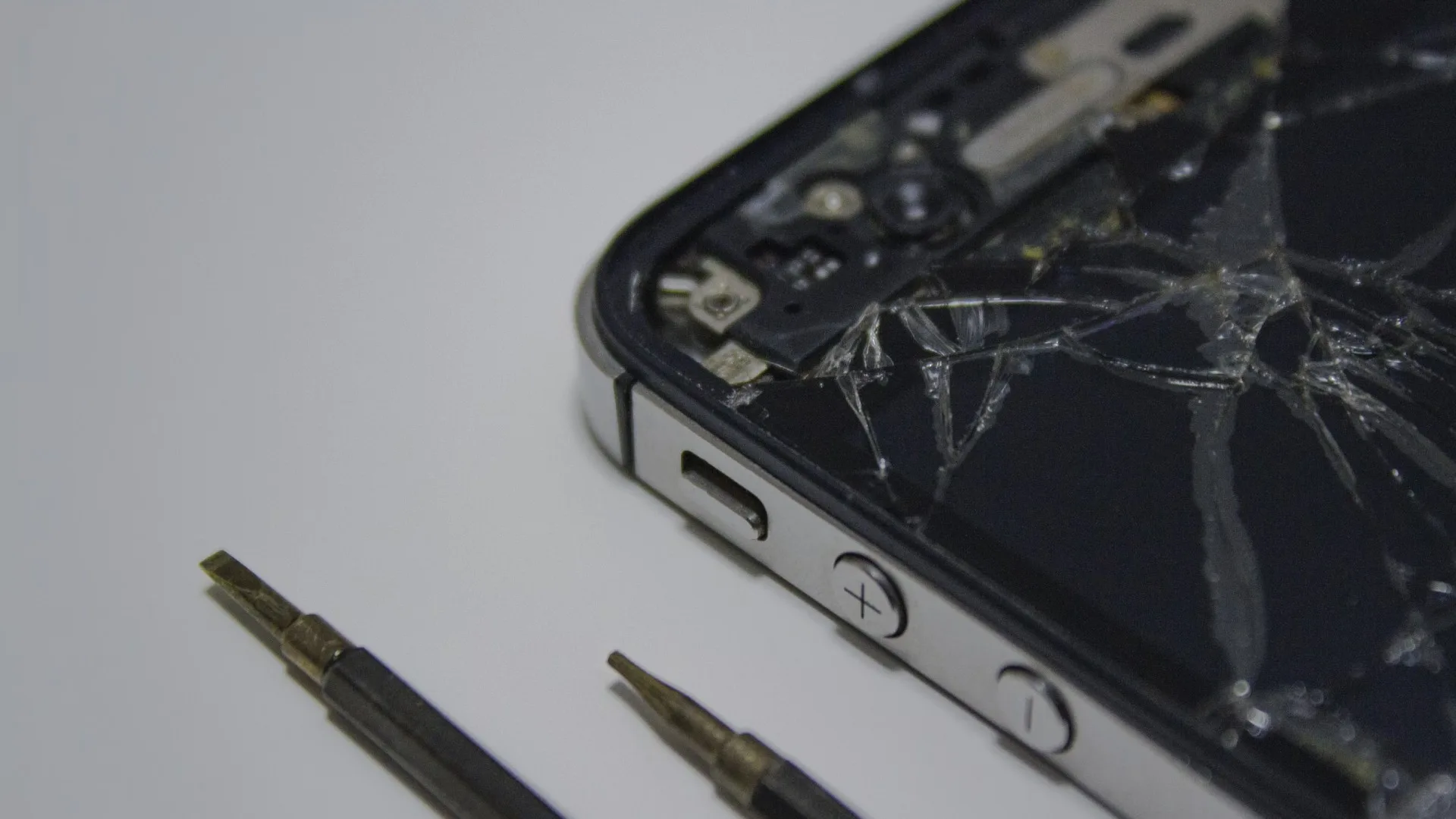
Rejoice, Apple users! Apple will now allow their users to self-repair the devices at home.
These are the Apple devices that are eligible for self-repair:
- Apple Display
- Apple iPhone
- Apple Mac
- Apple MacBook Pro
- Apple MacBook Air
With this service, you will be able to buy tools and parts to start repairing your Apple devices. All you can do is follow the three-step process to get started.
STEP 1: Read the Manual Before Repair
Before you disassemble your device, make sure you read the manual guides. These manuals are available on the official Apple’s website. We have linked them below for your convenience.
After you visit the link, make sure to select your designated device to read how your device works, and what is the one thing that is missing.
STEP 2: Order The Parts and Tools Required
Now, it is time to order the parts and tools that you will require from the Apple Product Repair Store. Apple service store allows you to order the things needed just by selecting the product and will also need your device’s serial number.
You can order two things from the store:
- Tools
- Parts
Here is how you can search for the serial number/IMEI:
iPhone, iPad, iPod
Mac
Displays
This step is taken to stop counterfeit items from being on the market which can potentially damage your device altogether. The products in the repair store are made by Apple and approved for the devices ordered.
STEP 3: Start Repairing
Now when you start repairing, make sure you have your manual with you as mentioned in STEP 1.
System Configuration is a post-repair software program that completes the restoration of your original Apple components. The repair manual will tell you if System Configuration is necessary and how to start the procedure by calling the Self-Service Repair Store support staff.
The decision to allow self-repair at home is a great step to keep the broken and old devices alive. The manuals, tools, and parts allow the users to repair their devices at home without going to the repair shop.
 ChatGPT
 Perplexity
 Gemini AI
 Grok AI