Select Language:
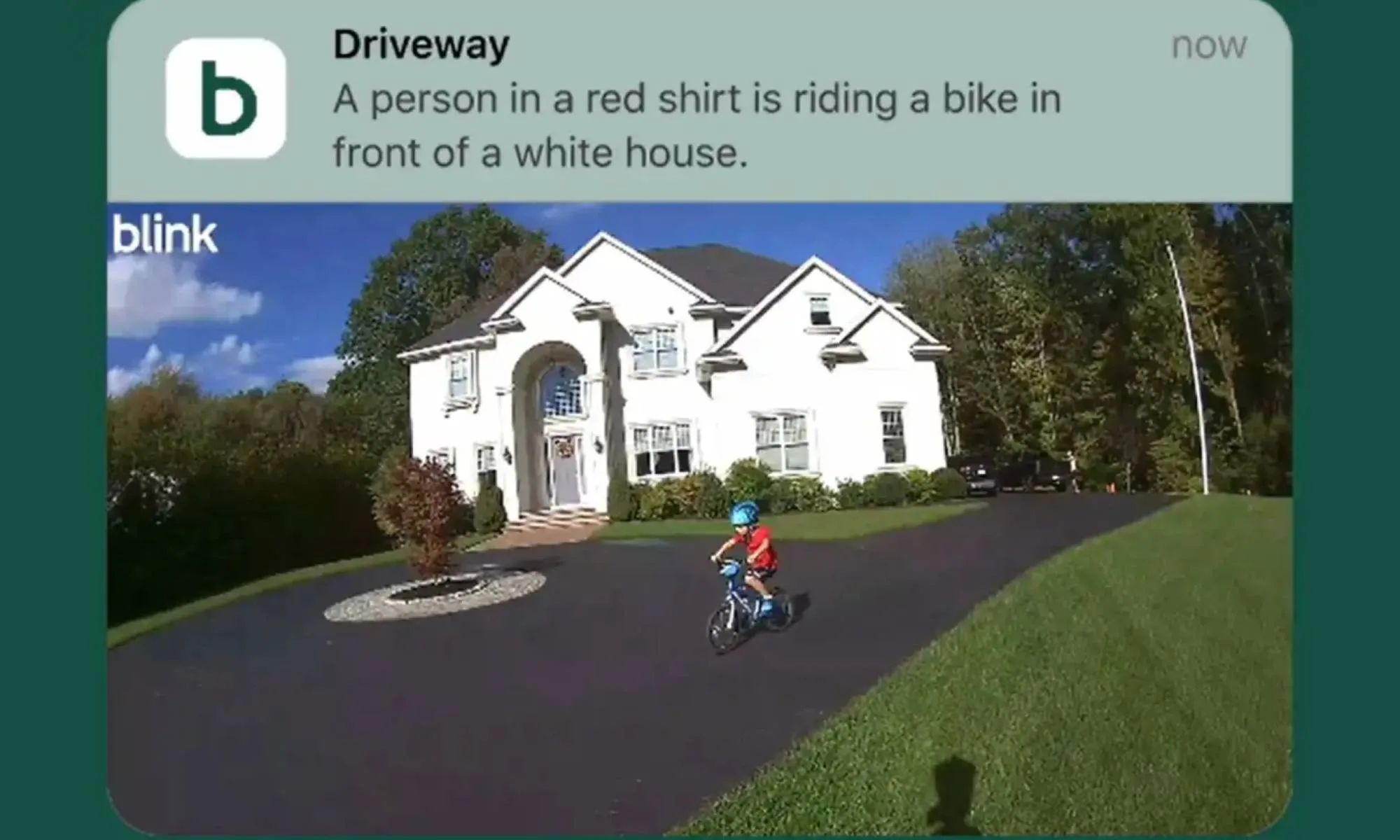
Blink, the smart home device maker owned by Amazon, is adopting features similar to those offered by Google and Ring to introduce a new AI-powered alert system. This system provides users with more detailed and descriptive notifications for events captured by Blink security cameras. Like Ring’s AI Video Descriptions and Google’s Gemini-driven summaries, Blink’s new feature leverages artificial intelligence to analyze footage and generate natural-language summaries of detected events.
Currently available in an early beta version for Blink users in the United States with a basic or plus subscription, this feature aims to improve alert usefulness. Rather than receiving a generic alert such as “motion detected in the backyard,” users will get a more detailed description focusing on the main subject of the alert and their actions, according to Blink.
These concise summaries will help users quickly determine if an alert needs their immediate attention or can be safely ignored without opening the app. While more informative than standard alerts, Blink’s Video Descriptions still trail behind offerings from Ring and Google. PCWorld points out that Blink’s summaries are not searchable like Ring’s, and users cannot perform natural language searches for specific events. Additionally, unlike Google’s Gemini, which provides daily activity summaries, Blink’s descriptions are limited to individual incident reports.
Despite these limitations, the feature is a valuable upgrade for those using Blink’s ecosystem of video doorbells and security cameras. It reduces the hassle of opening multiple alerts and simplifies monitoring. Blink may enhance its capabilities further by the time this feature leaves beta.
Owners of Blink security cameras can access the Video Descriptions by updating the app to the latest version and navigating to Settings > Notifications > Blink Video Descriptions. The feature requires the app language to be set to English and is not compatible with Blink XT, XT2, or Indoor (1st Gen) cameras, as noted in Blink’s support documentation.
 ChatGPT
 Perplexity
 Gemini AI
 Grok AI