Select Language:
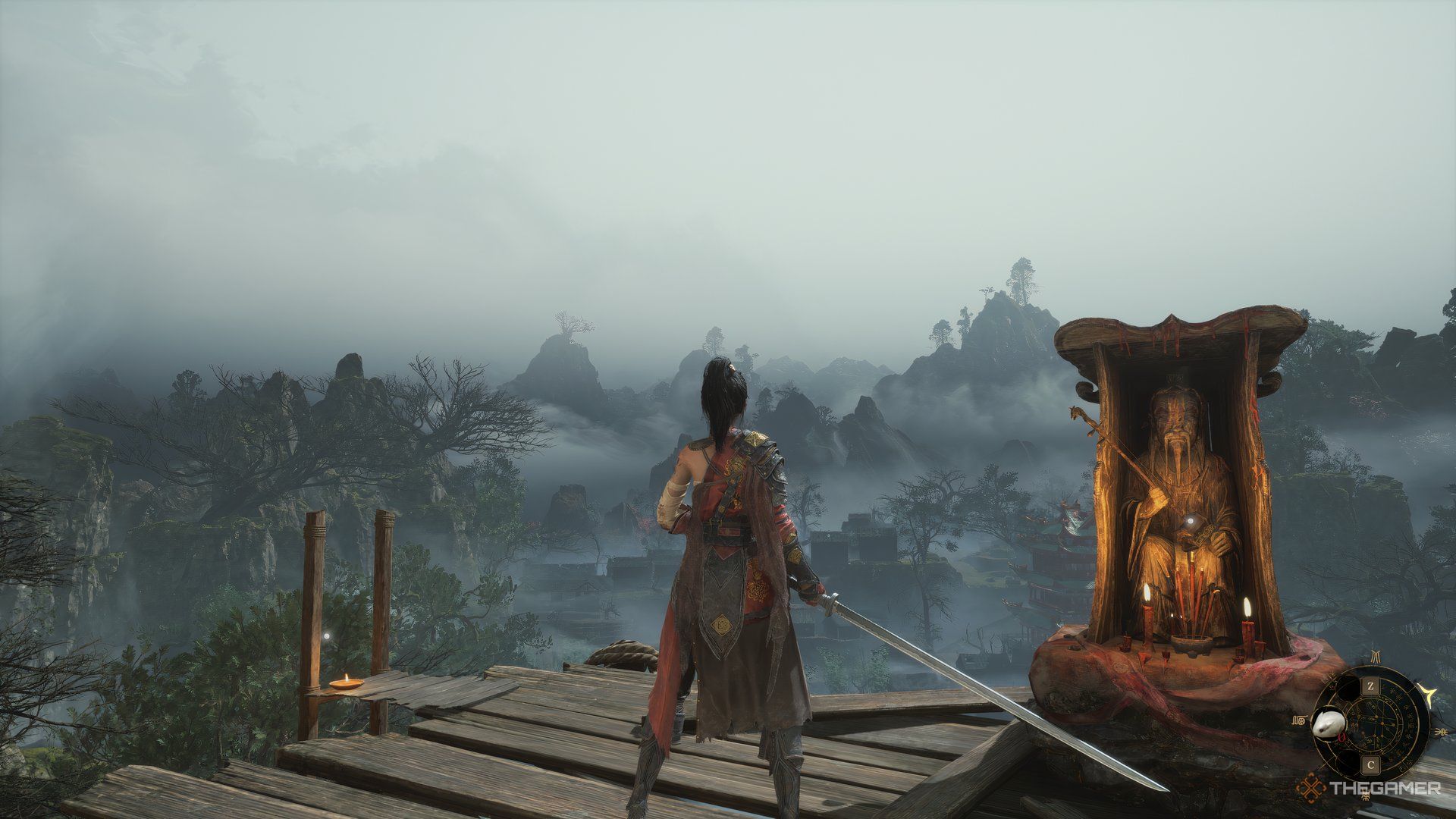
Since Wuchang: Fallen Feathers uses Unreal Engine 5, the game demands a lot of your computer’s resources. This can lead to occasional issues like drops in frame rate. If you’re battling a boss and the game glitches, it can make the fight much more difficult than it should be.
Unfortunately, recent updates haven’t fixed all the problems. However, adjusting your settings might make the game run much more smoothly. Here’s what you can try:
Best PC Settings for Better Performance
Using these settings can help keep your frame rate steady without sacrificing too much visual quality. For mid- to low-end GPUs, these adjustments can give your PC some breathing room. If you have a high-end graphics card, like one from Nvidia’s 40 or 50 series, you can tweak these options further.
Graphic Settings
| Setting | Recommended Option |
|---|---|
| Display | Your main monitor |
| HDR | Off |
| Display Mode | Borderless Window |
| V-Sync | Off |
| Low Latency | Off |
| Lock FPS | Unlimited |
| Depth of Field | Mid |
| Motion Blur | Off |
Applying these settings should give you around 53 to 56 frames per second (FPS) when moving in both indoor and outdoor areas. During fights, FPS might dip slightly to about 50. If that happens, try disabling or lowering the Depth of Field option to reduce the load on your graphics card, which can help boost your FPS.
If your GPU supports HDR, feel free to turn it on, but watch out for stuttering during intense moments.
Advanced Graphic Settings
| Setting | Recommended Option |
|---|---|
| Oversampling | 67 |
| Super-Resolution Oversampling | DLSS (or FSR for AMD) |
| Frame Generation | Off |
| Anti-Aliasing Quality | Low |
| Sharpening | 2 |
| Post-Processing | Mid |
| Shadow Quality | Low |
| Effects Quality | Mid |
| Viewing Distance | Low |
| Texture Quality | Mid |
| Vegetation Quality | Mid |
| Volumetric Fog | Low |
| Global Illumination | Mid |
| Ambient Occlusion | High |
| Reflection Quality | Mid |
With these settings, you should see about 50 to 60 FPS. While some graphical details are reduced to improve performance, your immediate environment will remain visually similar. Lowering Texture and Vegetation Quality can help squeeze out a few extra frames.
Note: For Nvidia users, DLSS is a good choice. If you’re on AMD, switch Super-Resolution Oversampling to FSR.
Important Tip:
Disabling Frame Generation is recommended. Although it’s intended to boost FPS, it can cause input lag and inconsistency in Wuchang: Fallen Feathers. During boss fights, precise input is crucial. Turning off Frame Generation helps ensure your actions are registered accurately, giving you better control during intense moments.
 ChatGPT
 Perplexity
 Gemini AI
 Grok AI