Select Language:
Setting up your Xbox Series X or S is usually straightforward, but there are a few tips that can make the process even easier. Using the Xbox mobile app to set up your console can save you time, and you can also transfer your game library from your Xbox One to your new Xbox Series X smoothly with network transfer features. Plus, it’s helpful to know about some of the new features on the Xbox Series X and its wireless controller, which we’ve explained in detail so you can maximize your experience. Here are the main things you need to know to get your Xbox Series X up and running quickly.
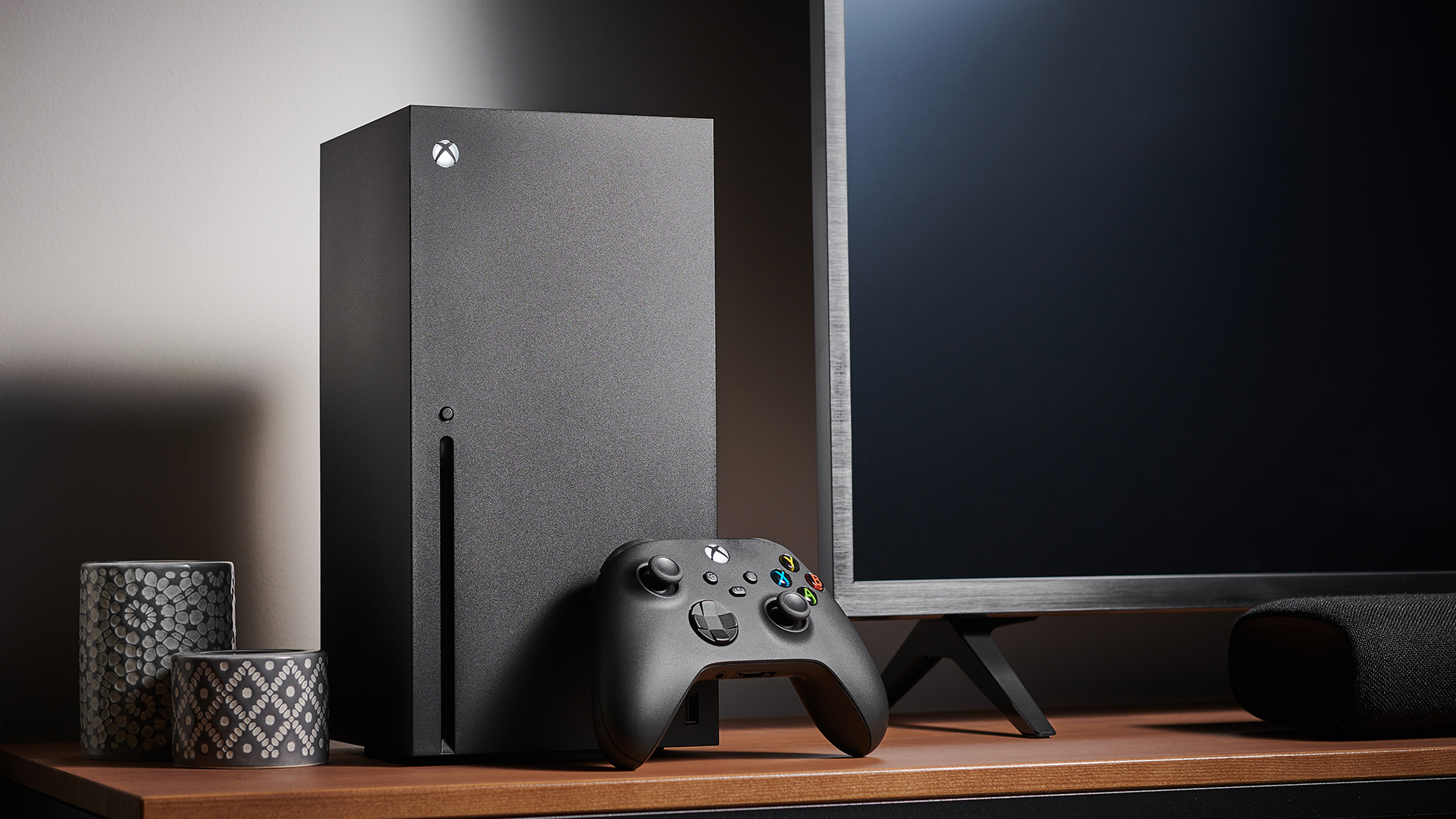
Once you’ve connected your Xbox Series X to a power source and hooked it up to your TV or monitor using an HDMI cable, turn on the console. The setup process should be easy to follow. You’ll need to sign into an existing Microsoft account or create a new one. To make things even faster, you can set up your Xbox through the mobile app, which allows you to configure settings remotely and import preferences from your Xbox One if you have one.
To start playing, you’ll need to connect an Xbox Series X controller. If you plan to play on other devices like a PC or mobile, knowing how to pair your controller is useful. Features like Xbox Play Anywhere and cloud streaming through Xbox Game Pass allow you to enjoy your games on multiple platforms.
Most accessories, like controllers and headsets, from your Xbox One should work with your new console thanks to compatibility. Just keep in mind that only the new Xbox controllers—like the one that comes with the Series X or S—have the dedicated Share button for capturing screenshots and clips.
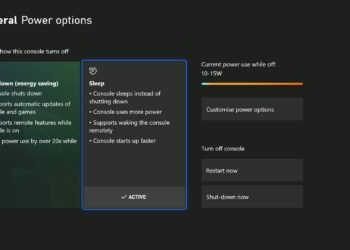
Before diving into gaming, it’s a good idea to review your power options and the Xbox Series X Sleep mode settings. You can choose between Sleep mode or a full shutdown, depending on your preference. Both have their advantages, and you can switch modes whenever needed.
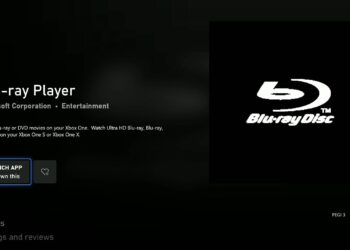
Now, it’s time to install some games. You can do this using physical discs or by downloading from the digital store. If you’re going digital, learning how to download free Xbox Series X titles can be helpful. If you’re transferring a game library from an Xbox One, tools for external or network transfer make this process simple. When using discs, ensure they are compatible with the Series X, and remember that the console can also play Blu-ray movies, making it a great multimedia device.
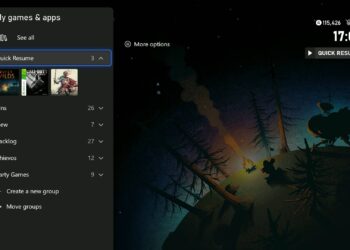
A standout feature of the Xbox Series X is Quick Resume, which lets you suspend multiple games at once. When you come back, you can pick up right where you left off, even if you turn the console off temporarily. It’s perfect for those who switch between games frequently.
Sometimes, things might go wrong. If your Xbox Series X encounters issues like crashing or freezing, start by restarting or performing a hard reset—this won’t delete your saved data. Regularly power cycling your console helps keep it running smoothly. If you experience ongoing hardware problems or your console becomes unusable, contact Xbox Support for assistance.
That covers the basics of setting up your Xbox Series X. Now you’re ready to start gaming, streaming, or exploring new features. For game recommendations, check out our list of the best Xbox Series X games available right now, and if you’re curious about upcoming releases, we’ve got those covered too.
 ChatGPT
 Perplexity
 Gemini AI
 Grok AI