Select Language:
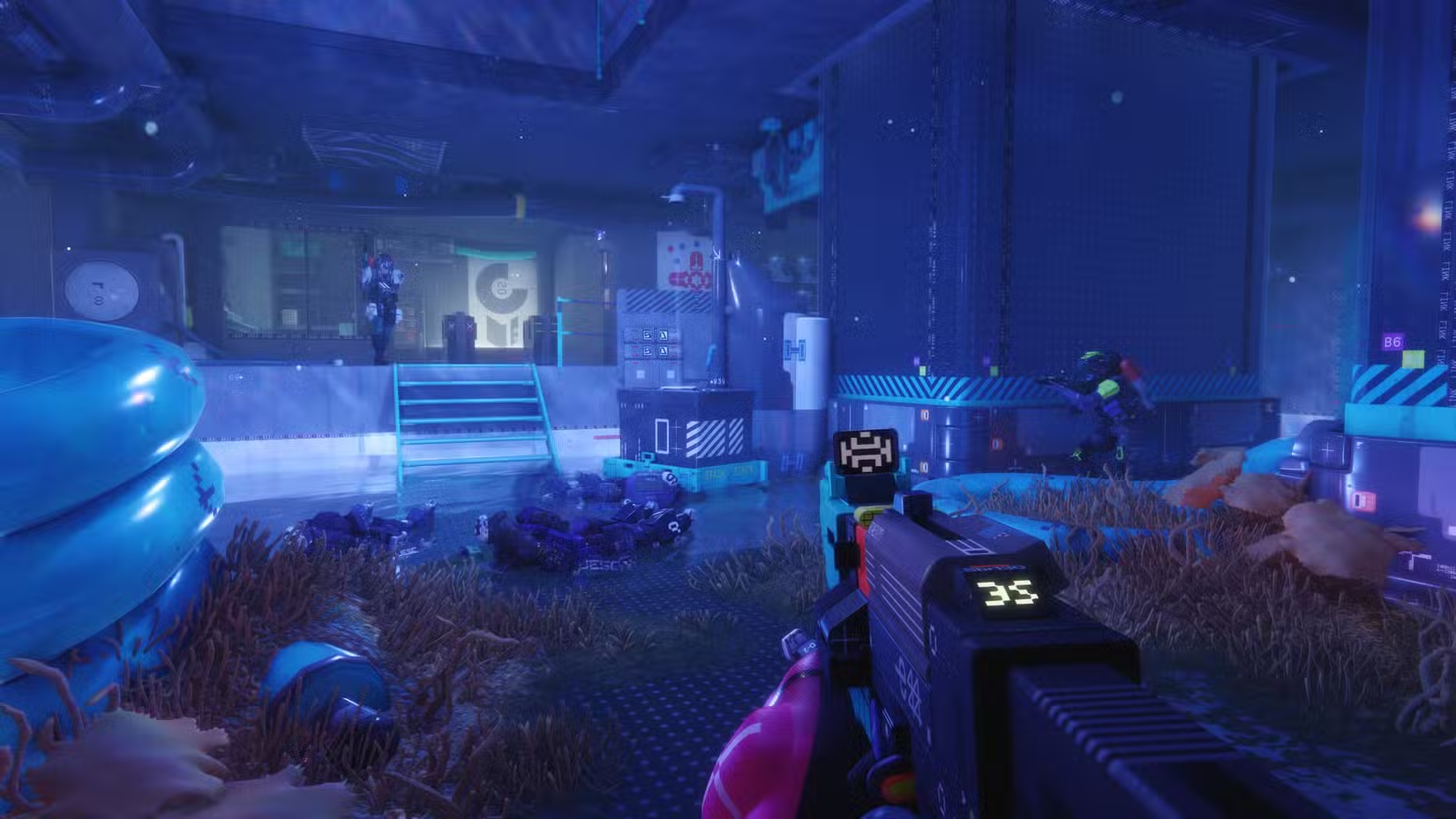
The Marathon server event is currently happening, allowing players to try out Bungie’s latest game on PC, PS5, and Xbox Series X/S before the official launch.
However, many users across all platforms are experiencing problems, especially on PC. These issues are being shared on social media and Bungie’s Help Forum. Here’s some advice on how to fix common problems.
Common Error Codes and Fixes
Error Code W:8:80090305 — This indicates server connection problems. To fix it, restart the game to try reconnecting to the game servers and get back into the queue.
Right now, wait times are pretty short; many players are able to get in quickly. Still, during this server event, you might see longer queues. Things should improve after Friday when the initial rush settles down.
AMD Graphics Card Issues
Players with AMD RX5XX series cards (like RX 560, 570, 580, and 590) have reported texture problems. Bungie is expected to release a fix soon. In the meantime, make sure your graphics drivers are up to date.
Streaming and PlayStation Plus
PS5 owners with a PlayStation Plus subscription that supports cloud streaming can access the server event by streaming the game instead of playing it directly on the console.
Changing Your Username
If your username shows as “Redacted:000000,” you need to change it through Bungie’s website. Your in-game ID is linked to your Bungie account. You may have to refresh or update your username to make sure it links correctly to Marathon.
PC Registration and Mouse Control Problems
Mainly affecting PC players — one major problem right now is the mouse cursor not responding. This can prevent you from accepting game terms or navigating menus.
Fixes include:
- Run the game as administrator through Steam.
- Switch the game to windowed mode (press Alt+Enter).
- Close overlay apps like Discord or OBS, especially if they are sharing your screen.
If the game source is set to OBS or similar apps, it can interfere with mouse control. Also, avoid screen-sharing or screen capture apps while playing.
Bungie’s Fixes for PC UI Issues:
- If experiencing input problems, try streaming the entire screen instead of just the game window.
- Disable Steam Overlay in Settings → In-Game.
- Close any screen capture or measurement utilities.
- Restart the game or reinstall if problems persist.
These steps can resolve most issues for PC players. Bungie is working on a permanent fix and will hopefully release an update soon, especially since many PC users are a big part of their community.
If you’re participating in the Marathon server event, keep these tips in mind, and stay patient — issues are being actively addressed.
 ChatGPT
 Perplexity
 Gemini AI
 Grok AI