Select Language:
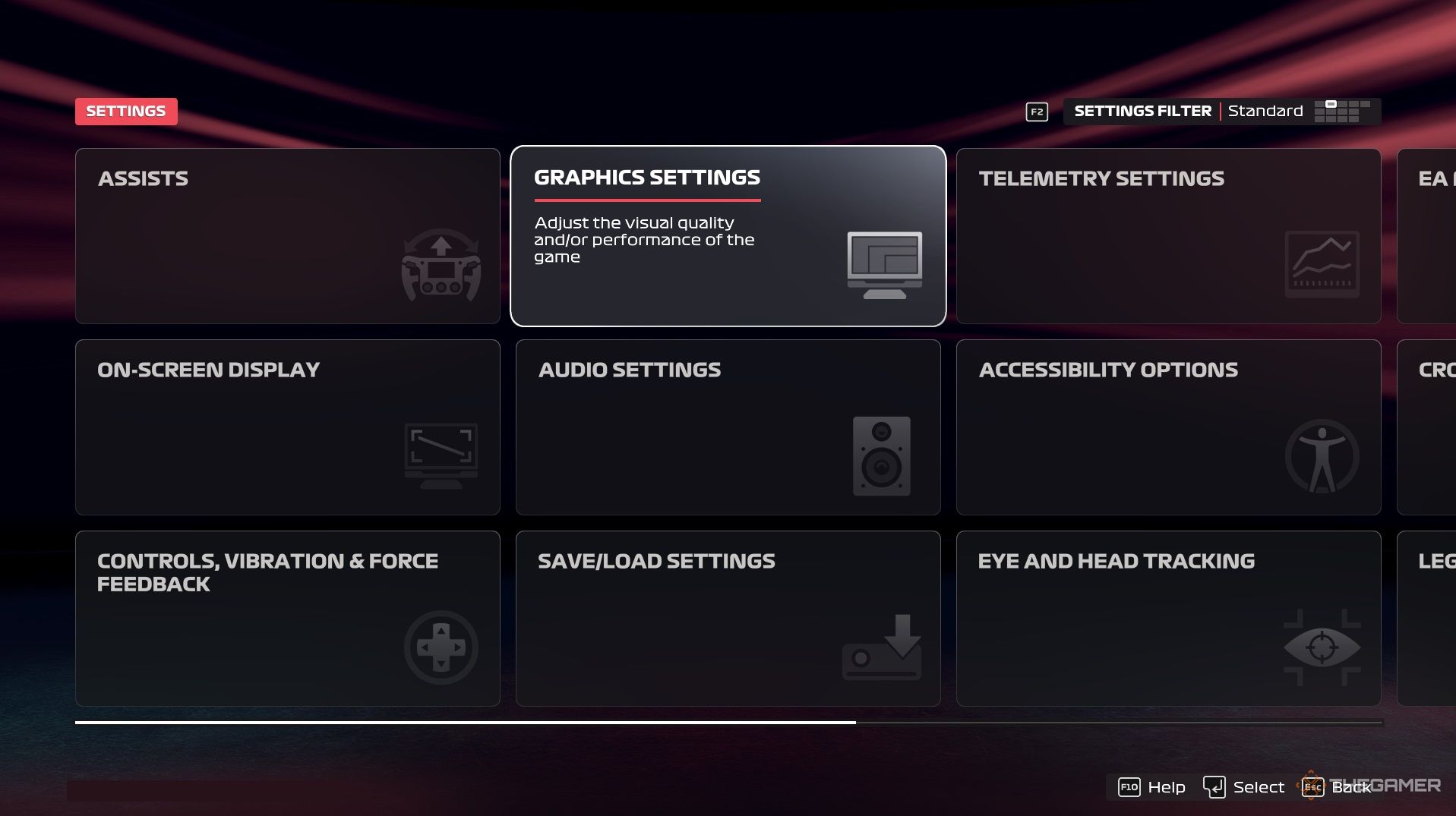
If you want to excel at F1 25 on PC, it’s not just about skill; it’s also about how you configure your settings. Optimizing your graphics for smooth gameplay and adjusting your controls to ensure responsiveness are key steps. A well-tuned setup can transform a difficult race into a chance for victory.
This guide will help you choose the best settings to enhance your frame rate and ensure smooth performance. Let’s get your configuration ready for racing; no one wants to fall behind due to input delay.
Optimal PC Settings
We’ll guide you through the crucial settings that will help your game run seamlessly and competitively.
Assists and On-Screen Display
|
Setting |
Recommendation |
Notes |
|---|---|---|
|
Assists |
Elite (No assists) |
Standard for competitive players |
|
Track Map |
Full |
Displays the entire track for better awareness |
|
Session Timer |
On |
Helps track qualifying/race time |
|
Delta |
On |
Shows live lap comparisons |
Controls and Calibration
|
Setting |
Value |
Importance |
|---|---|---|
|
Throttle Deadzone |
Small |
Prevents accidental throttling during turns |
|
Brake Deadzone |
Small |
Avoids unwanted braking |
|
Brake Linearity |
25 (Default) |
More forgiveness on initial braking |
Force Feedback
|
Setting |
Value |
Notes |
|---|---|---|
|
Force Feedback Strength |
High |
Offsets the decrease in in-game feedback |
|
On-Track/Off-Track/Rumble |
Avoids excess feedback |
|
|
Wheel Damper |
Keeps responses sharp |
|
|
Max Wheel Rotation |
~300 degrees |
Based on player preference (300-400 degrees is typical) |
Graphics Settings
|
Setting |
Recommended Value |
Notes |
|---|---|---|
|
Gamma |
90 |
Provides slightly dimmer visuals that are more comfortable |
|
Motion Blur |
Off |
Improves clarity |
|
Particles |
Off |
Enhances visibility during rain |
|
Anti-Aliasing |
Sharpening |
Ensures a clear image without impacting FPS |
|
Anisotropic Filtering |
8x |
Strikes a balance in visual sharpness |
|
Resolution Scale |
100 |
Maintains crisp image quality |
Audio Settings
|
Setting |
Recommended Value |
Notes |
|---|---|---|
|
Simulation Quality |
Ultra Low |
Minimizes distracting audio |
|
Radio Verbosity |
Responses Only |
Only communicates when necessary |
|
Push to Talk |
On |
Useful for multiplayer communication |
 ChatGPT
 Perplexity
 Gemini AI
 Grok AI