Select Language:
If you’ve played My Summer Car before, you know it’s a tough game that challenges you to stay alive while learning how to repair and drive vehicles. My Winter Car is similar, but it adds new features and harsher conditions that make the game even harder.
When you start playing, it’s normal to feel lost because the game doesn’t give many instructions. Part of what makes it interesting is figuring things out on your own. To help you get started without spoiling all the fun, here are some simple tips for beginners.
This game is still in Early Access, so some tips might change later on.
Play My Summer Car First
Since My Winter Car is more difficult, it’s a good idea to try out My Summer Car first. It’s also a challenging game with no guidance, but fewer complex elements, making it easier to learn the basics.
Disable Permadeath
At the beginning, you’ll need to create a license with your name and picture, which is in Finnish. The last part shows “On,” indicating permadeath is enabled. With permadeath on, if your character dies, you have to start over from scratch. If you prefer to have checkpoints and the option to continue, turn this feature off.
How to Start the Car
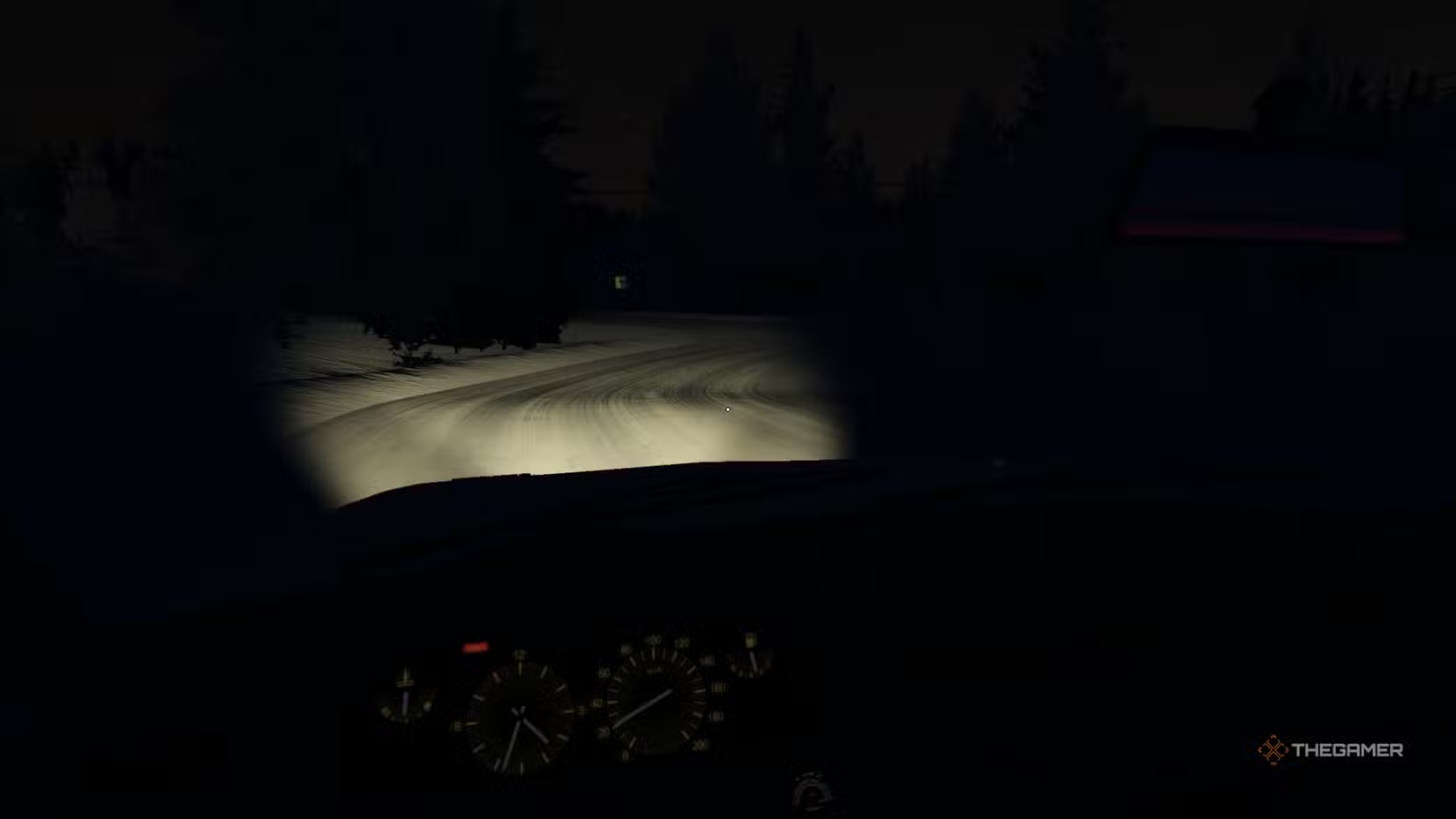
You can drive your car within a minute of starting a new game, but it’s better to take your time. Since this is a driving simulator, moving around isn’t just about getting in and hitting the gas. Step out of your house and approach your parked car. Disconnect the heater device attached to it to prevent freezing, then clear the windows by clicking and moving your mouse or use the car’s heating system.
To use the heating system, turn on the engine by holding the left mouse button on the key until it starts, then activate the blower and window heater. It takes about a minute for the snow to melt. Keep the heater running, especially while driving, to prevent snow buildup on the windshield.
Adjust the car’s temperature controls by clicking a couple of times on the heater to warm it up. Use the temperature dial on your right to keep your car warm, which also helps keep you comfortable.
Stop by applying the handbrake, shift into reverse (press B), and manually control the transmission (B to down, G to up) to accelerate. Watch the temperature and fuel levels, which start about half full, and then you’re ready to explore.
Familiarize Yourself with Controls
Learning all the controls is crucial because the game offers no direct guidance. Press F1 to view settings and controls. For example, the action “Reach” (Q) helps you come closer to objects or check your surroundings. Since the detection system can be quirky, use this often to grab items or inspect areas.
Other key actions include holding U to check your watch (for store hours), pressing Space to switch to driving mode, F to equip or use items, eat, or drink, and P to urinate.
Install the Fly Mod Quickly
If you prefer not to play My Summer Car but want a smoother experience in My Winter Car, installing mods is a good idea. One useful mod is Ongk’s NoClip, which allows you to fly to any place in the game — handy for reaching spots quickly or exploring the map. It can be a bit clunky sometimes, with your character jumping or appearing inside buildings, but it’s a handy tool for faster movement.
Take Notes or Screenshots
The game doesn’t have inventories, quests, or logs. Your only indicators are stats showing your needs and money. To remember important phone numbers or locations, write them down on paper or take screenshots. There’s also a note you can find in your house near the TV, where you can jot down information. Keep it in your car or house for easy access.
You Have More Money Than It Seems
Your on-screen money only shows cash on hand. You also have a bank account and a credit card, even if the game doesn’t explain it clearly. Starting funds are 2,000 MK, totaling slightly over 4,000 MK when combined with your bank balance.
To check your bank account and set your PIN, visit an ATM (such as the gas station’s). Insert your card and create a PIN — keep in mind, once you set it, it doesn’t change unless you start a new game.
Start a Job When You Can
There are jobs in the game, often found by calling phone numbers from ads. These involve traveling to a location marked on your map. Fuel costs can add up quickly, and you’ll need to buy food and drinks regularly. It’s not necessary to get a job right away, but once you get comfortable, start looking for opportunities, particularly woodworking or delivery jobs to earn quick cash.
Don’t Rush into Vehicle Restoration
While the core idea in the game is to restore vehicles and race or keep them as projects, don’t worry about that early on. Focus on mastering the controls and understanding the game’s mechanics first. Restoring vehicles takes a lot of time, mechanical knowledge, and a steady income. Get settled, learn what you need to know, and then decide if you want to dive into repairs.
 ChatGPT
 Perplexity
 Gemini AI
 Grok AI