Select Language:
YapYap is a game that really shines when played with friends, especially when everyone is shouting and trying to cast spells at the same time. While multiplayer is a core part of the game, some of its features might not be obvious right away. From forming a group to understanding how the game manages teamwork behind the scenes, a bit of prep can make your sessions run much smoother.
If you’re planning to play YapYap with friends, it pays to learn how the multiplayer system works before the fun begins. This guide covers the main mechanics so you can spend less time troubleshooting and more time causing chaos with your favorite wizards.
## How to Invite Friends
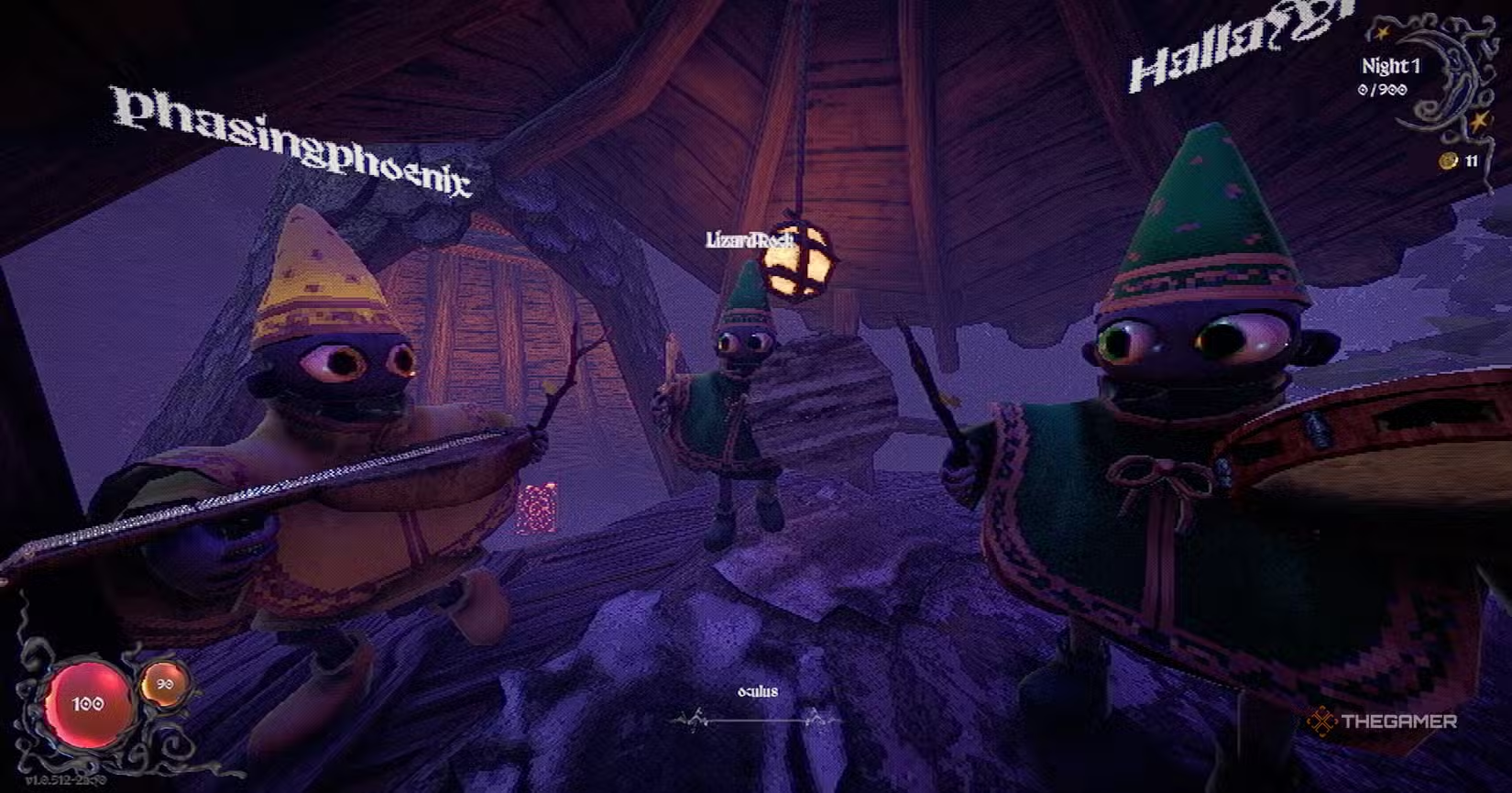
Once you’re in the game, head into the wizard tower. Look toward the middle of the room for an orb. Interacting with this orb opens the Steam invitation window, letting you send game invites to friends on your Steam friends list.
You need to be friends with someone on Steam to invite them. A full lobby can hold up to five players.
If you get an invite, make sure you’re already on the lobby screen when you accept. Trying to accept an invite while you’re in the middle of a game might keep you from being added correctly to your friend’s lobby.
When everything works right, you’ll be automatically put into the same lobby and find yourself inside the wizard tower with your friends.
## Is It Crossplay?
Right now, YapYap doesn’t support crossplay or cross-progression. The game is only available on Steam, so all players need to be on PC or Steam Deck and playing through Steam.
This means there’s no way to carry your progress over across different platforms or join friends on other systems. Multiplayer sessions are limited to the Steam ecosystem only.
## How to Revive Friends
If a teammate dies during a run, they’re not gone forever. To bring them back, your group must find the summoning room. This is a big chamber with a circular platform in the middle, surrounded by large statue faces along the walls. Its location changes in each map, so you’ll need to search for it.
You don’t have to drag your fallen friend’s body onto the platform. They will appear there automatically once you reach the room.
After entering the room, large red words will appear on the screen, acting like spell prompts. Use your microphone to clearly say the words as they appear—just like casting spells in the game. If you do it correctly, your teammate will be revived and can rejoin the fight.
 ChatGPT
 Perplexity
 Gemini AI
 Grok AI