Select Language:
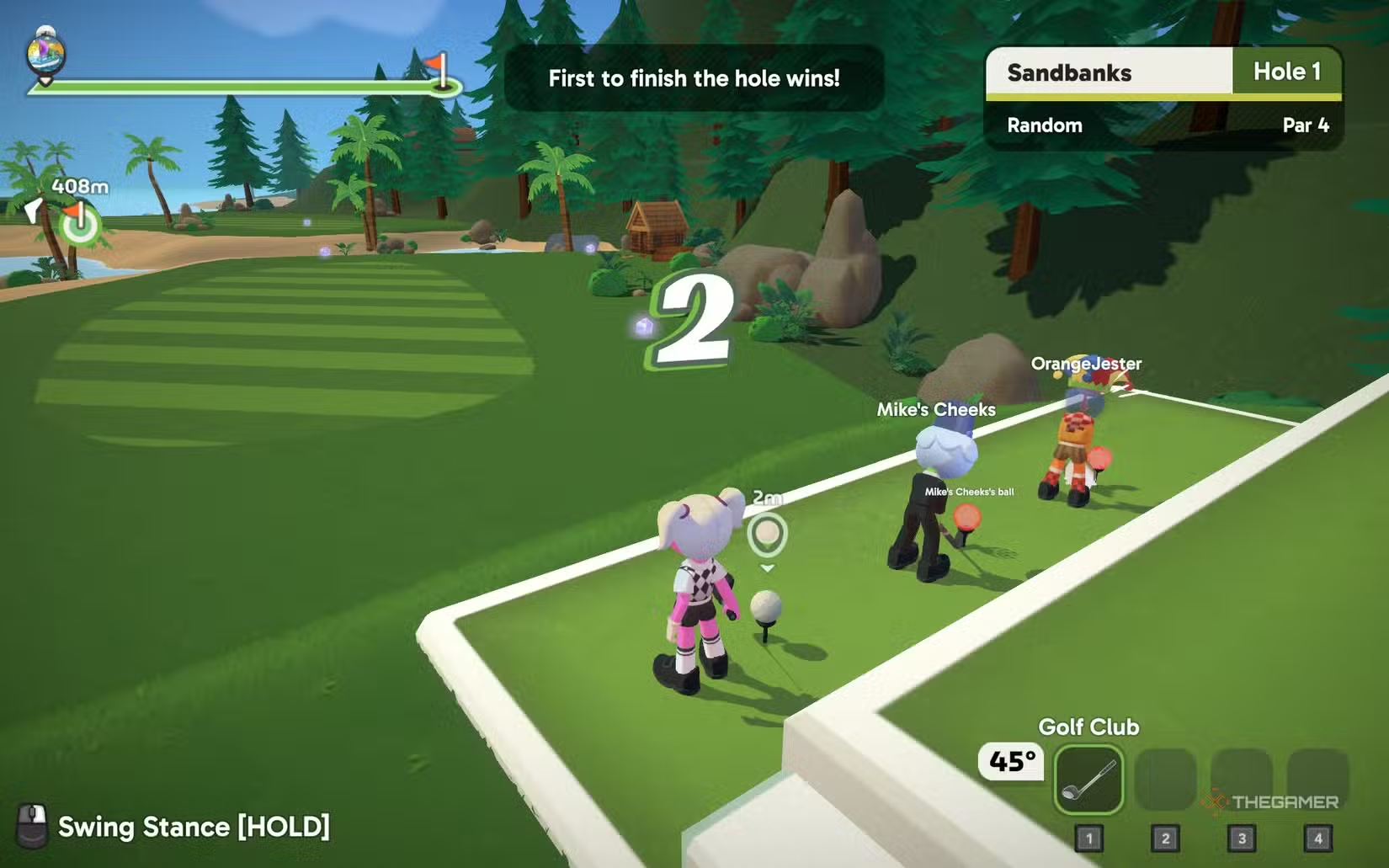
If mini golf and party brawlers had a sibling, it would be Super Battle Golf. This game isn’t a slow, polite walk on perfect greens. Instead, it’s quick and sometimes ruthless, with players racing to sink the same ball while avoiding interference and fighting for good position.
Multiplayer is the main focus here. Knowing how to navigate lobbies and match settings makes a big difference between a smooth game and a frustrating experience. Setting up your game only takes a few steps, but understanding the system behind it saves time and avoids confusion. Here’s everything you need to start playing with friends.
How to Play with Friends
If you want to play with certain friends, first make sure they are added to your Steam friends list. After that, launch the game and press Start from the main menu. This loads you onto the course but doesn’t start a match right away.
Next, press the ESC key to open the menu and select Invite. Pick the friends you want to join you. Once they accept, they will join your lobby. When everyone is ready, you can start a game together.
You can also join a friend’s game instead of hosting. From the main menu, select Join to open the lobby list. If your friend has a game up, you can find it there and join directly. This way, you don’t need to send invites.
How to Make or Join a Public Server
Creating a public lobby is just as easy. From the main menu, press Start and load into the course. Then, open the ESC menu and go to Match Setup. Instead of restricting access to friends, set the lobby to remain open so others can join.
Here, you can change rules, pick the courses in rotation, set the maximum number of players, and add a password if you want to keep it private.
You can have up to 16 players, but around eight is recommended. If you want to join an existing public game, select Join game from the main menu. The lobby list shows available sessions created by other players. Keep an eye on ping—aim for less than 100 milliseconds for smooth gameplay.
The lobby browser has filters to make searching easier. You can hide full lobbies, look for games created by friends, or browse all open matches. It’s a good system if you don’t have a group to play with already.
Why Is My Microphone Not Working?
If voice chat isn’t working in multiplayer, several common issues might be the cause. First, check that the correct input device is selected in your system audio settings. Also, confirm that the game has permission to access your microphone. Sometimes, restarting the game after plugging in a headset can fix detection problems.
If voice chat still doesn’t work, ask your friends to check their audio settings to rule out issues on their end. Lastly, ensure your internet connection is stable—high ping or packet loss can disrupt voice communication as well as gameplay.
How to Spectate
If you prefer watching others play, the lobby browser allows you to spectate ongoing matches. From the main menu, select Join and browse available lobbies. When you pick a game in progress, you can enter as a spectator instead of playing actively.
There’s also an achievement for spectating: watch an entire hole from start to finish to unlock the ‘Couch Potato’ achievement.
 ChatGPT
 Perplexity
 Gemini AI
 Grok AI