Select Language:
Finding and purchasing good weapons is crucial during your Marathon gameplay. Without solid firepower, taking down other Runners or UESC units becomes much more difficult. While you have a knife and some Runner Shells possess lethal abilities, relying solely on them isn’t enough.
Sometimes, during a run, you may struggle to find strong weapons or just don’t have anything suitable in your inventory. You might also want to avoid using a Sponsored Kit. That’s where Schemas come into play. Here’s what you need to know about Schemas and how to use them in Marathon.
### What Are Schemas?
Schemas are special items that let you unlock weapons. Once you acquire a Schema, the weapon it represents is automatically unlocked in the Armory. You can see the available weapons under the Schema category on the right side of any Faction tab.
This process is the same across all Factions, so it doesn’t matter which one you’re checking. You’ll see all the weapons you’ve unlocked through Schemas—hover over a weapon to see how many Credits it costs to unlock. Schemas don’t expire over time, but they do have limited uses—usually three. After purchasing the weapon enough times, it will be removed from the Schema section.
### How To Get Schemas
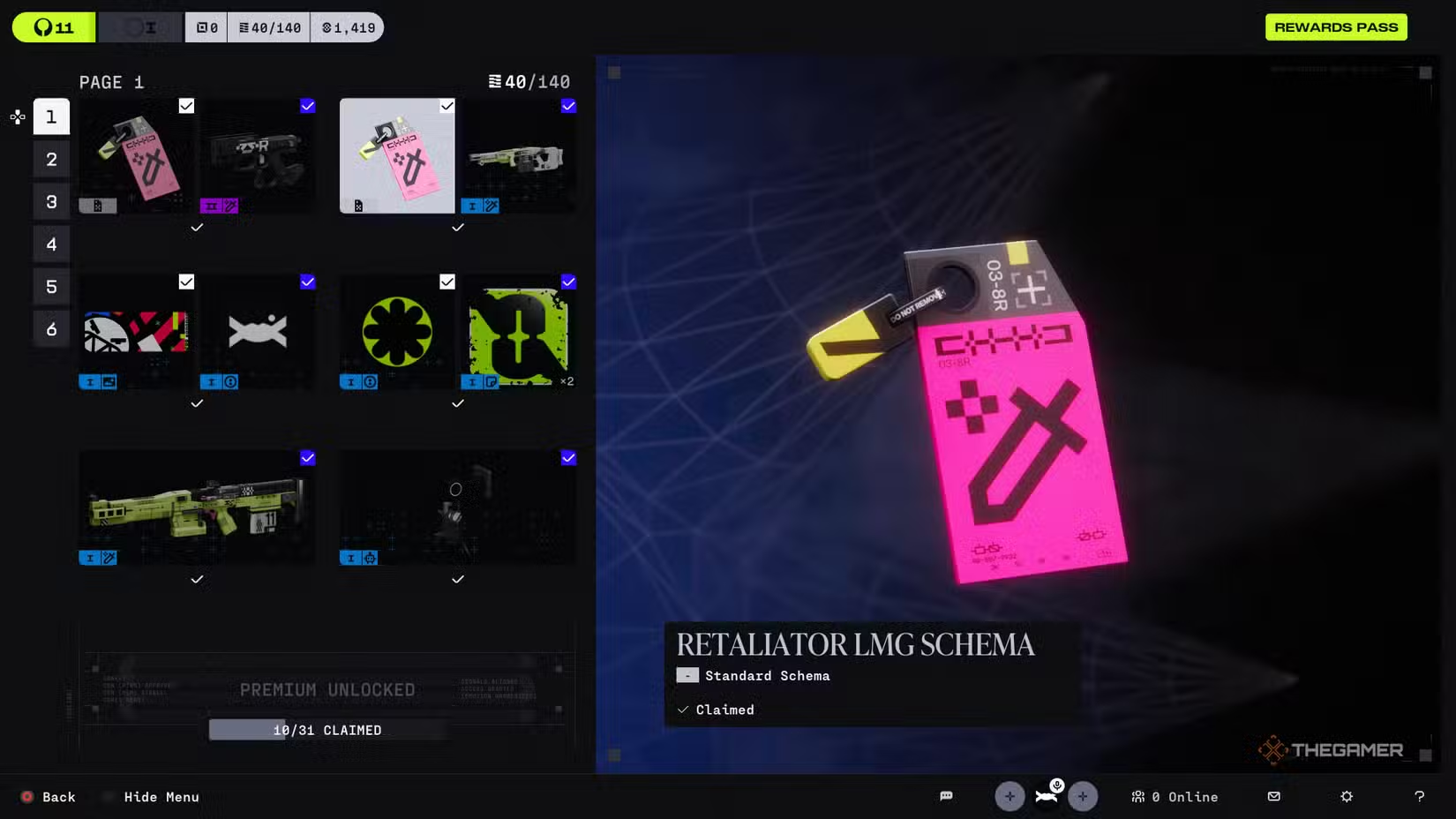
The easiest way to obtain Schemas is through the Reward Pass. As you play and complete runs, you earn Sink— a special currency used to buy tiers and unlock rewards in the pass. If you don’t have the Premium Reward Pass, don’t worry— Schemas are still available in the free tiers.
You can also find Schemas while looting. They sometimes appear in containers and other locations on any map. However, you must successfully exfil with the Schema in your inventory to be able to redeem it in the Armory.
 ChatGPT
 Perplexity
 Gemini AI
 Grok AI