Select Language:
Transferring your games to the Xbox Series X can be a big time-saver compared to manually installing each game on your new console. You can do this either through an external drive or over your home network. This process lets you enjoy older titles thanks to backward compatibility with Xbox One, Xbox 360, and original Xbox games. Keep in mind, you’ll either need a large external storage device that works with your Xbox Series X or have all your consoles connected to the same Wi-Fi network. Overall, the setup is straightforward. Here’s how to move your games using either method.
Please note, these options only work for Xbox One, Xbox 360, and Xbox games. Newer titles made for the Xbox Series X and S can only be played from the internal SSD or with a Storage Expansion Card.
How to transfer games using an external drive
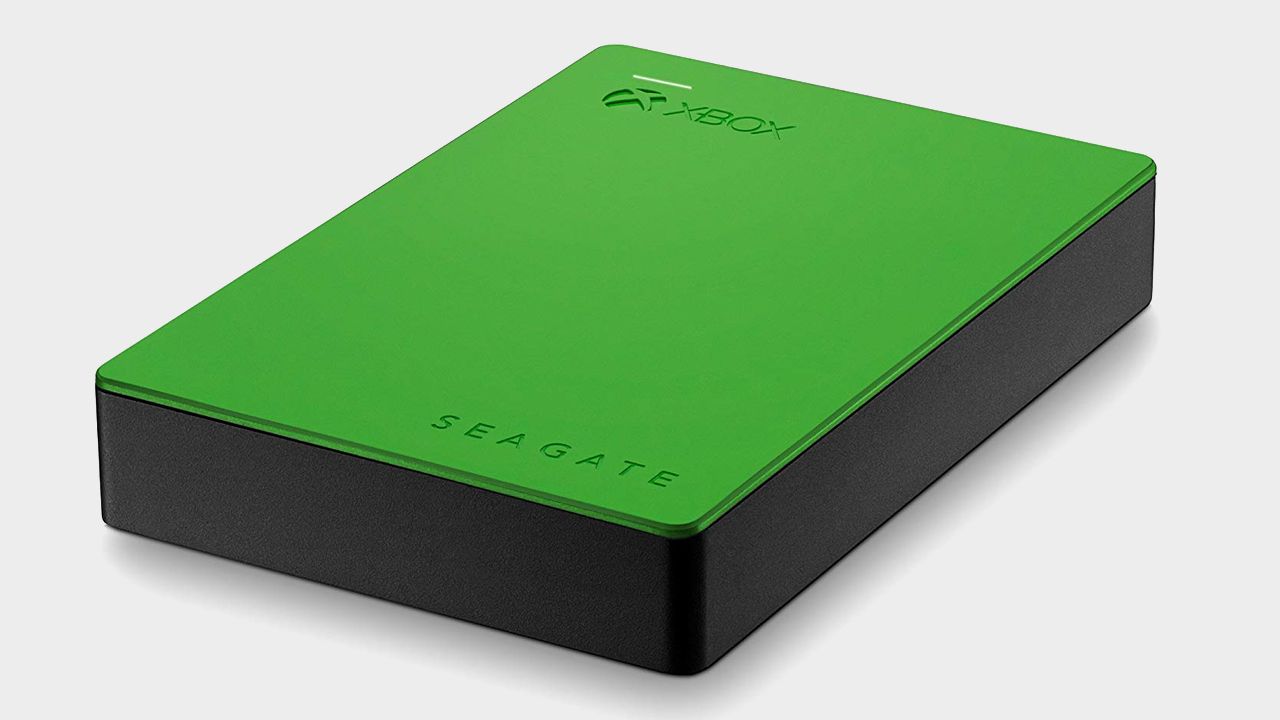
The fastest way is to connect a USB 3.1+ external hard drive (or newer) to your old Xbox. If you’ve already been using this drive with your Xbox, your games might already be installed on it. If not, you can copy your games onto the drive using the Xbox dashboard.
Once your games are on the drive, unplug it and connect it to your new Xbox Series X or S. You can then play your Xbox One, Xbox 360, or original Xbox games straight from the external hard drive. If you prefer, you can copy these games to the internal SSD, but keep in mind this will take up space needed for faster-loading, optimized titles.
If you don’t have digital copies, you can also use discs if your Xbox Series X is compatible. Just be sure to check which discs will work with the console and learn how to eject discs properly.
How to transfer games over your network
Another way is through a network transfer, which isn’t as quick but works well if you’re connected to Wi-Fi. Your Xbox Series X must be on the same network as your older Xbox console for this to work. The transfer speed depends on your internet connection.
To set it up, press the Xbox button on your controller to open the guide. Go to Profile & system > Settings > System > Backup & transfer > Network transfer. Check the box labeled Allow network transfer, then select the games you want to transfer from your other console.
If you don’t have an external drive or can’t connect your old Xbox, you can always re-download games directly from your purchase history in the Store. Just find your games there, wait for them to finish downloading, and then play. For more details, see how to install Xbox Series X games.
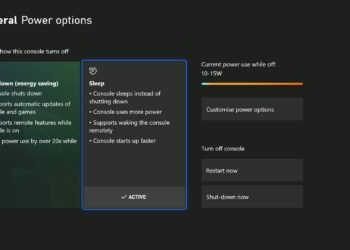
While exploring your console’s settings, consider switching to Sleep mode for faster startup times.
Remember: Moving games via external drive or network transfer helps you get set up faster, but for the best experience with newer titles, those need to be stored on the internal SSD or an expansion card.
Enjoy your gaming!
 ChatGPT
 Perplexity
 Gemini AI
 Grok AI