Select Language:
Highguard is now available, along with a Twitch drop event running until Monday, February 9th at 7:59 AM GMT. Highguard is a free hero shooter made by Wildlight Entertainment, a studio staffed by former developers from Apex Legends and Titanfall.
Although the game didn’t have a big marketing campaign, it has recently received a lot of attention through sponsorships with popular FPS streamers. Since the game is free, these Twitch drops are a good chance to get some early in-game cosmetics without paying. This guide explains how to link your Twitch and Highguard accounts and how to claim your rewards in the game.
How To Get The Highguard Twitch Drops
Highguard Twitch drops are available for two weeks. To earn them, you need to watch streams on Twitch where drops are enabled. These streams include top creators like Shroud and Myth. Keep an eye on the stream titles to check if drops are active.
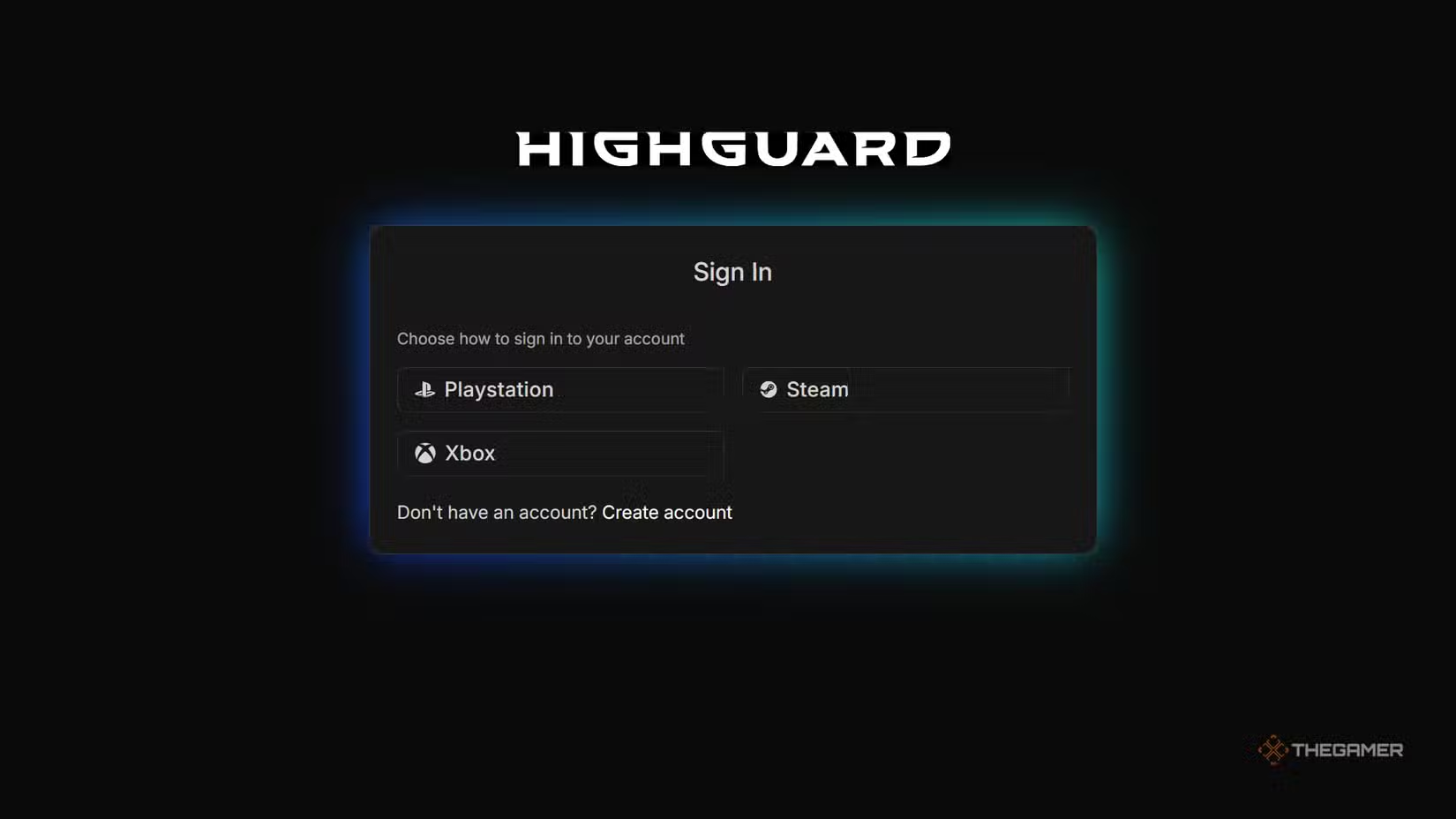
- Connect your Twitch account to Highguard by visiting the Twitch drops page and selecting the “Connect” button.
Once connected, just watch specific Twitch streams for a set number of hours. Your rewards will appear in your in-game collection once you’ve watched enough.
- After linking your accounts, simply watching the streams for the required hours will unlock your rewards in the game’s collection.
What Are The Twitch Drops?
There are two rewards currently available:
- Sky Voyager Banner: Unlocks after watching one hour of streams.
- Highland Tiger Mount: Unlocks after watching two hours.
Both items are cosmetic. They don’t affect gameplay but add visual flair. They are available alongside the first War Chest, which is being distributed for free as part of the game’s battle pass system.
There are various other in-game cosmetic options, including mounts and banner skins. Some of these are unlocked through gameplay, while most can be purchased with real money.
 ChatGPT
 Perplexity
 Gemini AI
 Grok AI