Select Language:
“Quarantine Zone: The Last Check” is quickly gaining popularity among indie games, especially for streaming. You can get free in-game items by watching a stream and participating. When you watch and interact with a streamer playing Quarantine Zone, The Last Check, you have a chance to earn new cosmetic items. These include soldier and weapon skins, as well as fun raccoon characters replacing rats in the game. Here’s what you need to know to claim your Twitch drops for the game.
### All Quarantine Zone: The Last Check Twitch Drops
Since the game’s full release, the developers at Devolver are offering freebies for fans. From January 9 to January 23, 2026, you can watch any Twitch streamer streaming Quarantine Zone: The Last Check for between 1 and 5 hours and unlock special cosmetics.
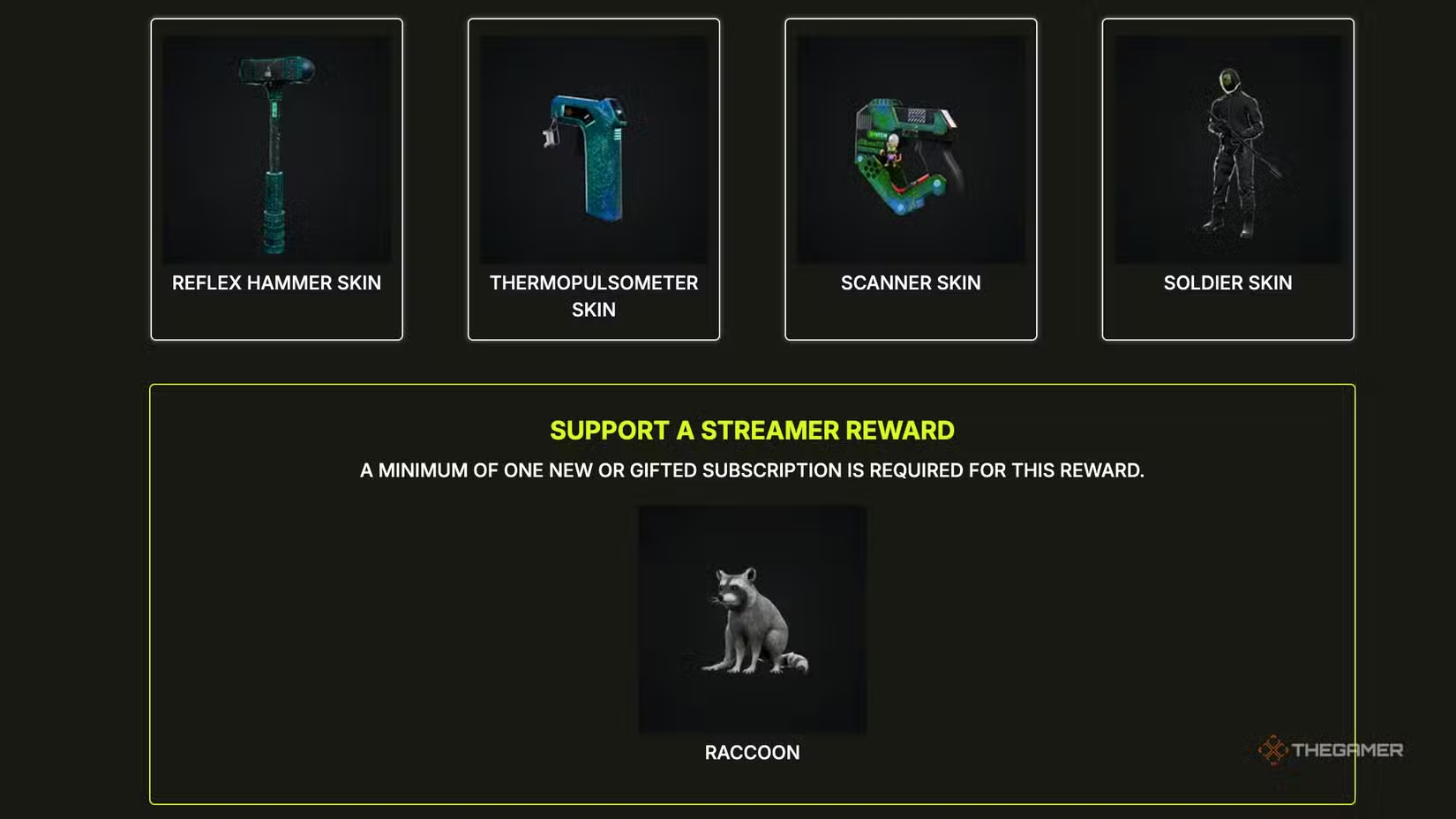
As long as the streamer has drops enabled, your watch time will increase. After enough time, you can unlock the following items:
– Watch for 1 hour to get the QZ Scanner skin.
– Watch for 2 hours to unlock the QZ Thermopulseometer skin.
– Watch for 3 hours to claim the QZ Reflex Hammer skin.
– Watch for 5 hours to receive the QZ Soldier skin.
– By subscribing once (either regularly, as a gift, or a recurring subscription—Prime subs don’t count), you can unlock the Raccoon Rat skin.
Your items should appear immediately after claiming, but sometimes it can take up to 72 hours to see them in your inventory.
To start earning drops, you need to connect your Twitch account to your Quarantine Zone: The Last Check account. You can do this either through the game’s main menu or by visiting the official Twitch Drops page dedicated to the game.
Visit any participating streamer, such as the DevolverDigital channel or any streamer with “[Drops]” in their description, to earn watch time. When you reach the required watch times, Twitch will notify you that you can claim your new items. Click on the notification, and your items will be added to your game automatically. If your game was already open when claiming, restart it to load the new cosmetics.
To keep track of your progress, check your Twitch Inventory. Each item shows the percentage of watch time completed, so you’ll know how much more you need for each one.
Remember to claim each item separately, as they won’t appear in your inventory until you do. Once claimed, items will automatically show up in your game.
 ChatGPT
 Perplexity
 Gemini AI
 Grok AI