Select Language:
While playing Highguard, you’ll quickly become very familiar with your mount because you’ll use it frequently. The maps in the game are vast, so you’ll need a mount to help you cross large distances, chase down or escape from enemies, and reach key items like the Shieldbreaker before the opposing team does.
There are several ways to upgrade your mount, but at the start, you choose from a few basic options designed to help you navigate each map. So, what mounts are available, how do they function, and when can you get new ones? Here’s what you need to know about mounts in Highguard.
How to Change Your Mount
Before a match begins, you can select which mount you want to ride. To do this, go to the Collection menu and select the Mount submenu. From there, you can choose the Bear, Panther, or Horse. Select your preferred mount and press the Equip button. Once equipped, a checkmark will appear next to your choice. When the game starts and you summon your mount, it will be the one you’ve selected.
How to Use Mounts
Once inside a game, you’ll start by fortifying your base and customizing your gear. After that, you’ll have a few minutes of preparation before the Shieldbreaker becomes accessible.
During this prep time, you should mount up. To do so, double tap the mount button, and your chosen mount will appear beneath you. You can command your mount to run by using the run command. If you wish to dismiss your mount, press the dismiss button located in the lower right corner of the screen.
Your mount has a health bar and a cooldown timer. The icon in the bottom right shows how to summon your mount, dismiss it, and also displays its current health status. If your mount gets destroyed, a cooldown timer will appear over the icon, indicating how long you’ll need to wait before being able to summon a new one.
Upgrading Mounts with Saddles
During gameplay, you’ll find Saddles that enhance your mount’s abilities. Saddles increase both health and speed, and higher rarity Saddles provide better performance. However, higher-tier Saddles cost more and are harder to obtain. You can find Saddles in chests scattered across the map, trade for them using resources you gather from resource nodes, or purchase them from the loadout menu after respawning following a death.
All Mounts and How to Unlock Them
The game starts you off with three basic mounts: the Horse, Panther, and Bear. You can unlock additional mounts such as the Eldergryph by purchasing them with Highguard Gold, which is only obtainable through real-money transactions.
All Horse Skins and How to Get Them
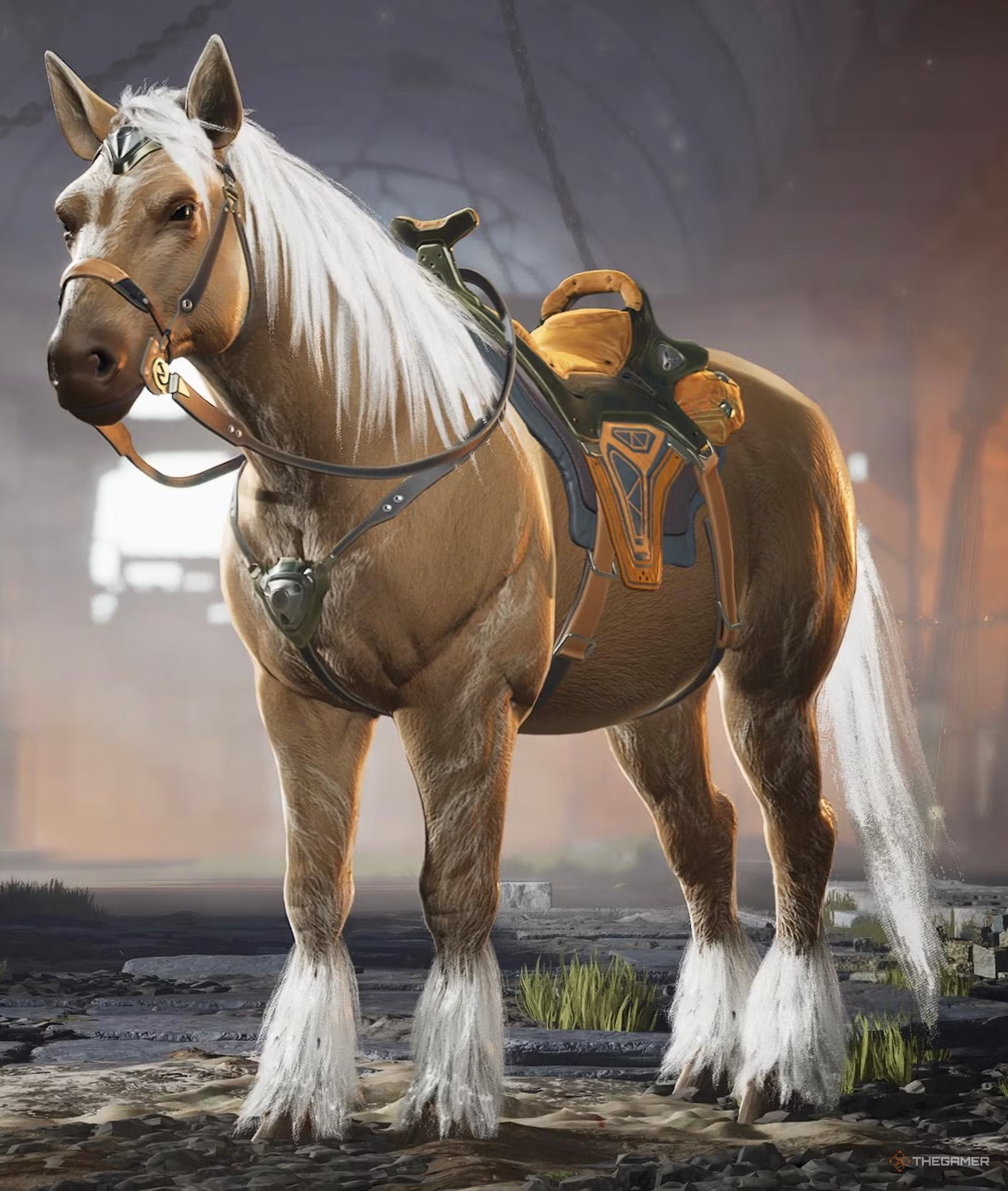
The initial mounts include the default Horse, Panther, and Bear skins, available immediately. Additional skins can be unlocked or purchased:
| Skin | Image | Rarity | How to Unlock |
|---|---|---|---|
| Default | Basic | Available at game start. | |
| Blood Mare | 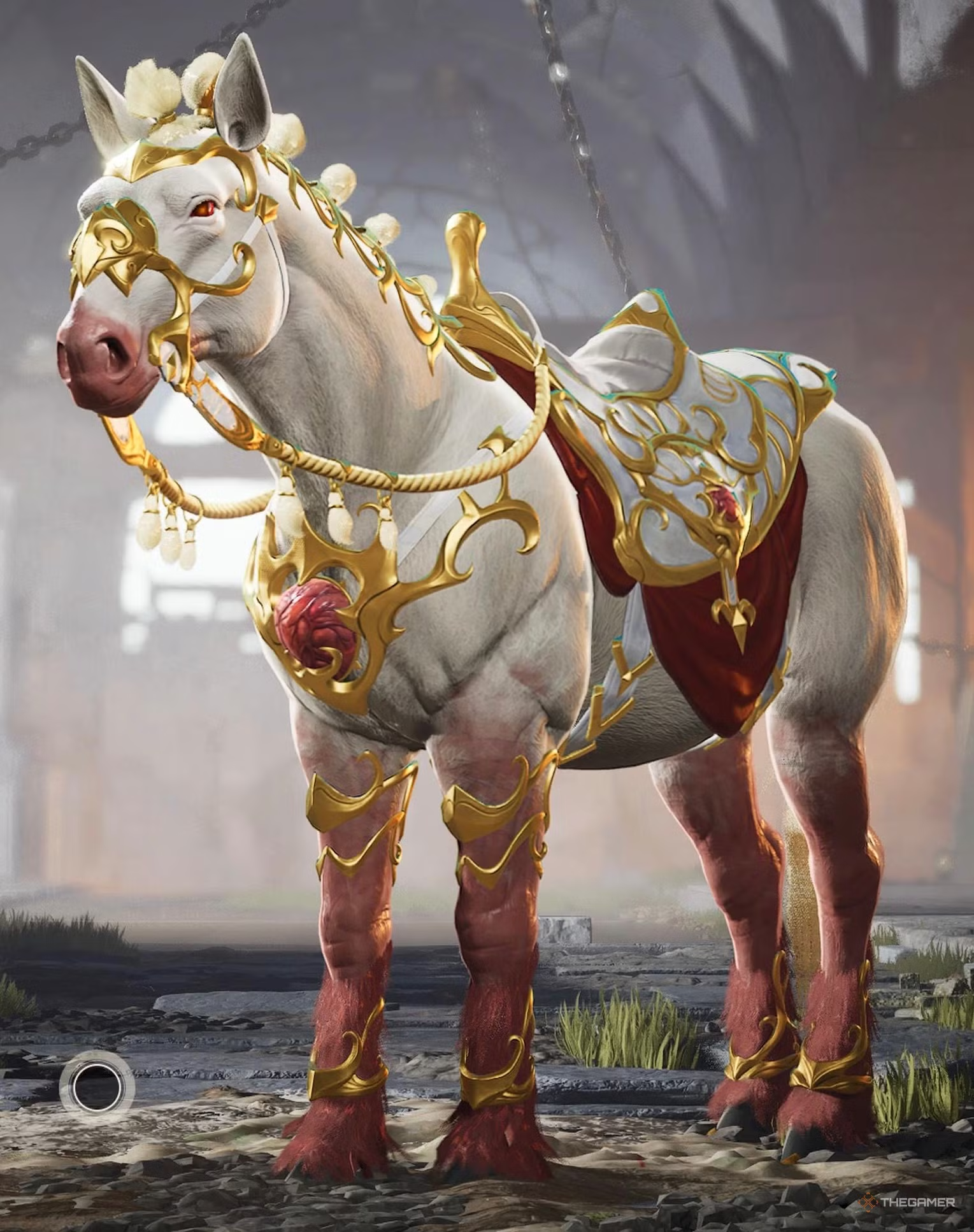 |
Legendary | Purchase through the Red Regin Bundle. |
| Bluebelle | 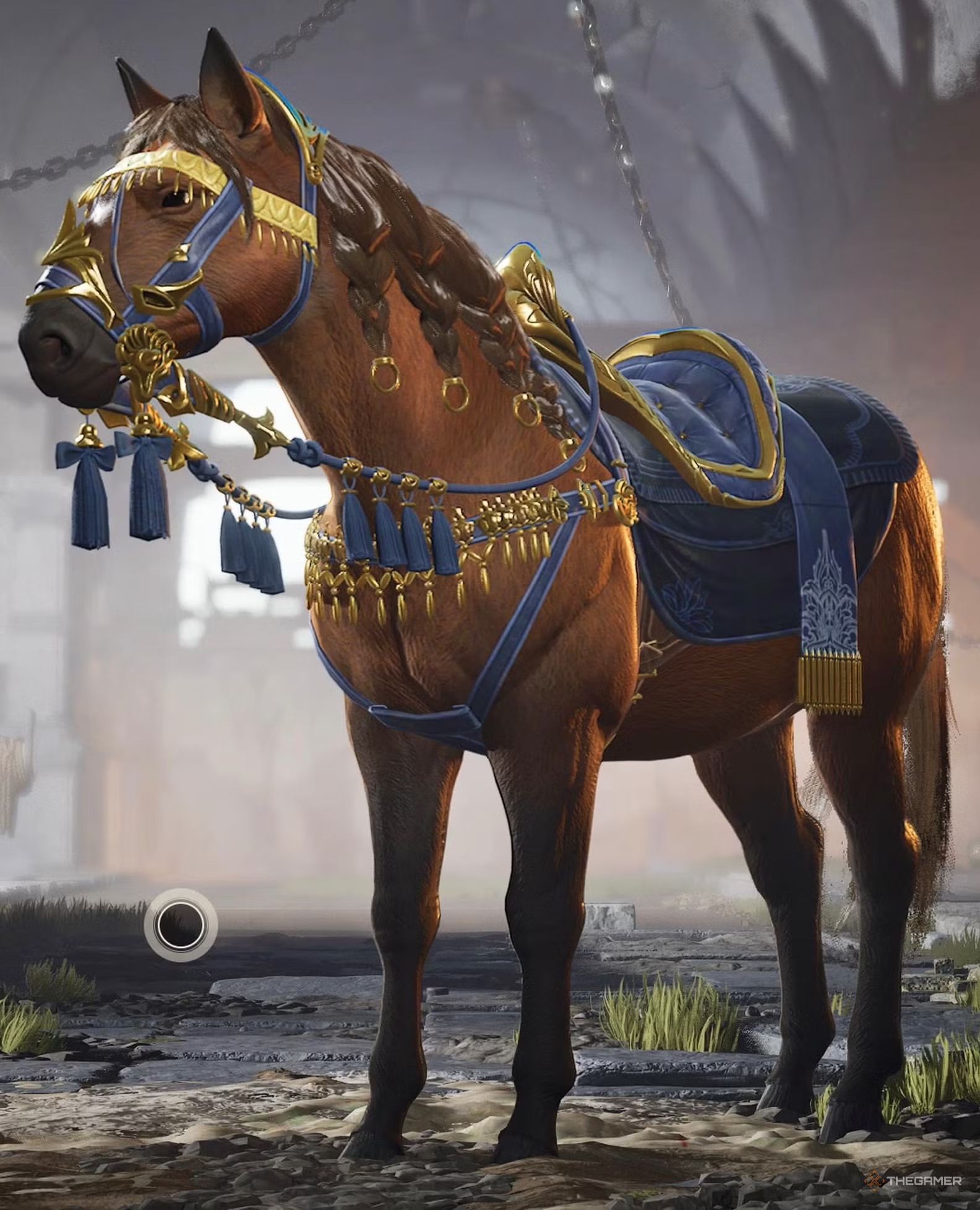 |
Legendary | Buy in the Nightshade Bundle. |
| Stormchaser | 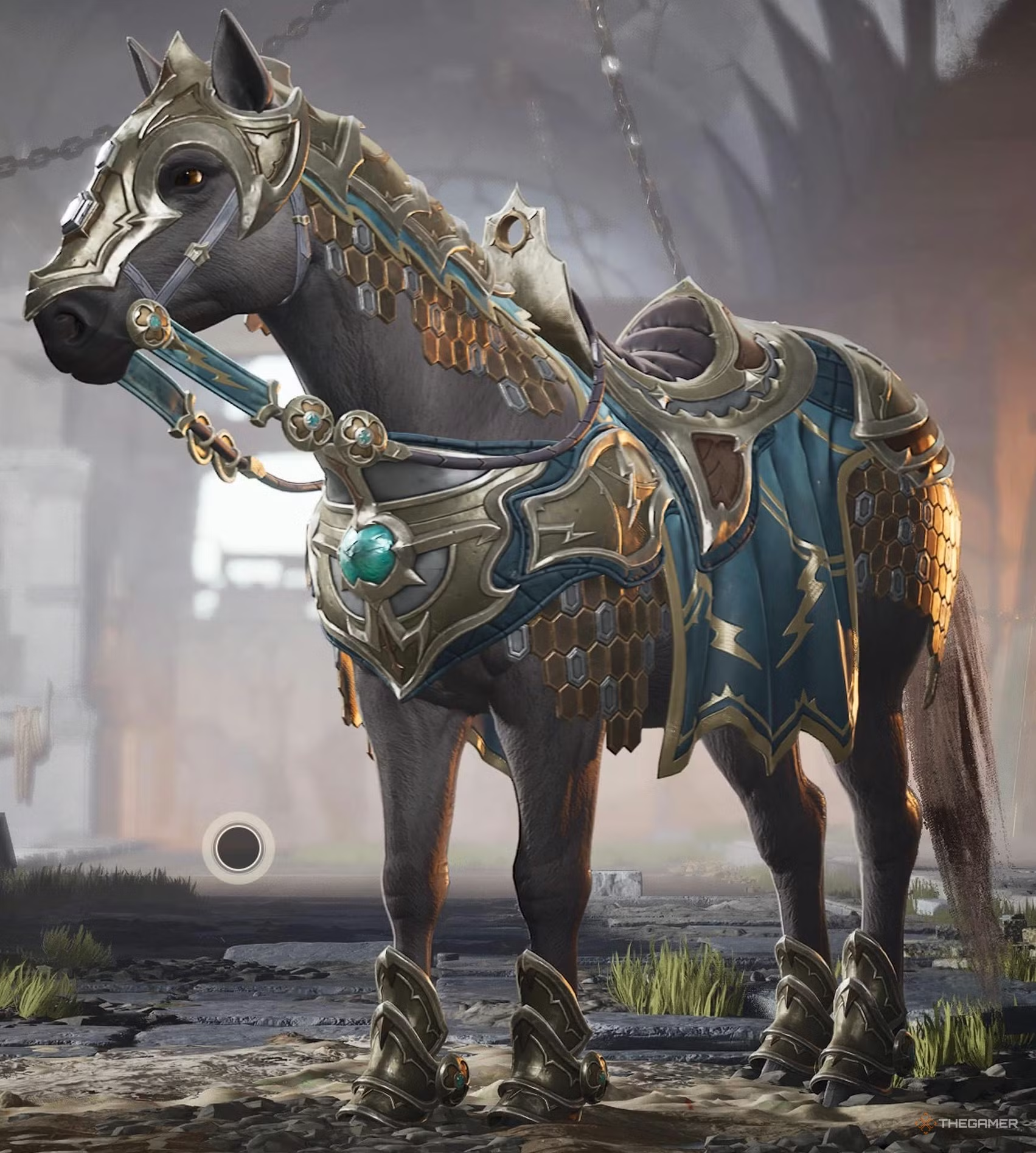 |
Legendary | Available in the Lightkeeper Bundle. |
| Smokeshow | 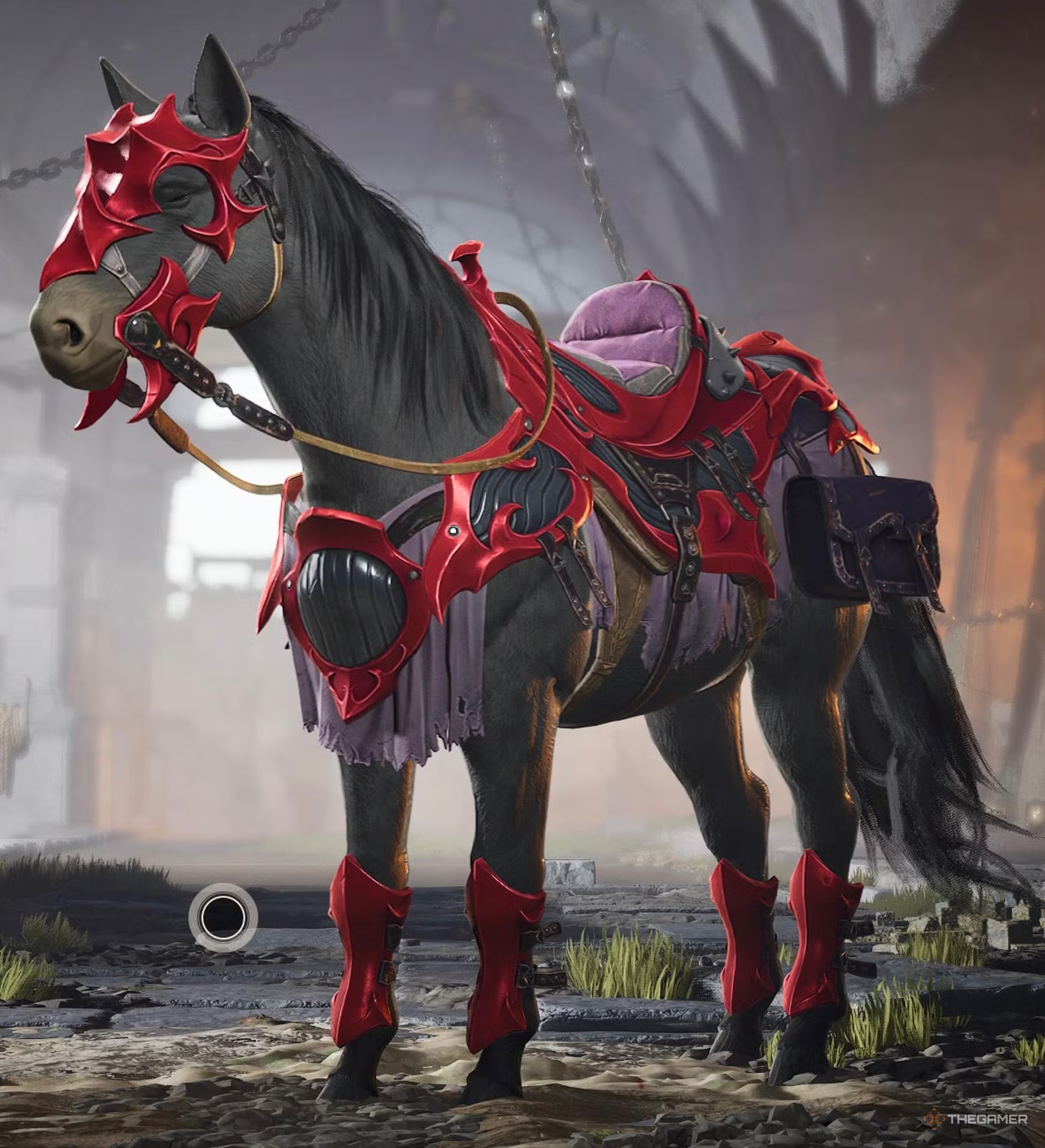 |
Legendary | Available in the Red Dragon Bundle. |
All Panther Skins and How to Unlock Them
The core Panther skin is the default, unlocked at the start:
| Skin | Image | Rarity | How to Unlock |
|---|---|---|---|
| Default |  |
Basic | At game start. |
| Highland Tiger | 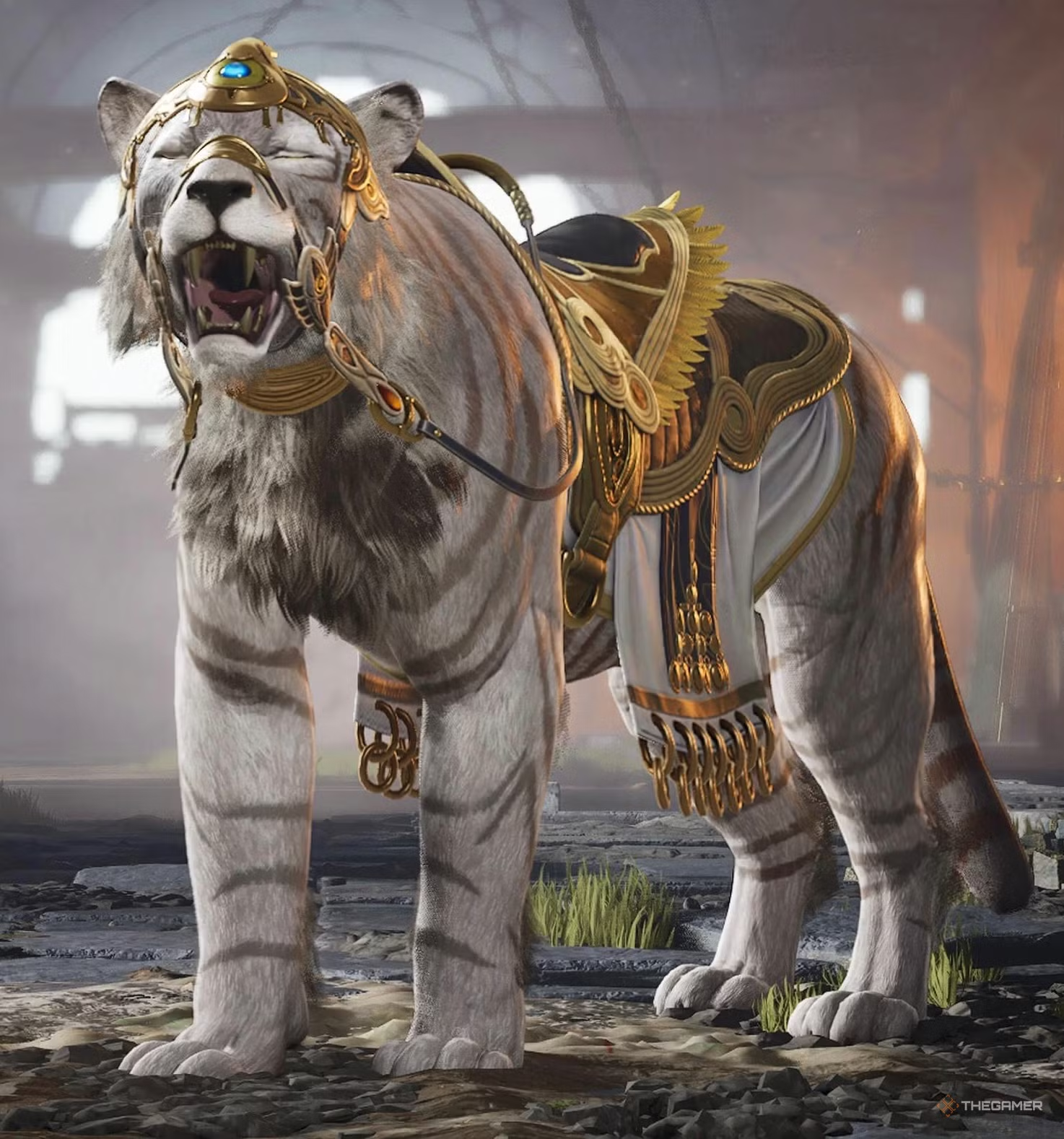 |
Legendary | Twitch Drop: Watch a qualified stream for 2 hours. |
| Snowclaw | 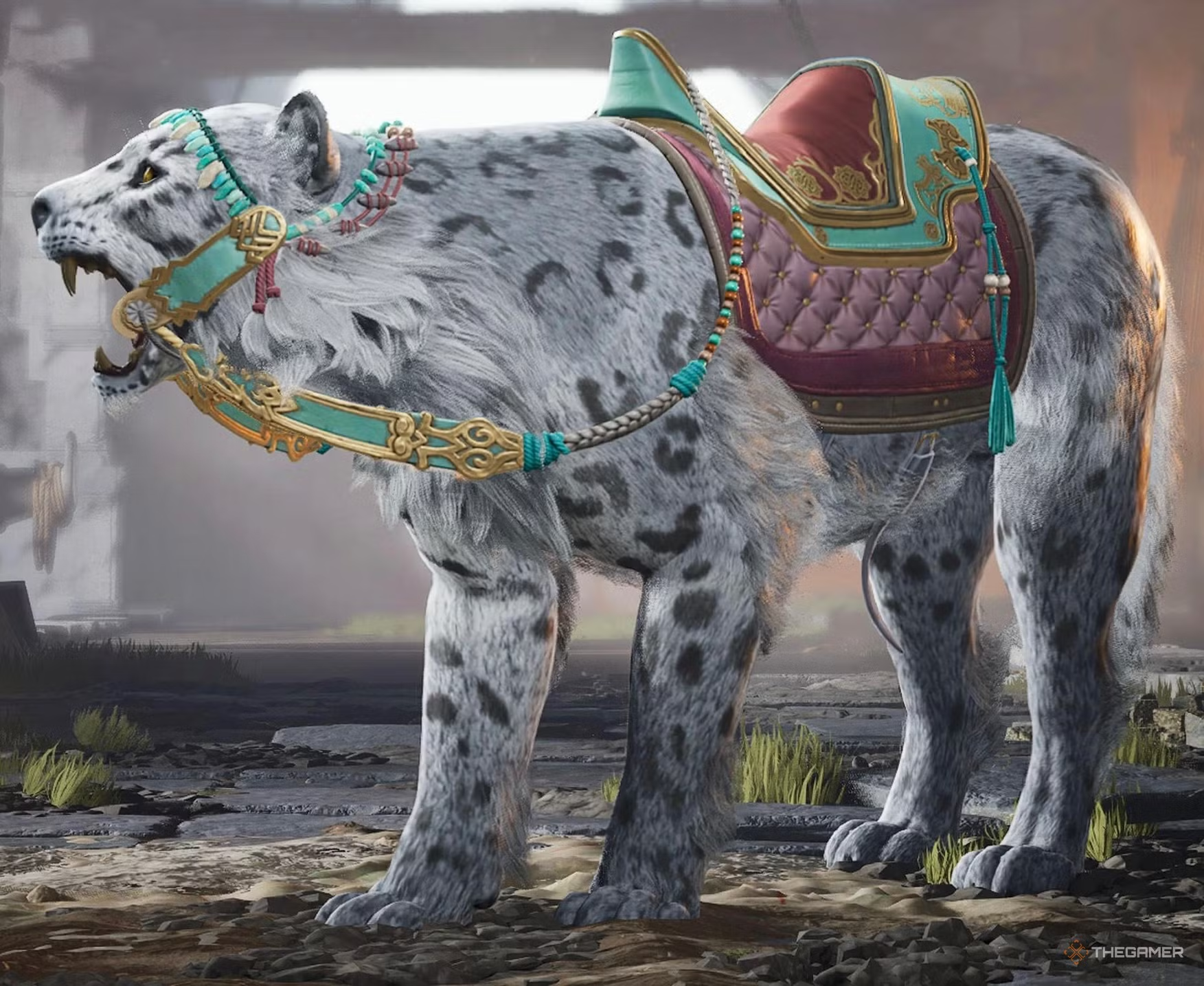 |
Legendary | In the Cold Embrace Bundle. |
| Blood Brother | 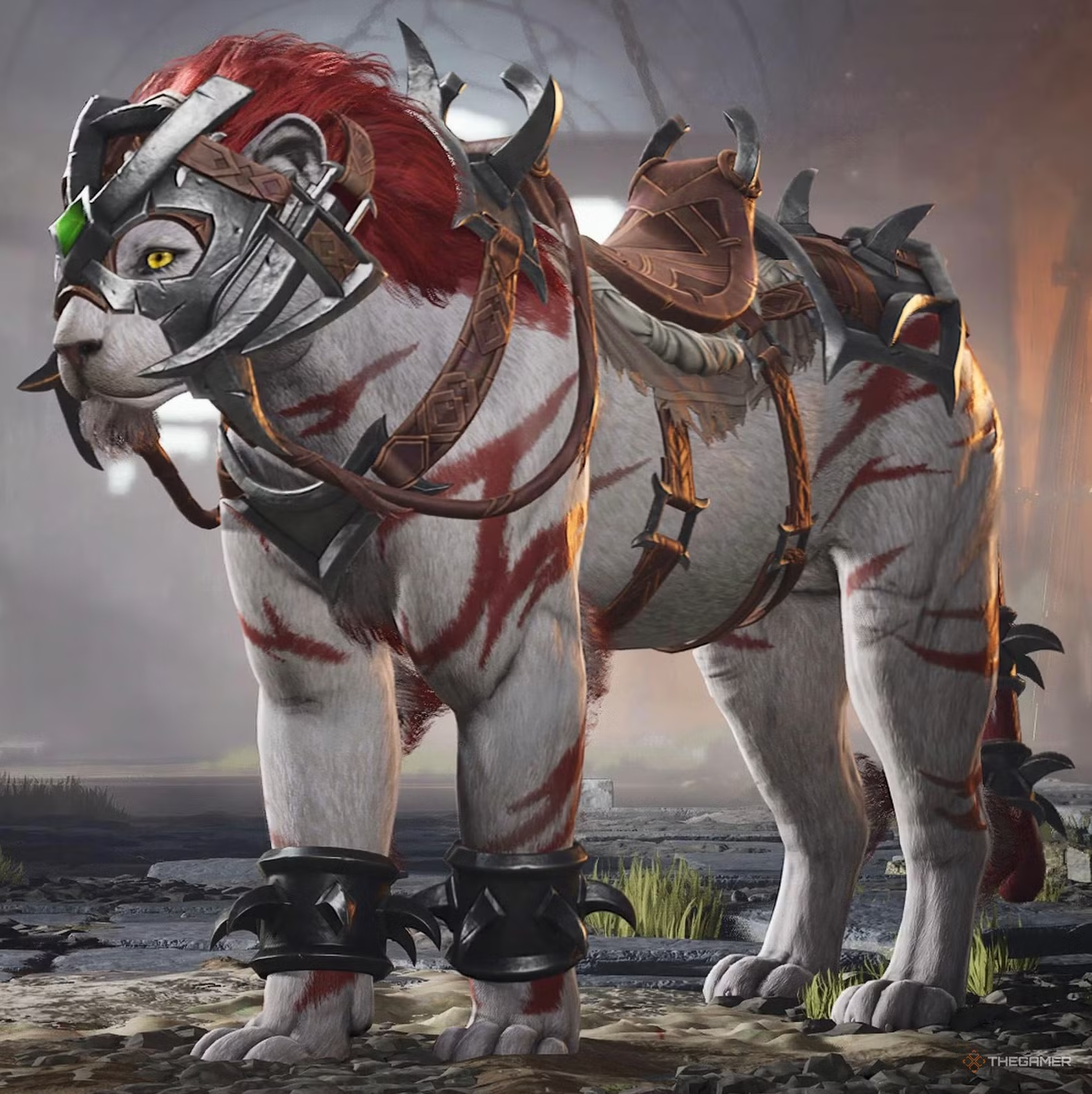 |
Legendary | In the Beastlord Bundle. |
| Grimalkin | 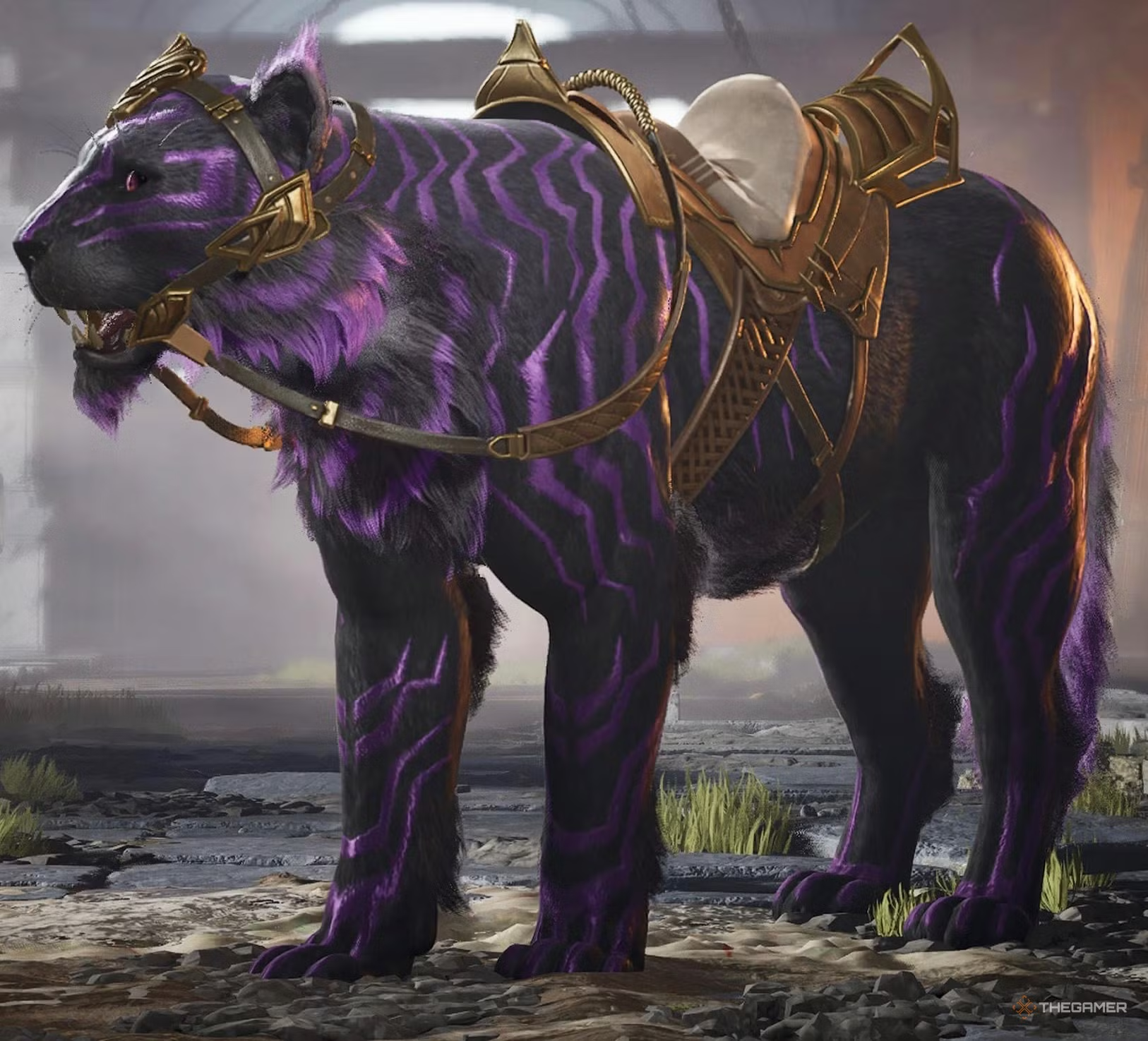 |
Legendary | Last Rite Bundle. |
All Bear Skins and How to Unlock Them
The initial Bear skin is available from the start:
| Skin | Image | Rarity | How to Unlock |
|---|---|---|---|
| Default |  |
Basic | At game start. |
| Honeyduke |  |
Legendary | Purchase the First Sight Bundle. |
| Ursus Maximus | 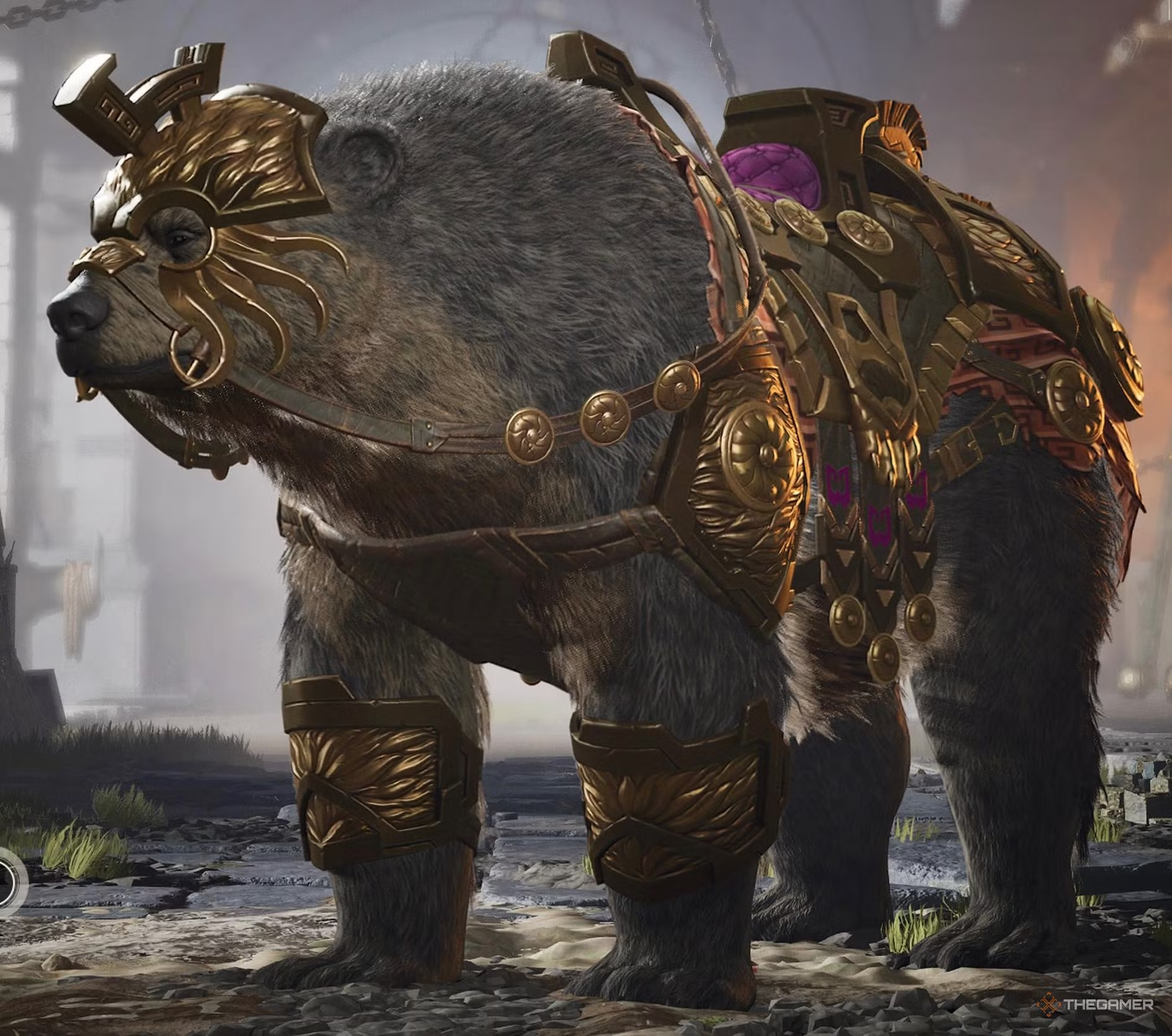 |
Legendary | Buy the Pit Fighters Bundle. |
| Blood Moss | 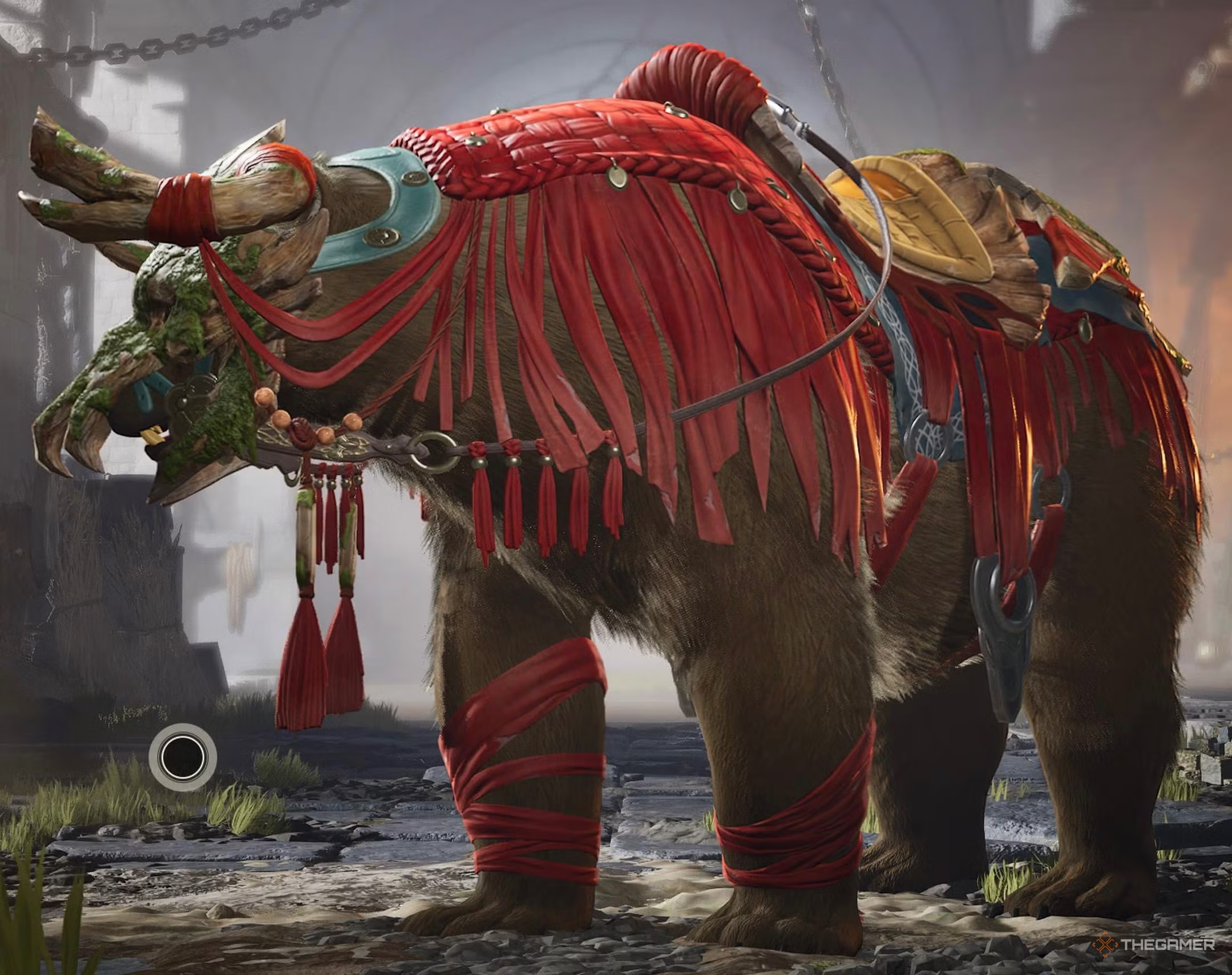 |
Legendary | Part of the Wildguard Bundle. |
All Eldergryph Skins and How to Unlock Them
The Eldergryph is a special mount available for purchase with Highguard Gold, which requires real money:
| Skin | Image | Rarity | How to Unlock |
|---|---|---|---|
| Battle Shrike | 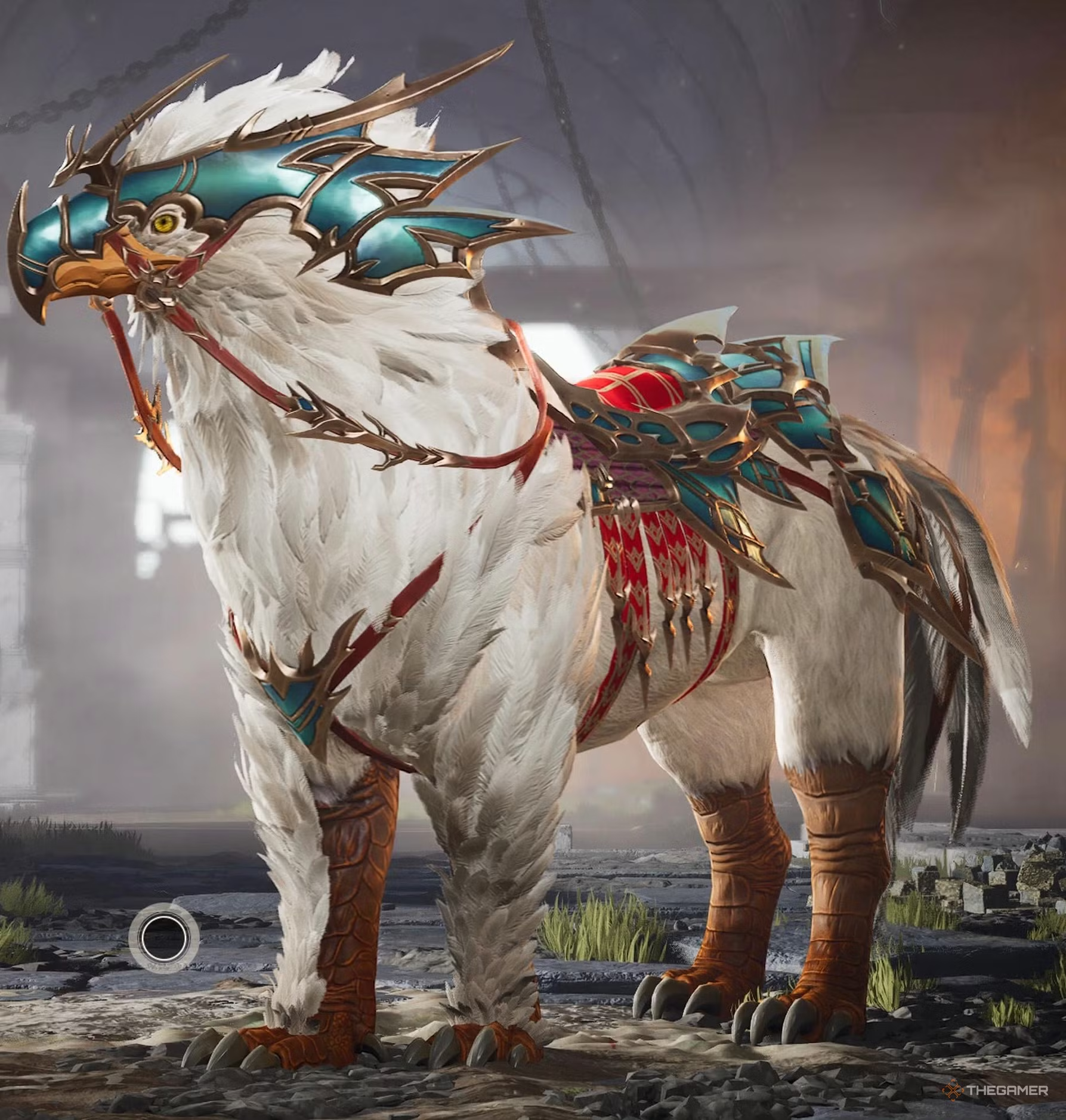 |
Exotic | Purchase the Eldergryph Bundle. |
| Brownback | 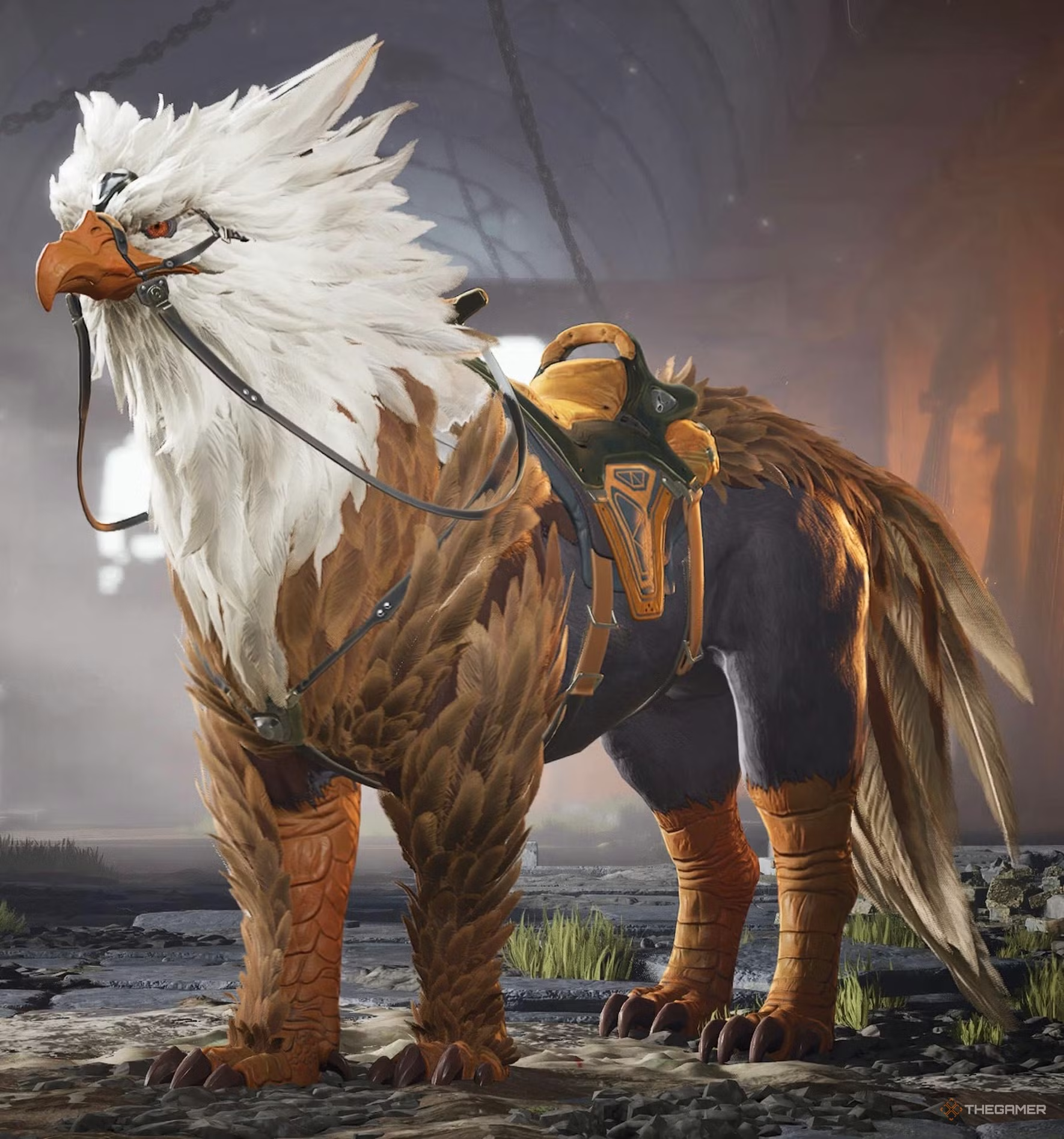 |
Exotic | Purchase the Eldergryph Bundle. |
| Bluefeather | 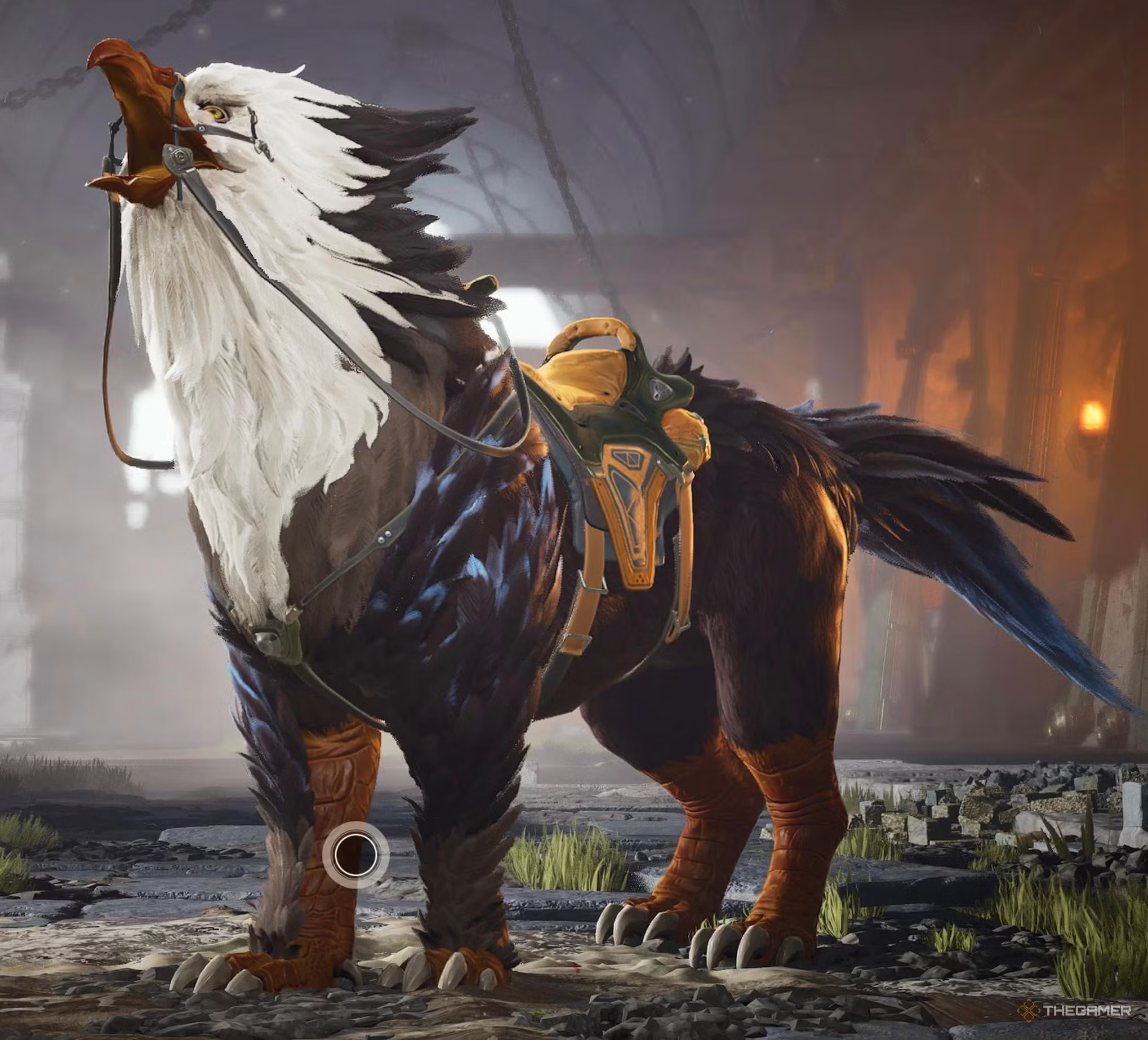 |
Exotic | Purchase the Eldergryph Bundle. |
| Redtail | 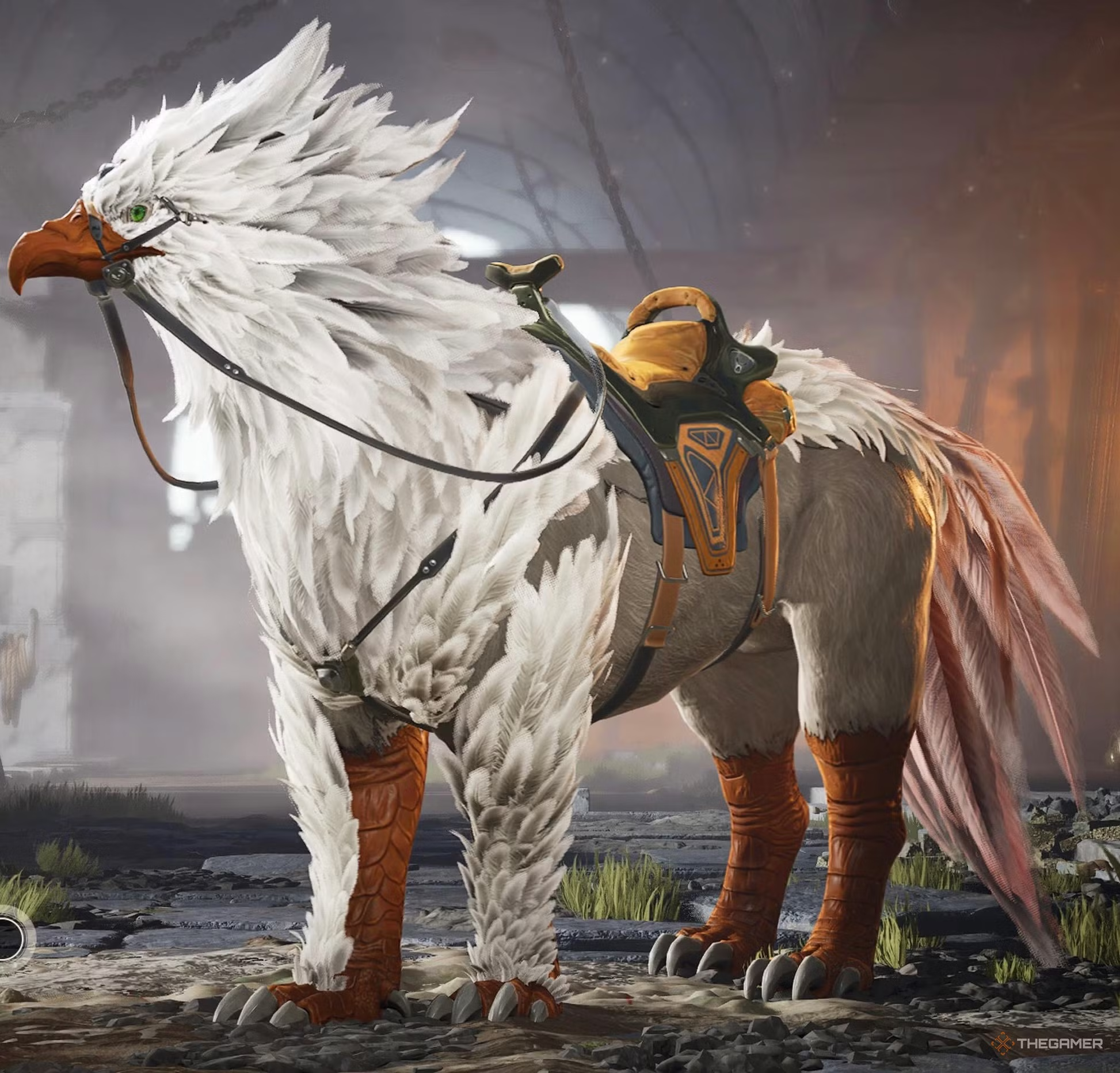 |
Exotic | Purchase the Eldergryph Bundle. |
This overview covers the available mounts, how to select and use them, upgrade options, and how to unlock special skins and mounts in Highguard.
 ChatGPT
 Perplexity
 Gemini AI
 Grok AI