Select Language:
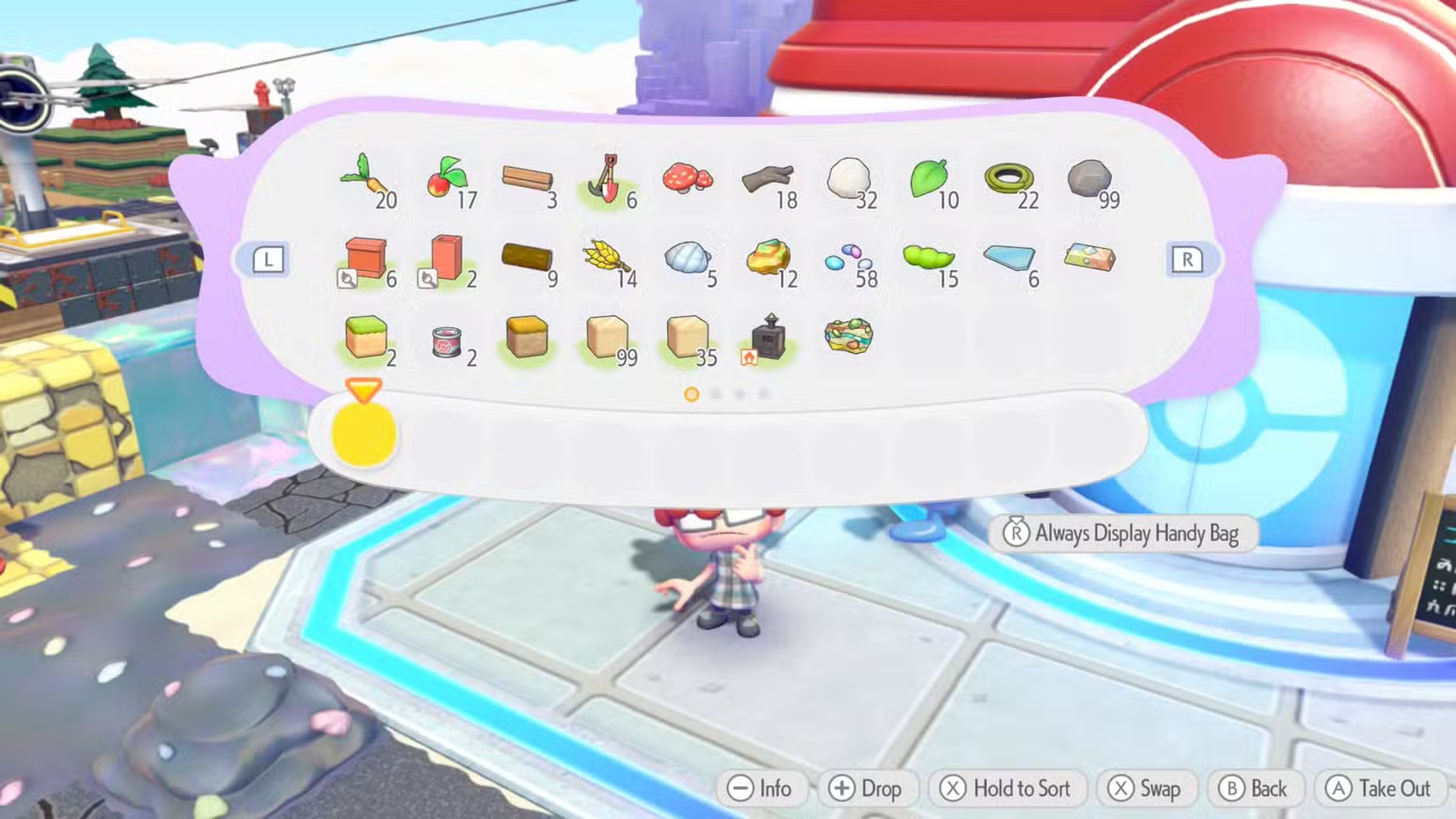
When playing Pokemon Pokopia, you’ll start with an inventory capacity of 20 items. Each slot can hold up to 99 units of a single resource, which is handy for common items like Stones or Small Logs. However, this limit quickly becomes restrictive as your collection grows. Fortunately, there are ways to increase your storage space as you progress.
You can upgrade your inventory by purchasing “Packing Tips” in each new region. For example, in the Withering Wastes, you start with “Packing Tips: Rookie,” boosting your capacity to 30 items. In subsequent regions such as Rocky Ridge, Bleak Beach, and Sparkling Skylands, you can get upgrades called “Packing Tips: Intermediate,” “Packing Tips: Pro,” and “Packing Tips: Expert,” each adding 30 more slots. By the end of the game, you have up to 120 slots, each capable of holding 99 of one item.
Additionally, buying the “Handy Bag” from the shop increases your inventory by 10 slots. It also displays the quantity of items you’re carrying, which is useful for tracking specific totals needed for building projects.
Building storage boxes near your home is essential for managing your items. Items need to stay in these boxes because they do not transfer automatically between boxes. Storage boxes are cheap to craft, costing only 1 Lumber, and occupy a single square on the map. Placing several near your crafting stations helps keep your items organized.
For larger storage needs, there are Big Storage Boxes that can hold 60 items—three times more than regular ones—while only slightly increasing their footprint, taking up just two squares. These boxes are made from rare Pokemetal ingots (three per box), making it practical to have just one per region or even just one at your main base camp near your home.
Pokemon can also help with storage. Some Pokemon, like Gulpin, have the Storage Specialty. Early in the game, you’ll meet Gulpin, who can store up to 20 items for you. You can ask Gulpin to hold items or check its inventory, which keeps your belongings safe while freeing up your own space. This feature is particularly useful since managing resources efficiently is key to progressing smoothly in the game.
 ChatGPT
 Perplexity
 Gemini AI
 Grok AI