Select Language:
Dealing with mutant hordes gets much easier when you’re not the only one being chased across the map. John Carpenter’s Toxic Commando emphasizes multiplayer fun, tossing squads into missions filled with undead enemies and lots of chances to accidentally run over your friends with a vehicle. The experience improves significantly once you know how to get everyone into the same lobby.
Before jumping into a mission, it helps to understand some multiplayer features like invite codes, cross-platform play, bot teammates, and voice chat options. If you’re teaming up with friends or just figuring out how co-op works, this guide covers everything you need to know.
How Does Multiplayer Work?
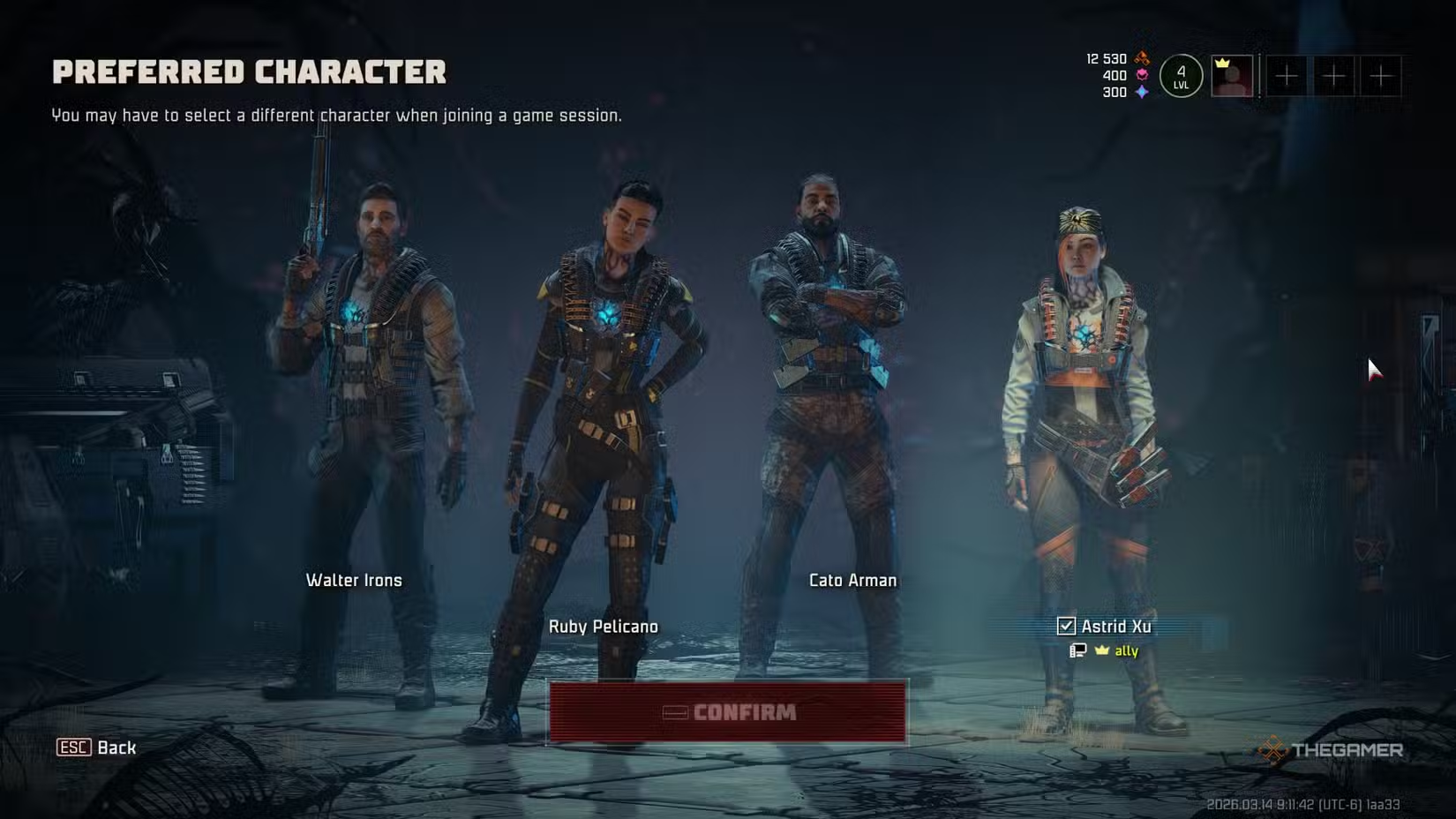
Multiplayer missions are designed for a four-player team. You can choose from four different classes, each filling a specific role during the mission.
If you’re not playing with four people, any empty spots in your squad will automatically be filled with AI teammates.
For example, if you’re playing with a friend, the remaining two spots will be bots. If you’re playing solo, the game fills the other three spots with AI allies so you can still complete missions with a full team.
The game also has built-in voice chat to help coordinate with your teammates. You can turn voice chat on or off in the audio settings and choose between open mic or push-to-talk options based on what you prefer.
How To Invite Friends
To invite friends, open the main menu during gameplay (press Esc on PC). From there, select the Social option to access multiplayer and friend features. In the Social menu, choose Show Invite Code. The game will generate a unique invite code linked to your current session.
Share this code with the friend you want to play with. They will need to open the Social menu on their end and select Join by Code. After they enter the code you shared, they’ll join your session and be part of your lobby.
Is There Crossplay?
Yes, John Carpenter’s Toxic Commando supports full crossplay across PC, PlayStation 5, and Xbox Series X|S. This is possible thanks to the invite code system in the Social menu, which lets players on different platforms join the same game session without issues.
Crossplay works automatically when you join online matches or invite friends with a code. As long as everyone enters the correct invite code, they can connect regardless of their platform. You can also disable crossplay in the game settings if needed.
Players on PC can also play together even if they’re using different storefronts, like Steam or Epic Games Store, without any extra setup.
 ChatGPT
 Perplexity
 Gemini AI
 Grok AI