Select Language:
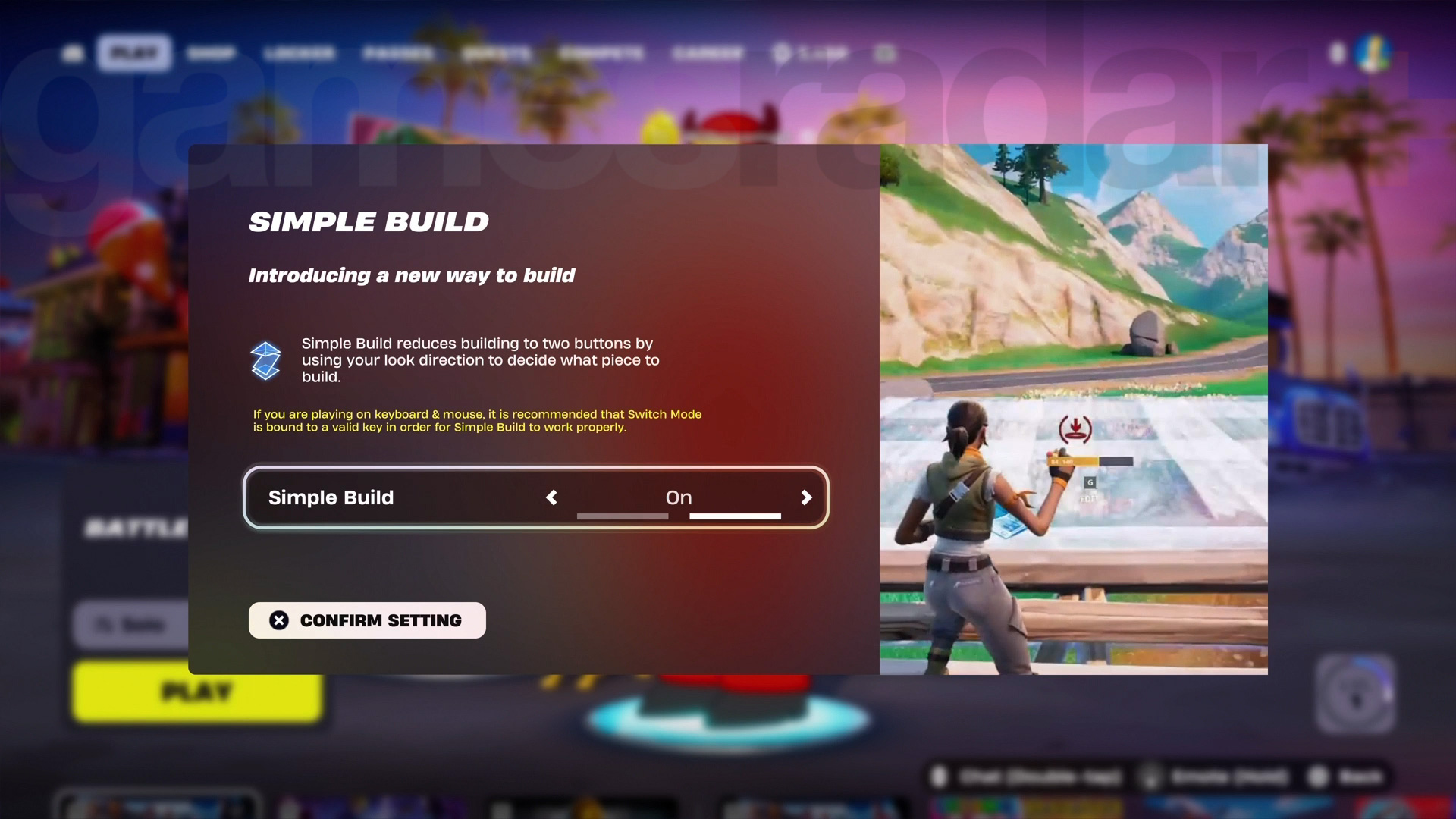
Fortnite’s Simple Build feature is designed to help players quickly create structures without having to switch between different building pieces constantly. While it makes building faster and simpler, it’s not as flexible as the traditional system and takes some practice to master. Some players might have accidentally turned it on from the splash screen when starting the game, or maybe they tried it out and didn’t like how it felt. Either way, if you want to disable Fortnite’s Simple Build mode, here’s how to do it.
What is Fortnite Simple Build?
Simple Build is a new way to build in Fortnite that was added at the beginning of Chapter 7. It reduces the number of controls needed to create structures — just two inputs. When this mode is active and you switch to building, your primary input will automatically place either stairs, floors, or roofs, depending on your facing direction: looking up builds stairs, looking forward places floors, and looking down creates roofs. Your secondary input is used to place walls. This setup allows you to build structures faster without manually selecting each piece.
How to turn off Fortnite Simple Build
If you decide Simple Build isn’t for you and want to switch back to the traditional building system, you’ll need to go into the game’s settings. Open the Settings menu, click on the GAME tab along the top, then select Building from the side menu. You’ll see a toggle labeled Simple Build at the top of that section. Simply turn it off, and you’ll revert to the classic building controls, giving you more control over your constructions.
 ChatGPT
 Perplexity
 Gemini AI
 Grok AI