Select Language:
During the "Human Nature" mission in Cyberpunk 2077, you unfortunately lose your car. A Delamain vehicle crashes into you, forcing your car into the garage for repairs. At this point in the game, you likely won’t have access to any other vehicles, so you’ll want to know how to retrieve your car or find a different one. While waiting for repairs, there are specific tasks you can take on to speed up the process. Here’s everything you need to know about the waiting time during the "Human Nature" mission and how to get your vehicle back.
How to Retrieve Your Car in Cyberpunk 2077
If you’re eager to get your car back, there are ways to make the waiting period shorter. You can try advancing time by using the option found in the main menu where your map and inventory is displayed. This is located in the bottom left corner. However, many players have reported that this doesn’t always work as intended.
To ensure your car’s repairs kick off, make sure to start the "Delamain Tune Up" side job. This task will prompt the AI to begin fixing your vehicle.
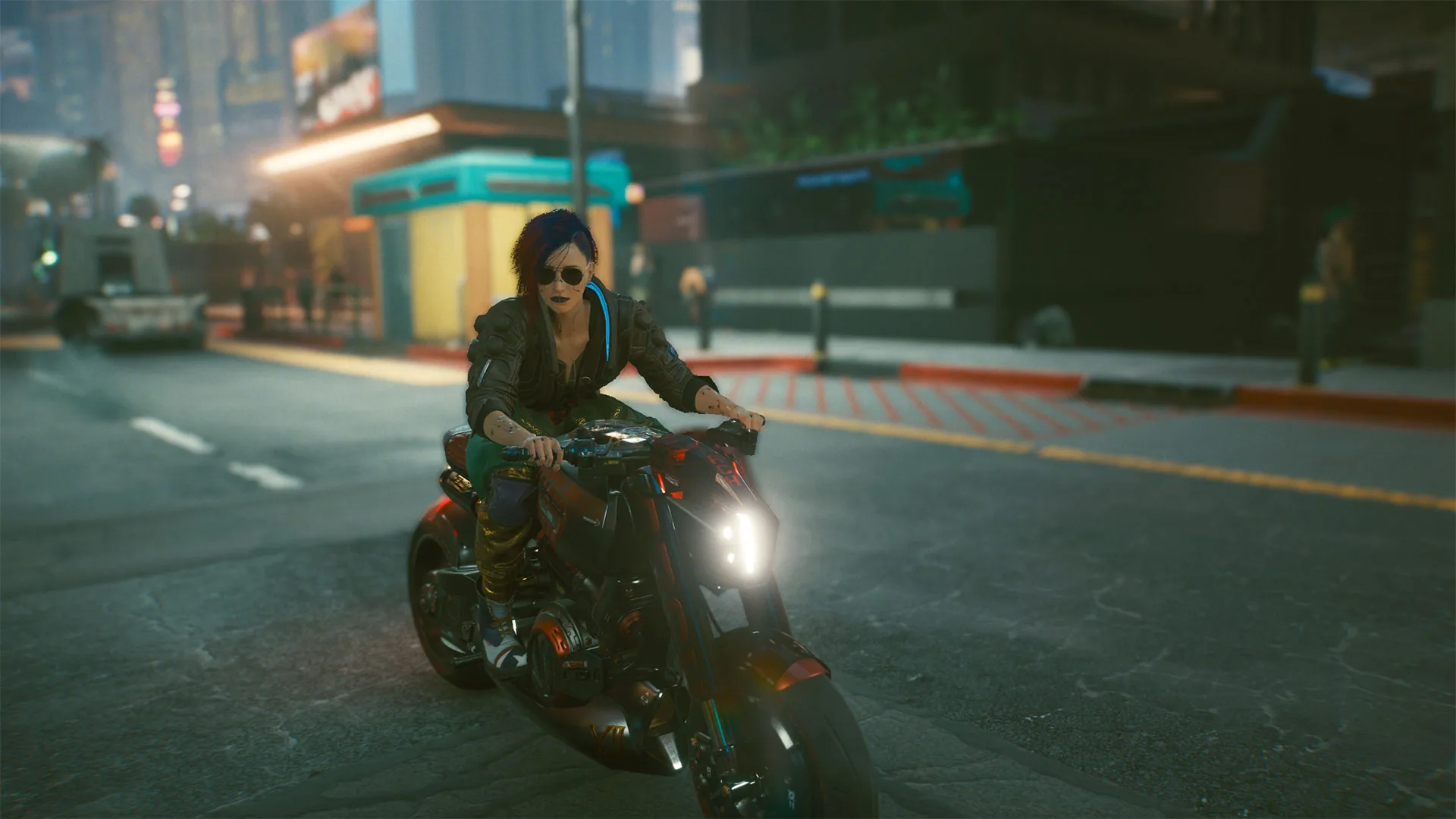
Another option is to begin the "Heroes" side job, which involves checking in on Jackie’s mother, Mama Welles. If you chose to send Jackie’s body home or left it in the car while speaking to Dex, you’ll unlock a heartfelt mission that allows you to attend Jackie’s funeral. If you didn’t, Mama Welles will still reach out to you a few times. Completing this job earns you Jackie’s motorcycle, giving you a useful mode of transportation while your car is being worked on.
How to Call Your Car in Cyberpunk 2077
After retrieving your car, you can summon it to your location easily. Just press the V button on your keyboard or the right button on the D-Pad if you’re playing on a console. Holding the button down will display a complete list of vehicles you currently own, allowing you to call any of them whenever you wish.
Remember, while you can use vehicles you steal, you won’t be able to keep them unless you have the necessary skills to acquire them.
By following these tips, you should be able to navigate your way through the car trouble in Cyberpunk 2077.
 ChatGPT
 Perplexity
 Gemini AI
 Grok AI