Select Language:
When you begin your journey in Death Stranding 2: On The Beach, it can feel overwhelming. You’ll have to manage a hefty load of cargo while battling tough foes without many tools at your disposal. However, as you progress, you’ll unlock various upgrades that enhance Sam’s abilities permanently.
A significant portion of these enhancements comes from the APAS System. While each upgrade may seem minor on its own, they can accumulate over time, leading to a substantial improvement in your performance, especially if you focus on earning plenty of APAS memory.
How to Accumulate More APAS Memory
You’ll unlock the APAS system once you reach Australia and connect with someone from APAS. They’ll trust you to link Australia to the Chiral Network and grant you access to the APAS features. To enhance this system, however, you’ll need to gather APAS Enhancement Memory.
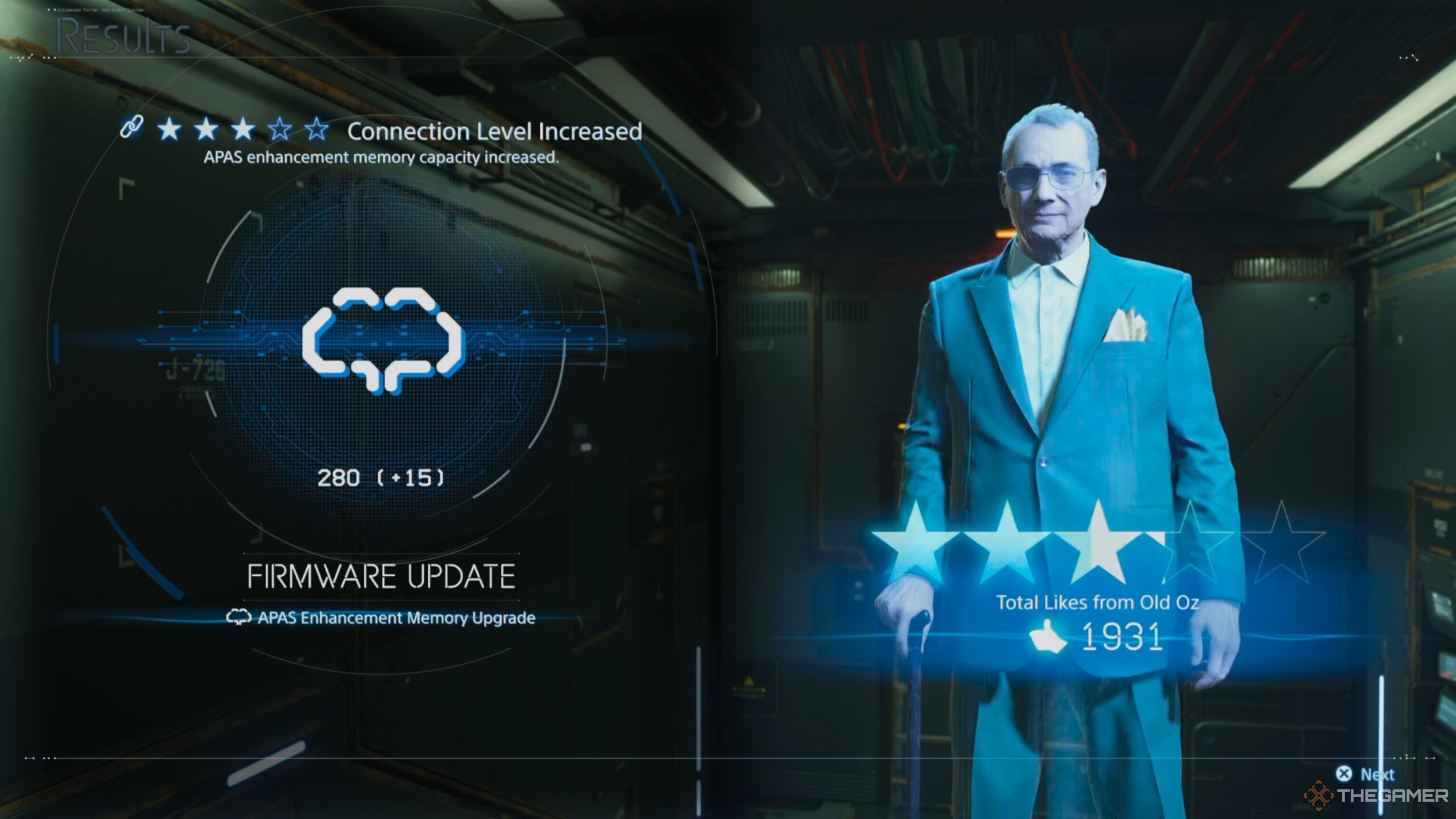
Fortunately, acquiring this memory is straightforward. You earn APAS memory by delivering orders to specific outposts and receiving enough likes to achieve the next star rating. Completing a star level at any terminal not only rewards you with new items but also contributes to your APAS memory.
You can view the amount of memory earned in the upgrade screen, right after you receive a new item blueprint.
The better your star rating with an outpost, the more memory you’ll accumulate. Therefore, it’s beneficial to spend some time delivering additional cargo to these locations rather than rushing through the main storyline.
Where to Allocate APAS Memory
You have two primary ways to access the APAS Enhancement screen and utilize your memory for upgrades. The simplest method is to go through the main menu, first opening the map screen and then pressing the left arrow key on your controller. You’ll see the APAS Enhancement option here.
Alternatively, you can check your APAS Enhancements while preparing for a delivery after selecting your route. In the enhancement screen, you can choose upgrades connected to the center or other activated enhancements.
You can deactivate an upgrade by pressing the same button (X) on it at any time. If you want to respec the entire board, simply hold that button.
Since you can modify these enhancements anytime, it’s wise to adjust them based on your current situation.
 ChatGPT
 Perplexity
 Gemini AI
 Grok AI