Select Language:
Crafting a park in Planet Coaster 2 can be both time-consuming and enjoyable. You’ll spend time making every detail perfect and ensuring your guests are happy. One of the game’s most exciting aspects is creating custom coasters and charming scenery.
However, doing all this as a solo player can sometimes be quite challenging. You might need some assistance along the way. Maybe you’re particularly skilled at designing pools, while a friend excels at creating coasters. If you plan to tackle the game together, this guide will help you.
Building Together in Franchise Mode
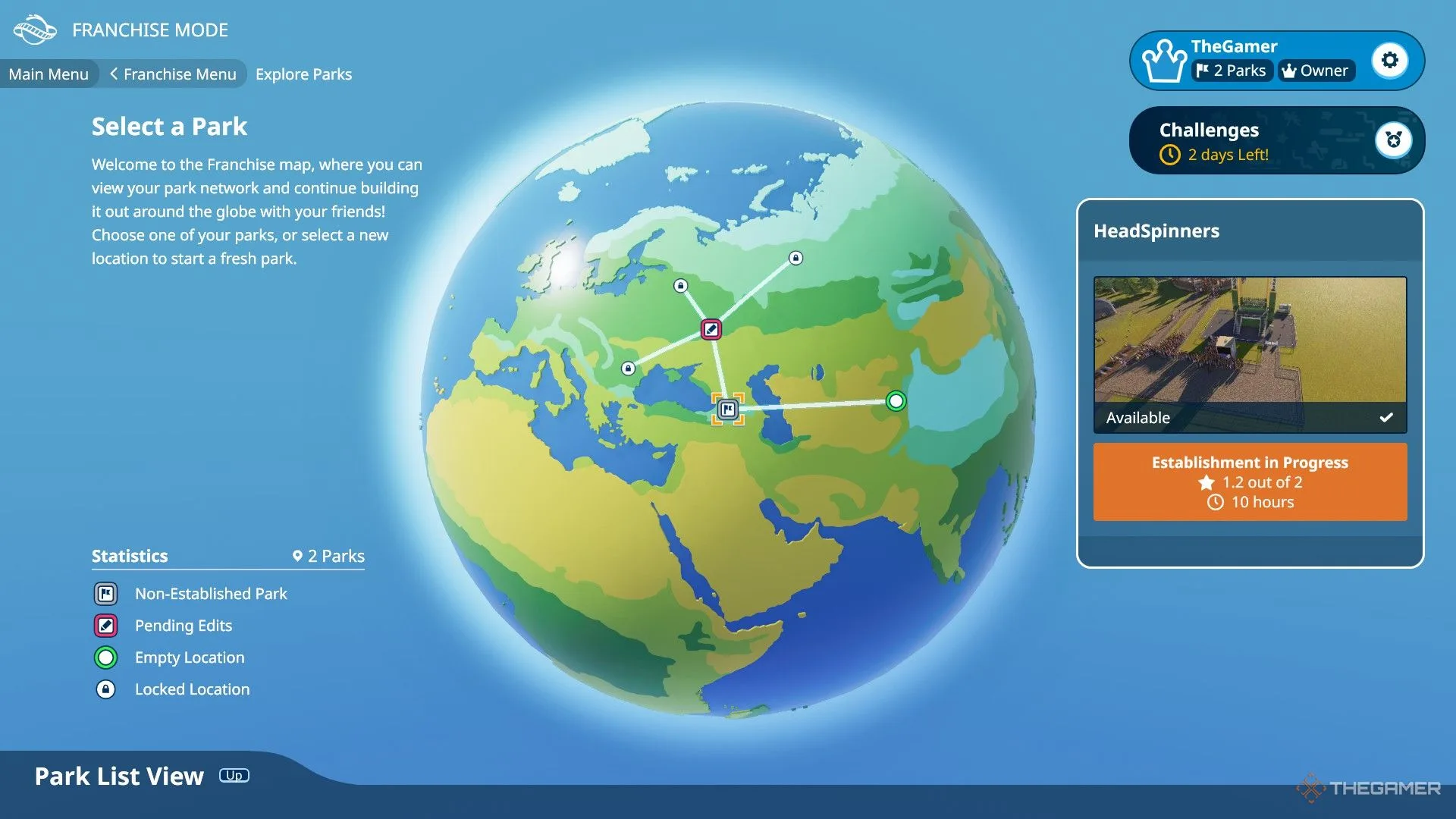
Franchise Mode allows collaborative gameplay where you’ll oversee multiple parks, competing to climb the leaderboard and earn rewards alongside your franchise members. To become part of a franchise, you can either create your own or request to join existing ones.
If you’re looking to join a franchise, navigate to the Search section in the Franchise Menu. You can use keywords and the Filter by Tags option to discover other players with similar goals. Additionally, you may join a friend’s franchise or any other using a Franchise Code.
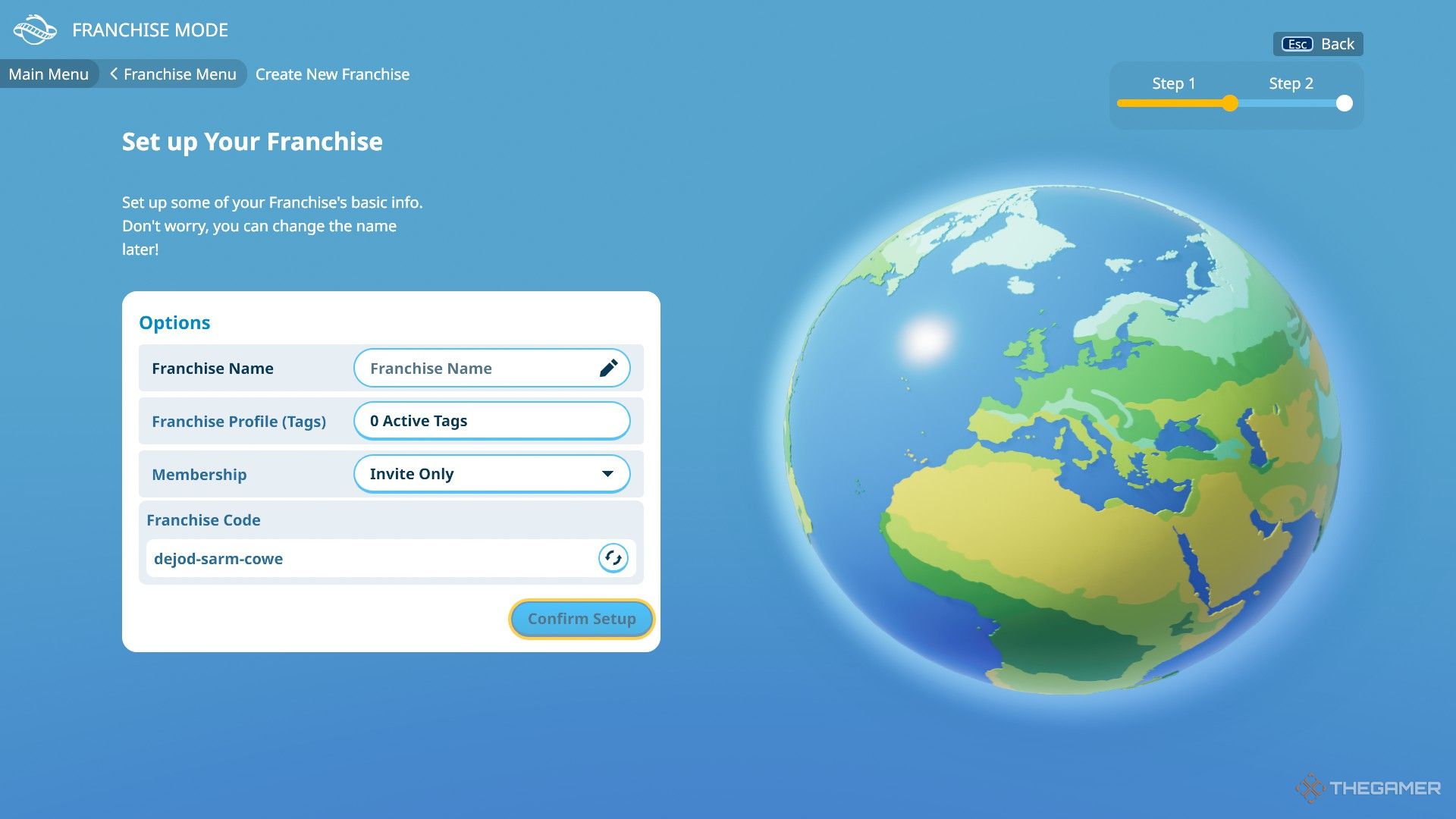
To establish your own franchise, start by entering a name for it. You can also personalize your Franchise Profile with tags that indicate the group’s interests, activity levels, and preferred gameplay styles. For example, you could use tags like ‘Organized’ and ‘Very Active’.
Next, determine your membership settings—whether new members can join freely or only through invitations. Lastly, if you wish, you can randomize the automatically assigned Franchise Code.
You can connect with specific players by sharing your Franchise Code or entering the code of a franchise you want to join.
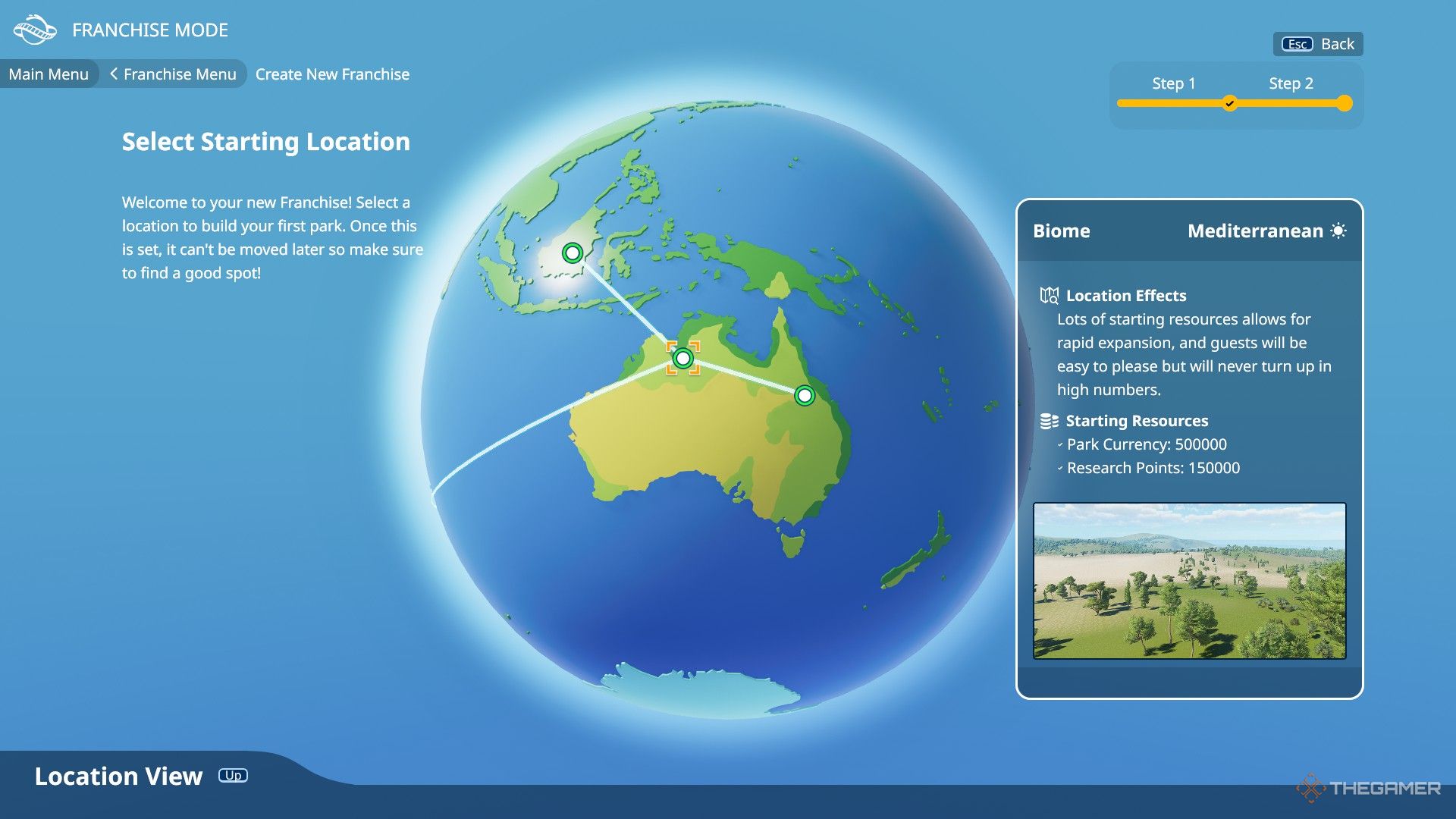
Once your franchise is ready, you will need to choose a Starting Location, which affects your starting Park Currency and Research Points. Each location comes with unique characteristics that can influence guest behavior and other factors. Think carefully about this decision, as it can determine the number of parks you can open and cannot be changed later.
A franchise can have up to five members, but you can also enjoy Franchise Mode solo if you prefer.
Saving Changes

One of the highlights of a franchise is the ability to work together with other members. However, it’s important to note that collaborative play doesn’t allow for simultaneous edits. When you join or create a franchise, you’ll see all the parks within it. To make changes to a park, it must be unlocked for editing.
If a park is ‘Editing Locked’, the owner needs to select the ‘Upload Changes’ or ‘Revert Local Changes’ option in the Park Management menu to unlock it. Owners have the option to revert their parks to earlier versions through the Version Control tab.
Once unlocked, you can start editing. After making any changes, you can choose to Save Park, but keep in mind that this will lock the park, and your changes won’t be visible to the other members right away. If you want to share your changes with others, you need to use the ‘Upload Changes’ option.
There’s also a text box available for you to describe the updates you made, keeping everyone informed, which means the park remains unlocked for others to edit as well.
Building Together in Sandbox Mode

You don’t have to stick to Franchise Mode to build together. You can also collaborate with your friends in Sandbox Mode. Just like in Franchise Mode, simultaneous building isn’t an option in this mode either.
To begin, select Sandbox Mode and create your park. During the setup process, choose a name, preset, and customize other settings before clicking the ‘Create Park’ button. Once your park is established, save it.

Next, return to the main menu of Sandbox Mode, select your saved park, and click on the ‘Collaborate’ button. This action will upload your park online, allowing other players to help build it.
If any changes were made to a park but have not yet been published, it will be marked as Editing Locked. To publish the changes, use the ‘Upload Changes’ button or the ‘Revert Local Changes’ option found in the Park Management menu. If the owner is unhappy with the current modifications, they can choose to load a previous version of the park via the Version Control screen.
 ChatGPT
 Perplexity
 Gemini AI
 Grok AI