Select Language:
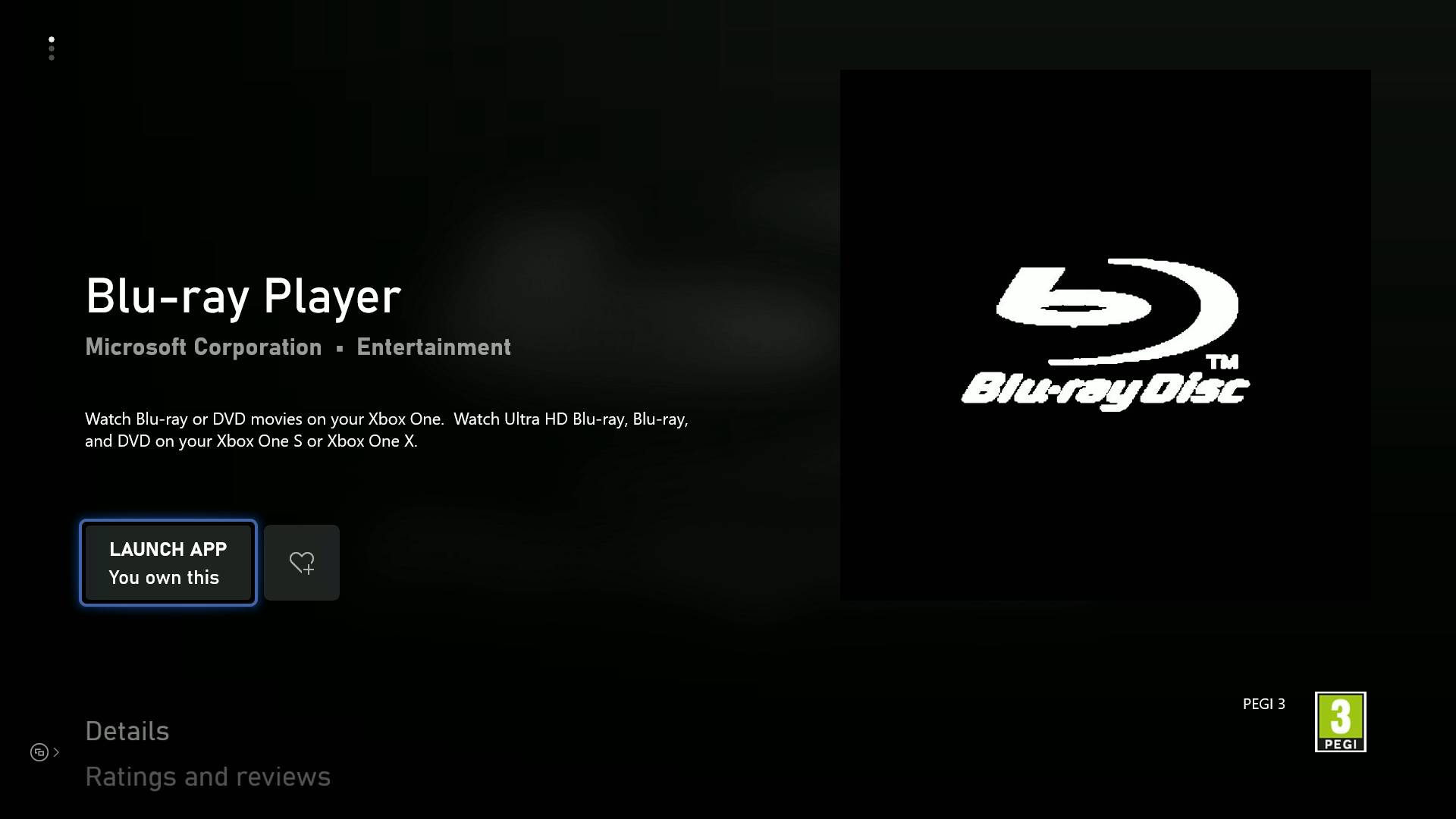
Yes, the Xbox Series X can play Blu-ray movies and other disc formats if you’re planning to use it as a media hub. All you need is a specific app for watching Blu-ray movies, which is easy to download from the Microsoft Store on your Xbox. Keep in mind, if you have an Xbox Series S, you won’t be able to play discs of any kind because it’s a digital-only console without a disc drive. Here’s what you need to know about playing Blu-ray movies on your Xbox Series X.
If you want to watch movies using Blu-ray discs, you should go to the Microsoft Store on your console and download the Blu-ray player app. This app doesn’t take up much space on your SSD but is necessary to play Blu-ray movies. Also, it’s good to know how to eject a disc from your Xbox Series X since the process isn’t very clear.
There are some region restrictions to be aware of. Much like the Xbox One, most Blu-ray movies are limited to the region where your console was purchased, which prevents playing media from other areas. However, Ultra HD Blu-ray discs are region-free, so you can watch those regardless of where you’re located. If you have an Xbox Series S, note that external disc drives don’t work with this console, so you’ll need a separate Blu-ray player.
Thinking about buying Blu-ray movies for your Xbox Series X? Here are the region codes to keep in mind before making a purchase:
– Region A: North and South America, U.S. Territories, Japan, South Korea, Taiwan, and parts of Southeast Asia
– Region B: Europe, Africa, Middle East, Australia, and New Zealand
– Region C: Asia (excluding Japan, Korea, Taiwan, and other Southeast Asian areas)
– Region Free: Discs marked with the “region free” symbol should play on any console, though this isn’t officially designated.
If you need more info on which discs are compatible with the Xbox Series X, especially considering its backwards compatibility, check out our detailed guide. You might also still use some of your old Xbox One accessories because the new console supports their controllers and compatible accessories.
 ChatGPT
 Perplexity
 Gemini AI
 Grok AI