Select Language:
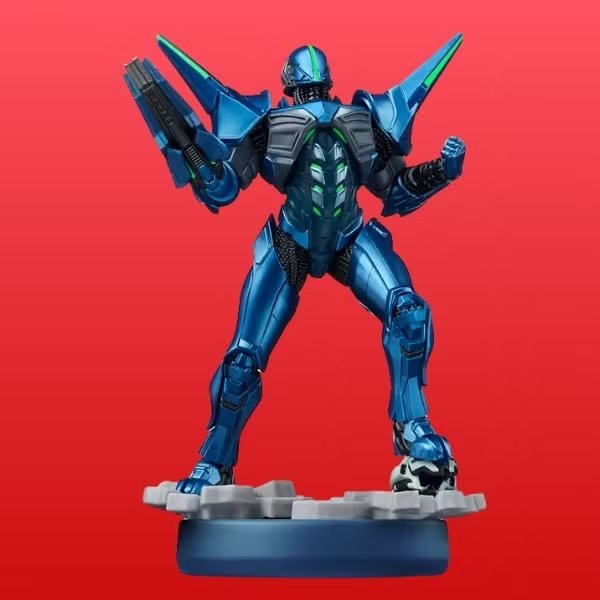
Amiibos have been around for quite some time, and Nintendo continues to support them in some of their early releases for the Switch 2, including Metroid Prime 4: Beyond. In celebration of Metroid’s launch, Nintendo has released three new Amiibos featuring Sylux, Samus, and Vi-O-La.
These aren’t the only Amiibos compatible with Metroid Prime 4: Beyond. If you own any of the older Metroid Amiibos—such as Dark Samus, Zero Suit Samus, Samus from Smash Bros., Samus from Metroid Dread, Samus Aran, Ridley, E.M.M.I., or Metroid—you can scan those as well.
How to Scan Amiibos
The process for scanning Amiibos depends on the game and your controller. Since Metroid Prime 4: Beyond is available on both the Switch and Switch 2, you can scan Amiibos with either console and its controllers. To scan an Amiibo, start by opening the in-game menu and locating the scan option.
In Metroid Prime 4, go to the main menu, then navigate to the far right tab where you’ll see an Amiibo icon. Select it to initiate a scan. The game will then tell you where to place the Amiibo on your controller for scanning:
- Joy-Cons: Place the Amiibo on your right analog stick.
- Pro Controller: Position the Amiibo in the center of the controller over the Switch or Switch 2 logo.
Even if you are using the Joy-Con connector to combine controllers into one, treat them as separate Joy-Cons and place the Amiibo on the right analog stick.
After scanning, you’ll see a message indicating the Amiibo was detected, and you’ll receive the associated reward. If the Amiibo isn’t supported, the game will notify you that it isn’t compatible.
All Amiibo Scans and What They Unlock
Metroid Prime 4: Beyond works with all Metroid Amiibos, including older ones and those from Super Smash Bros. However, many Amiibos only produce a unique sound when scanned and don’t unlock in-game rewards. The only Amiibos that grant actual rewards are the ones specifically made for Metroid Prime 4, with others providing minor effects like sounds.
Below is a breakdown of what each compatible Amiibo unlocks:
| Amiibo (Series) | Image | Unlocks |
|---|---|---|
| Sylux (Metroid Prime 4) | Plays a random line from Sylux each time you scan. After completing the game, you can view full-length cinematic clips that appeared during gameplay. Note: Full cinematic viewing can be unlocked after 100% item collection and scan rate without the Amiibo. | |
| Samus (Metroid Prime 4) |  |
Change background music when riding Vi-O-la, track total distance traveled (only while scanning), and boost Vi-O-la’s Energy regeneration rate (once per day). Additionally, activating the shield during gameplay restores health and absorbs up to 99 damage, with the shield usable once daily. |
| Samus & Vi-O-La (Metroid Prime 4) |  |
Change Vi-O-la’s color, view total travel distance with Vi-O-la during scanning, and increase its Boost Energy regeneration rate once per day. |
| E.M.M.I. (Metroid Dread) |  |
Play a randomized sound from the game. |
| Samus (Metroid Dread) | 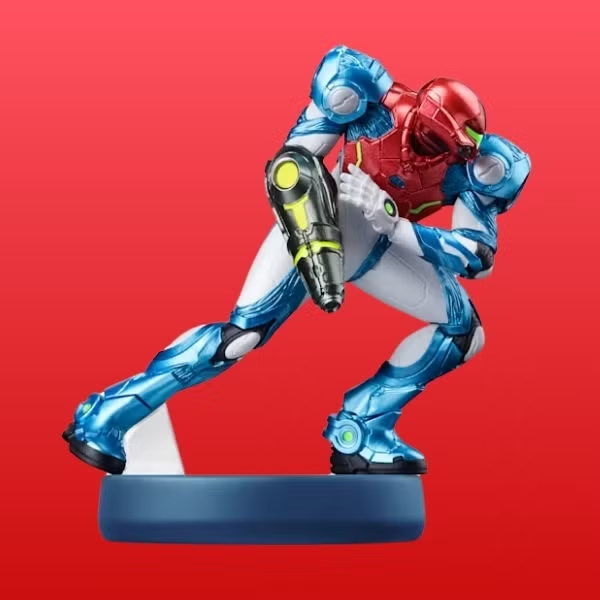 |
Play a randomized sound from the game. |
| Super Smash Bros. Samus |  |
Play a randomized sound from the game. |
| Super Smash Bros. Dark Samus |  |
Play a randomized sound from the game. |
| Super Smash Bros. Ridley | 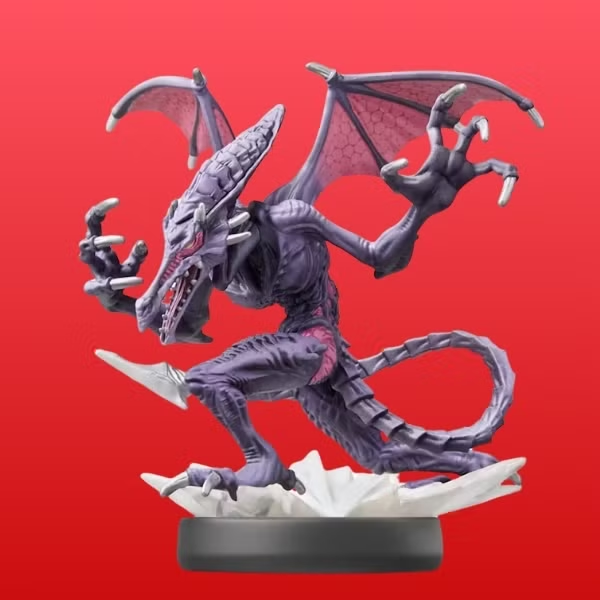 |
Play a randomized sound from the game. |
| Super Smash Bros. Zero Suit Samus |  |
Play a randomized sound from the game. |
| Metroid (Metroid) |  |
Play a randomized sound from the game. |
| Samus Aran (Metroid) | 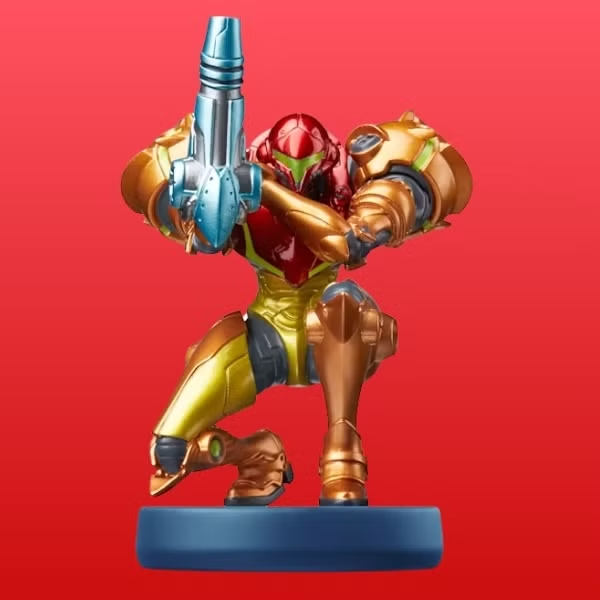 |
Play a randomized sound from the game. |
Note: If an Amiibo isn’t listed above, it isn’t compatible with Metroid Prime 4 or won’t unlock in-game rewards.
Most of the older Metroid Amiibos will only produce sounds and won’t provide in-game benefits unless they are the specific Amiibos designed for Metroid Prime 4. The full cinematic unlock feature, for example, requires achieving 100% completion without necessarily using Amiibos, though having the Amiibo can enhance the experience.
 ChatGPT
 Perplexity
 Gemini AI
 Grok AI