Select Language:
While artificial intelligence is widespread in apps and software, I’ve discovered a tool that actually helps me step away from the screen.
An All-In-One Paint-By-Numbers Generator
LOKLiK iPaint offers a calming hobby that produces tangible results. Although it relies on initial setup with AI using screen and hardware, it becomes mostly screen-free afterward, providing hours of relaxed activity.
Traditionally, creating a paint-by-numbers picture involved purchasing pre-made kits or spending hours converting photos into line art, assigning colors, and numbering sections before printing. Matching or mixing paints to match the original image also took significant time and effort—turning what should be a peaceful pastime into a stressful chore.
With the LOKLiK iPaint machine and its accompanying software, IdeaStudio, everything is handled automatically through AI. The machine resembles a Cricut or similar plotter—following specific lines with a pen. The software is akin to Cricut’s DesignSpace, allowing SVG uploads and easy navigation. It’s free to download and compatible with Windows, MacOS, iOS, and Android devices. The software integrates seamlessly with other LOKLiK hardware and offers a variety of tools that are simple to find and use.
The machine arrives disassembled but requires only one clip and one screw to assemble. Once plugged into an outlet, it connects via Bluetooth or USB. For an all-in-one paint-by-numbers experience, clicking a few buttons will set everything up and start the process.
Purchase options:
- LOKLiK iPaint on Kickstarter ($199 on sale, usually $299)
- Download IdeaStudio for free from the official site, available for Windows, MacOS, iOS, and Android.
How AI Simplifies the Process
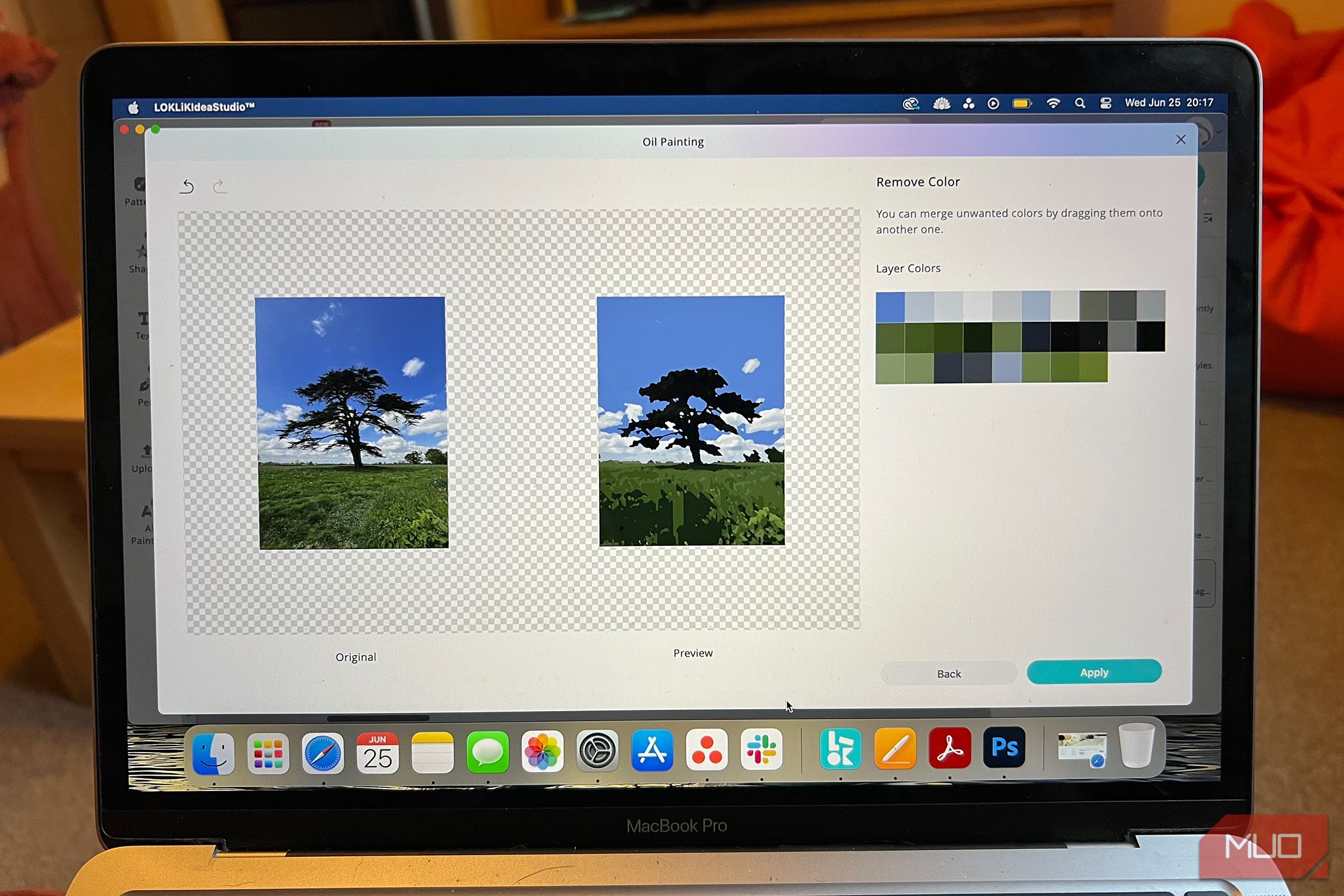
The AI recognizes linework and color regions from uploaded or selected images. The software includes a library of images suitable for painting, free and premium options available. The most useful feature is that users can upload their own photos to convert into paint-by-numbers templates.
You can select three levels of complexity, adjusting the detail of the linework based on the image size and chosen difficulty. IdeaStudio also previews how your image will look as a line drawing before starting the machine. This makes transforming personal photos or favorite images into fun, productive projects simple and quick—perfect for decorating your home or giving as gifts. The kit includes two rolls of canvas, ready to be stretched and displayed.
I tested this with my 8-year-old niece, who loves arts and crafts. Instead of searching for hours for a picture and manually creating line art, she picked a dog from the free library. The machine completed the drawing in about 30 minutes, after which she eagerly started painting. This gave me a few peaceful hours of quiet, as I watched her enjoy the activity.
The iPaint uses a heat-erasable pen, meaning once finished, you can remove the lines and numbers by applying heat—using a heat gun, hairdryer, or iron—to reveal a clean, painted image.
An Engaging Screen-Free Activity
Although initial setup involves a quick screen interaction—uploading or choosing an image—the process itself is largely hands-off. Watching the machine work is surprisingly entertaining; it makes a gentle, rhythmic noise while precisely drawing out the design.
Once the drawing is complete, the only step left is to paint the sections with the corresponding numbered paints. For larger or more complex images, it’s a good idea to screen print the color keys alongside the original idea for easy reference.
Overall, the iPaint offers a peaceful, screen-free creative outlet that can be enjoyed alone or shared with family. It’s a fantastic way to channel artistic energy into something beautiful without the usual hassle.
 ChatGPT
 Perplexity
 Gemini AI
 Grok AI