Select Language:
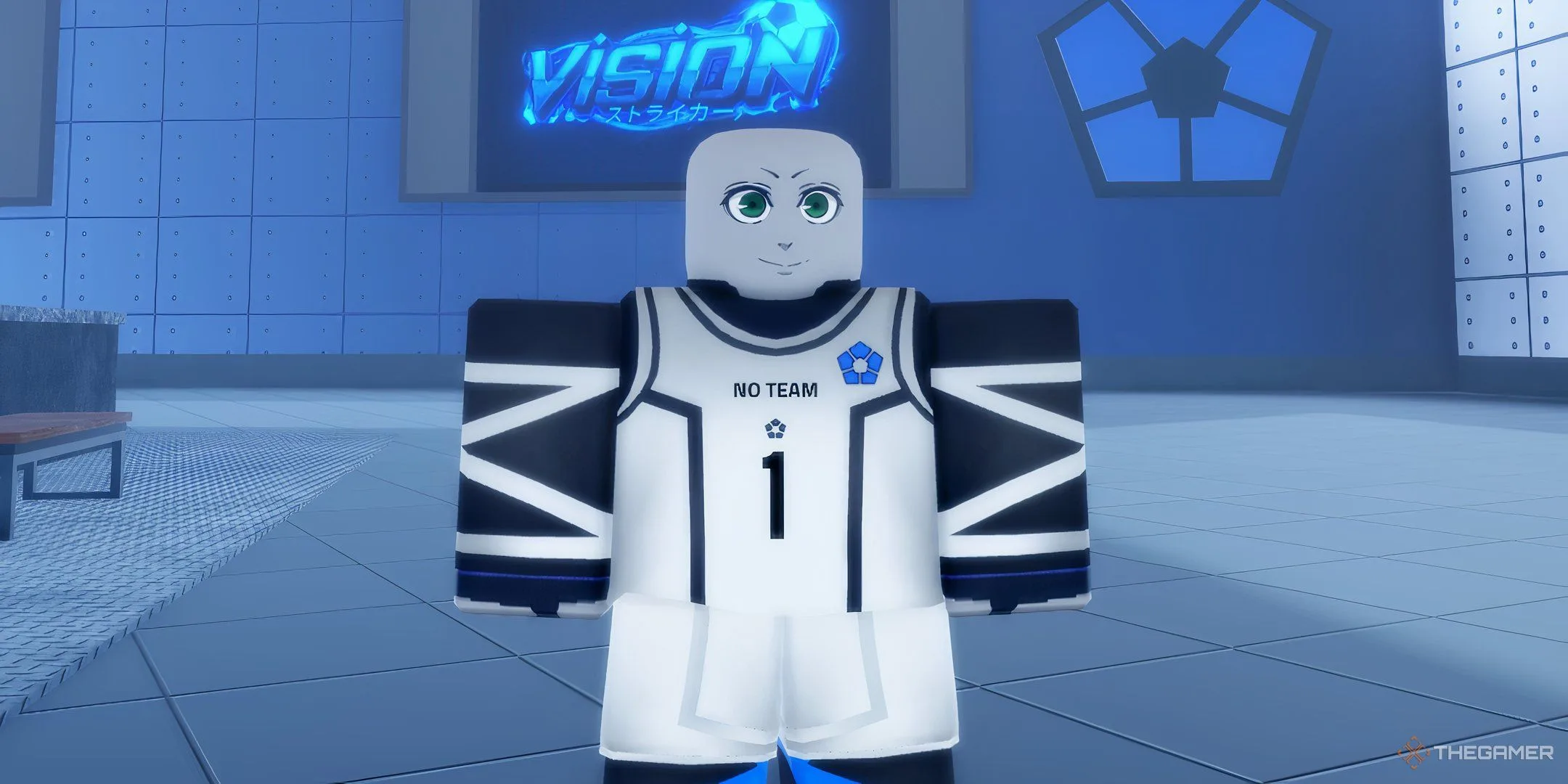
Roblox Vision offers a detailed soccer experience, featuring a wide range of skills and dribbling techniques to help you outmaneuver your opponents. However, mastering these moves can be tricky at first, so having a bit of guidance can really help.
Once you get the hang of the basic controls, dribbling becomes less complicated. But to truly compete with seasoned players on the field, you’ll need to put in a lot of practice to sharpen your skills.
How to Dribble
Basic dribbling in Roblox Vision is done using the keyboard keys Z, X, C, and V. Here’s a quick overview of what each key does:
- Z: Spin to the left.
- X: Move backward while maintaining possession of the ball.
- C: Execute a player spin and push the ball forward slightly.
- V: Spin to the right.
Keep in mind that after using any dribble, there is a 1.5-second cooldown before you can perform another. This is an important consideration when planning your moves on the field.
When you press the Z or V keys, your character will smoothly spin and move left or right with the ball. The C key causes a spin and a light forward push of the ball, while the X key allows your character to retreat a short distance, helping evade incoming challenges from opponents.
Additionally, you can utilize a lob technique to get past defenders. Pressing the T key will lift the ball high into the air, which can help you evade an approaching defender.
It’s also worth noting that dribbling works the same whether your player is walking or running. The dribble commands won’t activate unless you’re controlling the ball.
How to Improve Dribbling
To focus on enhancing your dribbling skills in Roblox Vision, consider allocating several points into the Control category on your skill chart. This will reduce your dribble cooldown time.
Traits are also crucial for optimizing your dribbling setup. Head over to Customization > Traits, where you can roll for traits that will boost your dribbling abilities during gameplay.
One excellent trait to aim for is Rigid Dribbling, which enhances your forward dribbling movement (C key) with an extra push when executed perfectly. Remember that valuable traits, such as this one, are usually rare or legendary and may take some effort to obtain.
With practice and the right skills, you’ll be weaving through defenders like a pro in no time!
 ChatGPT
 Perplexity
 Gemini AI
 Grok AI